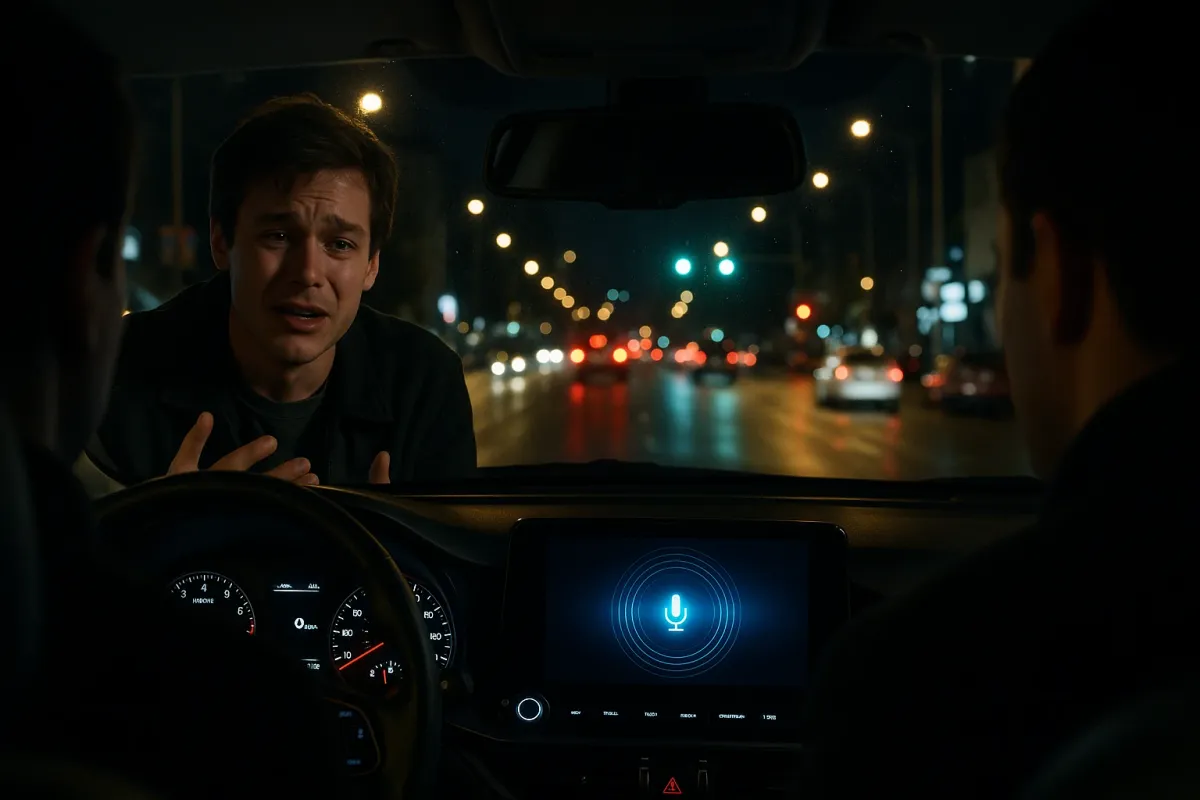
From app‑based navigation to dashcams and AI‑powered safety features, the cars that haul people around cities all day are a live laboratory. What works for someone doing 20–30 trips a day usually turns out to be a smart upgrade for everyday drivers too. If you’re a car owner watching these stories fly across social media and wondering what’s actually worth learning from Uber’s world, this is your shortcut.
Below are five concrete lessons from today’s ride‑share reality—and how you can use them to make your own car safer, smarter, and less stressful to drive.
Put Your Phone On a Mount, Not In Your Hand
Spend five minutes watching ride‑share drivers work and you’ll notice one thing immediately: every pro has their phone mounted at eye level. That isn’t just convenience—it’s safety. Uber and Lyft both require hands‑free phone use in many markets, and for good reason. Glancing down at your lap for directions is exactly how people miss a braking car or a pedestrian stepping off the curb.
For your own car, a solid vent, dash, or windshield mount paired with voice navigation is one of the simplest tech upgrades you can make. Look for mounts with strong magnets or mechanical grips that don’t shake loose over bumps and can be adjusted so the screen sits just below your natural line of sight. Combine that with Google Maps, Apple Maps, or Waze running in “voice‑first” mode, and you’ll cut way down on the temptation to poke at your screen while moving. If your local laws restrict windshield mounting, choose a low‑profile dash or vent mount that stays within legal zones. The lesson from the people driving all day: if you’re touching your phone while you’re rolling, your setup is wrong.
Learn How to Use Your Car’s Built‑In “Ride‑Share” Safety Features
The headline stories about ride‑share often focus on safety—late‑night trips, unfamiliar neighborhoods, strangers getting in and out. That pressure has pushed both automakers and app companies to bake in more advanced safety tools. Many newer cars now have features that quietly mirror what Uber has had to build into its platform: real‑time trip tracking, emergency call shortcuts, and automatic crash detection.
Even if you don’t drive for a living, these tools are sitting in your car or your phone waiting to help. If you have a modern vehicle with connected services (think GM’s OnStar, Hyundai Bluelink, Tesla’s app, BMW ConnectedDrive, etc.), take 10 minutes to set up the app, confirm your emergency contacts, and learn where the SOS button or crash notification settings live. On your phone, services like iPhone’s Emergency SOS and Google’s Personal Safety app can automatically detect a serious crash and alert emergency services with your location—similar to how Uber and Lyft can send trip details to 911 from within their apps. The key is to configure these features while you’re calm, not after something goes wrong.
Invest in Cameras Like a Driver Whose Car Is Their Office
Those Instagram and Reddit threads full of “overheard in Uber” moments usually come from text, but the real story for tech is video. Ride‑share drivers around the world increasingly use dashcams and interior cameras to protect themselves—against false damage claims, ride disputes, or incidents in and around the car. That trend has already pushed automakers to roll out factory‑installed camera systems and better integration for aftermarket gear.
As a private car owner, a good dual‑channel dashcam (front and rear) is now one of the smartest pieces of auto tech you can buy. Choose one with loop recording, G‑sensor event saving, and a parking mode so you get coverage both while driving and when your car is parked. If you often carry passengers, check your local laws before recording audio or cabin video—many regions require notifying riders with a small sign or verbal notice. The point isn’t to become a content creator; it’s to have an objective record if someone backs into you, cuts you off, or blames you for damage you didn’t cause. Professional drivers learned this the hard way—you don’t have to.
Treat Your Cabin Like a Workspace: Power, Cables, and Connectivity
Those viral “backseat conversations” only happen because everyone in the car is glued to a charged smartphone. Ride‑share drivers figured out early that a dead phone kills business—no apps, no maps, no rides. That’s why their cars are usually wired like mobile offices: multiple charging ports, extra cables, and sometimes even small power inverters.
For regular drivers, building a similar “power strategy” pays off immediately on road trips, daily commutes, and family hauls. Start with a quality multi‑port USB‑C/USB‑A charger that plugs into your 12‑volt outlet, then run short, durable cables to the front and rear seats. If you use Apple CarPlay or Android Auto, prioritize a high‑current USB‑C port and a short, high‑quality cable to keep the connection stable. Pair this with a generous but secure phone data plan or an in‑car Wi‑Fi hotspot if your vehicle supports it. That way, navigation, streaming for passengers, and app updates work smoothly without turning your center console into a tangle of random chargers. Every ride‑share driver knows: the car runs on fuel, but the trip runs on electrons.
Use Apps Like a Pro: Navigation, Ratings, and Quiet Time
Those “overheard in Uber” compilations make it clear that not every ride is a conversation anyone wanted to have. Ride‑share apps quietly addressed that with features like “Quiet Mode” (for premium tiers), preferred routes, and in‑app messaging that reduces awkward small talk. At the same time, drivers rely on hyper‑optimized navigation—Waze alerts, traffic rerouting, and even heat maps of busy zones—to avoid wasting time and fuel.
You can borrow the same playbook for your personal driving. Instead of just using default directions, dig into your navigation app’s settings: enable live traffic, hazard alerts, and speed trap notifications if they’re allowed where you live. Save common destinations and preferred routes so you’re not re‑typing addresses in stressful moments. If you’re doing airport or late‑night pickups, consider using location sharing (temporarily) with friends or family so someone can see your route in real time—similar to how you can share an Uber trip. And if you prefer a calm cabin, noise‑canceling headphones for passengers and a clear “I’m focusing on driving right now” rule work just as well in your own car as any in‑app quiet mode.
Conclusion
The same ride‑share world currently filling social feeds with funny “overheard in Uber” stories is quietly shaping the next generation of auto technology. What professional drivers adopt out of necessity today—mounted phones, safety apps, cameras, smart power setups, and tuned navigation habits—tend to become common‑sense upgrades for everyone else tomorrow.
You don’t need to drive 10 hours a day or install a glowing decal in your windshield to benefit from these lessons. Start with a safer phone setup, configure your emergency tools, add a dashcam, clean up your power and cable game, and get serious about how you use navigation apps. The result is a car that feels less like a stress machine and more like what ride‑share drivers have already turned theirs into: a connected, efficient, and much safer place to spend your miles.