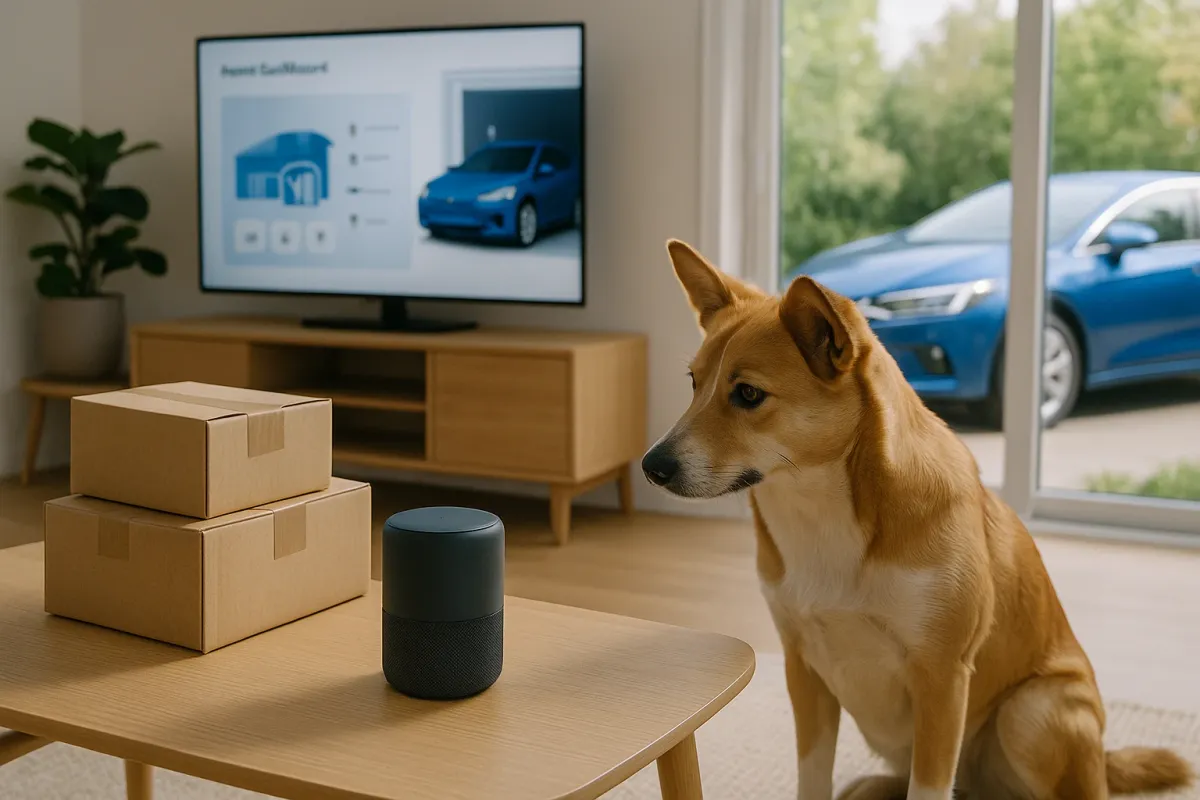
For car owners, that same tech wave is silently reshaping how we use and manage our vehicles at home. The line between “home gadget,” “delivery tech,” and “car tech” is blurring fast. If your dog can intercept an Amazon box, your car can absolutely check its own tire pressures, pre‑heat the cabin, and sync with your home Wi‑Fi.
Below are five practical, right‑now ways to connect your car tech with the same smart‑home trends driving those delivery memes—no fluff, just useful upgrades.
Turn Your Driveway Into a Smart Charging & Parking Zone
The same way couriers now trigger alerts and video clips on your phone, your car can become a “known device” in your home ecosystem.
Actionable steps:
Use geofencing for automatic routines
Most EV apps (Tesla, Hyundai Bluelink, FordPass, GM’s Ultium apps, etc.) support location‑based rules. Set your car to: - Automatically connect to home Wi‑Fi for faster updates - Start charging only during off‑peak hours when it detects your home location - Lock doors and fold mirrors when it leaves a defined radius
Pair with a smart garage door or gate
Brands like Chamberlain myQ, Genie Aladdin Connect, and Meross integrate with Alexa, Google Assistant, and HomeKit. Combine this with your car’s Bluetooth presence (via Home Assistant or IFTTT workarounds) so: - Garage doors open when your specific car arrives - Outdoor lights and cameras turn on automatically for better visibility and safety
Use parking cameras like “doorbell cams for cars”
If pets can star in doorbell‑cam videos, your car can too—use driveway cameras to: - Check if your car is actually locked - Confirm no packages are blocking your parking space - Capture incidents (hit‑and‑run, package theft) around your vehicle
Create a “kids and pets” arrival scene
Configure a routine: when your phone connects to the car’s Bluetooth + your home Wi‑Fi, have: - Entry lights turn on - A smart plug power up the mudroom or pet‑area lamp - A camera in the entryway or yard turn on recording (helpful to see kids/pets as they rush out to greet you)
Label your car as a trusted device on your network
Many routers now show devices by name. Confirm your car’s Wi‑Fi ID, assign it a labeled profile, and: - Give it a fixed IP for more stable updates - Prioritize its connection during late‑night update windows
Use App‑Based Car Control Like a “Mobile Delivery Dashboard”
We’ve gotten used to watching parcels move across the map in real time. You can—and should—have that same oversight on your vehicle.
Actionable steps:
Install the official OEM app and enable all safety alerts
Whether it’s Toyota, BMW, Kia, or Tesla, turn on: - Door/lock status notifications - Remote start/stop (where legal) - Window/charge‑port open alerts - Security alerts (alarm triggered, towing detected)
Set up “delivery‑style” tracking for your car’s movements
Many apps show trip history and live location. Use this to: - Monitor teen drivers or loaned vehicles - Confirm a mechanic test‑drove your car after service - Find your car in crowded parking garages
Use scheduled climate like you schedule deliveries
Just as you pick a time window for packages, pick: - Departure times for pre‑conditioning (EVs and many ICE cars with remote start) - Off‑peak climate pre‑heat/pre‑cool when plugged in, so you draw from the grid, not the battery
Create “do not disturb” periods for notifications
Delivery apps bombard you with pings; your car app can, too. Set: - Quiet hours overnight - High‑priority alerts only (security, charge interruption), so you’re not spammed by low‑value notifications
Connect your car app with your calendar
Some platforms support calendar access. Use it to: - Get reminders to depart on time based on traffic - Pre‑condition the car when a meeting with travel time is approaching - Suggest charging stops on longer, scheduled trips
Turn Your Car Into Part of the Home Security System
Those “pets taking deliveries” posts exploded because doorbell cameras are everywhere. The same camera and notification culture can make your car much harder to mess with.
Actionable steps:
Use Sentry‑style modes whenever the car is parked at home
Brands like Tesla, Rivian, BMW (Drive Recorder), and others support: - Motion‑triggered recording - Events logged by time and location Treat your car cameras as extra security angles on your driveway or street.
Link camera footage to your cloud storage or NAS
If supported (or via aftermarket dash cams like Thinkware, BlackVue, Garmin): - Auto‑upload clips when your car connects to home Wi‑Fi - Keep incident footage even if the car is damaged or broken into
Pair car alerts with smart lighting and sirens
Use platforms like Home Assistant, SmartThings, or IFTTT to trigger: - Outdoor lights to flash or turn on when the car alarm goes off - An indoor sound alert (smart speaker chime) for faster awareness
Position Wi‑Fi and cameras with your car in mind
When placing routers, mesh nodes, or cameras, check: - Strong Wi‑Fi signal where you park, for faster software updates - Camera coverage of doors, tailgate, and wheels (common theft points)
Create a “night lock‑down” routine
At a set time each night, have your home system: - Request lock status from your car (via OEM API or third‑party integration) - Notify you if a door or window is left open - Confirm charging cable is connected (for EVs)
Borrow Smart‑Home Tricks to Keep Your Car Health in Check
Those Twitter threads of people falling for scams exist because people miss small signals. Your car sends signals too—through data, not DMs. Use the same vigilance you use for sketchy emails on your vehicle.
Actionable steps:
Use OBD‑II dongles with real‑time alerts
Devices from OBDLink, BlueDriver, FIXD, and others can: - Read engine codes before the check‑engine light escalates - Track coolant temps, misfires, and more - Send push notifications when new faults appear
Log maintenance like you log deliveries
Use apps such as Fuelly, Drivvo, or your manufacturer’s app to: - Track oil changes, tire rotations, and brake service - Set mileage and date‑based reminders - Spot patterns in fuel economy drops or abnormal wear
Use smart plugs and labels in the garage
Treat garage tools like smart‑home devices: - Put trickle chargers, air compressors, and heaters on smart plugs - Automate shut‑off times to prevent battery drain or overheating - Label plugs in your app so you instantly know what you’re turning off
Set “health check” routines on calendar or assistants
Schedule monthly voice‑assistant reminders: - Check tire pressure and tread - Inspect wipers and fluid levels - Quick visual rust/underbody inspection if you’re in a salted‑road area
Back up your car’s digital life
If your car supports it: - Export navigation favorites and address book - Back up driver profiles (seat, mirror, climate settings) to the cloud - Keep a record of software versions and recall work—useful when selling
Make Connected Cars Safer for Kids, Pets… and Packages
Those viral delivery‑pet photos are cute—but they also highlight a real pattern: doors open and close constantly, people come and go, and kids and animals are unpredictable. Your car tech can be a safeguard, not just a gadget.
Actionable steps:
Use child‑lock and driver profiles intelligently
Many new cars can remember: - Speed limits and driver assistance settings per profile - Radio volume and driver‑assist sensitivity Save a “family mode” profile with: - Conservative acceleration settings (if available) - Max speed alerts - Rear‑door child locks always on
Enable rear‑occupant reminders and interior cameras
If your vehicle supports it: - Turn on rear‑seat reminder systems (they alert you to check the back seat) - Enable interior monitoring where legal to check on kids or pets quickly from the app
Integrate deliveries with car access, not just the front door
Some services and regions support trunk or in‑car delivery (e.g., certain Amazon + GM/Volvo programs in select markets in past years). As these expand: - Use separate access permissions and logs - Keep car cameras active when a one‑time access is granted - Avoid storing valuables in visible areas, even if trunk access is enabled
Use geofenced safe zones for teen drivers and family cars
Many OEM and aftermarket systems let you define: - No‑go zones (alerts if the car enters them) - Curfew hours (alerts if driven late) - Speeding notifications Think of it like delivery tracking, but for your most important cargo—your family.
Coordinate porch and car security
If you frequently pick up packages: - Set a routine that turns on driveway and porch lights when you arrive - Get camera alerts when someone approaches your car while a package is on the porch - Consider a lockable package box near the driveway to reduce porch piracy when you’re still on the road
Conclusion
Those photos of pets proudly “collecting” deliveries are fun, but they also show how deeply connected tech has slipped into daily life without fanfare. Your car doesn’t sit outside that transformation; it’s becoming one of the most powerful smart devices you own, sitting right in your driveway.
By borrowing habits and tools from the smart‑home and delivery world—geofencing, notifications, cameras, automation—you can turn your vehicle into a safer, smarter, and more integrated part of your home. You don’t need a brand‑new luxury EV to start, either. With the right apps, a few add‑ons, and smart routines, you can bring your car into the same ecosystem that’s already watching your front door, your packages, and yes, your very enthusiastic pets.