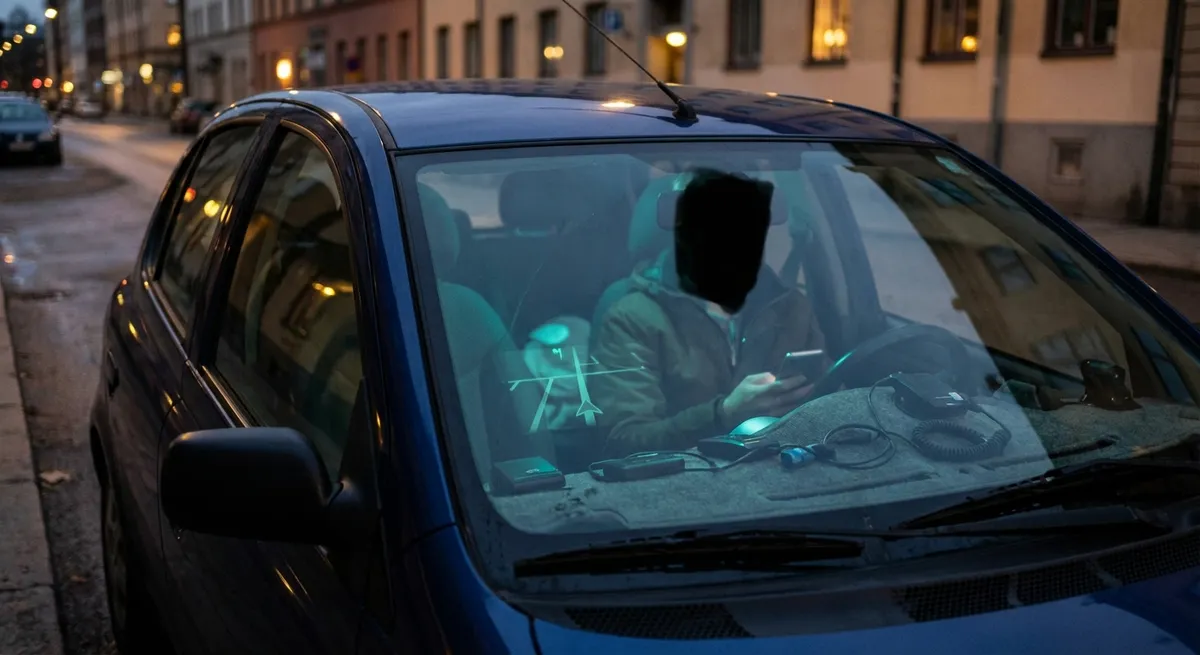
This guide walks through practical, action‑ready auto tech moves that owners can use right now, whether you’re driving a five‑year‑old SUV or a brand‑new EV.
Make Your Phone the Smart Hub of Your Car
Your smartphone is often more powerful and up‑to‑date than your car’s built‑in system. Treat it like the brains of your driving experience instead of an afterthought.
Start by fully setting up Apple CarPlay or Android Auto if your vehicle supports it. Go beyond the default: customize the app layout so navigation, music, and messaging are on the first screen, and hide anything you never use. This cuts distraction time while driving because you’re not hunting for icons.
If your car doesn’t support CarPlay/Android Auto, consider a quality head unit upgrade with these features built in—it’s often cheaper than you’d expect and can dramatically modernize an older vehicle. Pair this with a sturdy, low‑profile phone mount placed in your natural line of sight (not blocking airbags or gauges) to keep your eyes closer to the road.
Finally, tune your notification settings. Turn off non‑urgent alerts (social media, games, email) while allowing calls and navigation prompts. Combine this with your phone’s built‑in “Do Not Disturb While Driving” or “Focus” modes so the tech enhances your concentration instead of competing with it.
Use Data, Not Guesswork, with OBD-II and Vehicle Apps
Almost every modern vehicle has an OBD‑II port, and many newer cars also connect to cloud services through manufacturer apps. Used together, they turn raw car data into useful insights.
If your automaker offers a connected app, set it up completely instead of stopping at remote lock and unlock. Enable maintenance reminders, recall alerts, and driving history (if available). For EVs and plug‑in hybrids, use the app to schedule charging during off‑peak electricity hours and precondition the cabin while plugged in, saving battery range on the road.
For owners of older or non‑connected vehicles, an OBD‑II Bluetooth adapter paired with a reputable app can show real‑time engine data, coolant temperatures, battery voltage, and diagnostic trouble codes. This helps you distinguish between “pull over now” problems and “get this checked soon” issues before you’re at the mercy of a vague dashboard warning light.
Use that information proactively: snap screenshots of error codes before visiting a shop, track fuel trims or misfire counts if you suspect performance issues, and log data over time so you can show trends rather than vague descriptions. You don’t need to be a mechanic—just using the data to ask better questions can lead to more accurate, less expensive repairs.
Upgrade Your Visibility: Lighting, Cameras, and Alerts
Many tech upgrades that actually change your daily driving experience are about seeing more, sooner—and letting others see you better.
If your car still uses older halogen bulbs, upgrading to high‑quality, legal LED or improved halogen replacements can sharpen nighttime visibility. Stick with reputable brands and ensure any LED upgrade is specifically designed for your housing to avoid glare that blinds oncoming drivers. Aim your headlights properly or have a shop do it; even brand‑new cars sometimes leave the factory slightly mis‑aimed.
If your vehicle lacks a backup camera, an aftermarket camera with a mirror‑integrated display or add‑on screen is one of the most useful tech safety upgrades for city and suburban driving. Pay attention to installation quality—weather sealing, cable routing, and mounting angle matter as much as camera resolution.
You can also add blind‑spot mirrors or aftermarket blind‑spot monitoring systems that use radar or ultrasonic sensors. While not as seamless as factory systems, a properly installed kit can give lane‑change alerts that significantly reduce the chance of side‑swipe incidents, especially on multi‑lane highways.
Turn Your Car into a Rolling Network (Safely)
In‑car connectivity isn’t just about streaming music; done right, it can make trips more productive and passengers more comfortable—without wrecking your data plan or security.
If your car has a built‑in Wi‑Fi hotspot, review the data plan details and set a strong, unique password. Use it for navigation updates, streaming for passengers, and cloud‑connected features, but avoid logging into sensitive accounts (like banking) on public hotspots or unsecured configurations. If your vehicle doesn’t have integrated Wi‑Fi, a dedicated LTE hotspot device (or your phone’s hotspot) usually works better and more securely than random public networks.
Download offline maps on your navigation app before long trips or into rural areas. This ensures you still get turn‑by‑turn guidance and traffic estimates when cellular coverage drops. It’s an underused feature that dramatically improves reliability.
Finally, keep all connected systems updated—infotainment firmware, navigation maps, and mobile apps. Many automakers now deliver over‑the‑air (OTA) updates that quietly patch bugs, enhance stability, or add features. Scheduling updates during off‑hours ensures you’re not stuck waiting for a progress bar when you actually need to drive.
Use Dash Cams and Location Tech to Protect Your Car (and Yourself)
Dash cams and smart tracking devices have shifted from niche gadgets to practical insurance for everyday drivers, especially in dense traffic or crowded parking environments.
A reliable front (or front‑and‑rear) dash cam with loop recording can provide crucial video evidence in the event of a collision, hit‑and‑run, or road‑rage incident. Look for features like good low‑light performance, G‑sensor event locking, and easy file export to your phone. Mount it high and centered, with cables tucked away, so it doesn’t obstruct your view.
Parking mode recording can help identify who bumped or vandalized your vehicle while you were away, but it must be installed with appropriate power management—either a hardwire kit with low‑voltage cutoff or a dedicated battery pack—to avoid draining your car’s battery.
For added security, consider a discreet GPS tracker or a smart tag device hidden in the cabin or trunk. Pair these with alerts for movement or geofencing through their companion app. While not a substitute for a good alarm or secure parking, they can help law enforcement locate a stolen vehicle more quickly and give you peace of mind when lending your car to friends or family.
Conclusion
You don’t need a brand‑new flagship model to enjoy modern auto tech. By leaning into the tools you already have—your phone, your car’s data, and a few smart add‑ons—you can make your vehicle more connected, safer, and easier to live with every day.
Start with one area that matters most to you—better visibility at night, cleaner connectivity on long trips, or better documentation with a dash cam—and build from there. The goal isn’t to add gadgets for their own sake, but to have technology quietly working in the background, making every drive smoother, clearer, and more under your control.
Sources
- [National Highway Traffic Safety Administration (NHTSA) – Vehicle Technology](https://www.nhtsa.gov/vehicle-safety/vehicle-technology) - Overview of modern vehicle safety and driver‑assist technologies and how they improve safety
- [U.S. Department of Energy – Connected and Automated Vehicles](https://www.energy.gov/eere/vehicles/connected-and-automated-vehicles) - Explains how connectivity and data are used to enhance efficiency and driving experience
- [AAA – Headlight Technology and Nighttime Visibility](https://newsroom.aaa.com/2018/10/aaa-finds-most-headlights-too-dim/) - Research on headlight performance, visibility, and why proper lighting upgrades matter
- [Consumer Reports – Car Dash Cam Buying Guide](https://www.consumerreports.org/cars/car-safety/dash-cam-buying-guide-a9836744573/) - Practical guidance on choosing and using dash cams for real‑world driving
- [Apple – Use CarPlay with your iPhone](https://support.apple.com/en-us/HT205634) - Official setup and customization instructions for Apple CarPlay in compatible vehicles