Build a Connected Hub: Smarter Phone Integration
Even if your car doesn’t have factory Apple CarPlay or Android Auto, you can still turn your phone into a powerful driving hub.
First, mount your phone correctly. A sturdy, eye-level mount (ideally attached to the dash or air vent, not the windshield if local laws restrict it) keeps navigation in your line of sight and reduces the urge to pick up the device. Use a high-quality, short USB-C or Lightning cable or a reliable wireless charger—unstable power is a common cause of random disconnects and overheating during navigation.
Next, streamline apps before you drive. Set up a dedicated “Drive” home screen with just navigation, music/podcasts, and voice assistant access. Remove distracting social and messaging app icons from that screen. On both iOS and Android, you can enable driving focus/do-not-disturb modes that auto-reply to messages so you’re not tempted to read while moving.
If your car has Bluetooth but poor call or audio quality, dive into your phone’s Bluetooth settings and make sure the car connection is set to handle both calls and media. For older head units with only AUX input, a simple Bluetooth-to-AUX adapter can give you wireless streaming and hands-free calling for a fraction of the cost of a full head unit upgrade.
Finally, practice using voice controls while parked—whether Siri, Google Assistant, or Alexa—so that adjusting playlists, calling contacts, or changing routes becomes second nature on the road.
Use OBD-II and Simple Sensors to Get Data You Can Actually Use
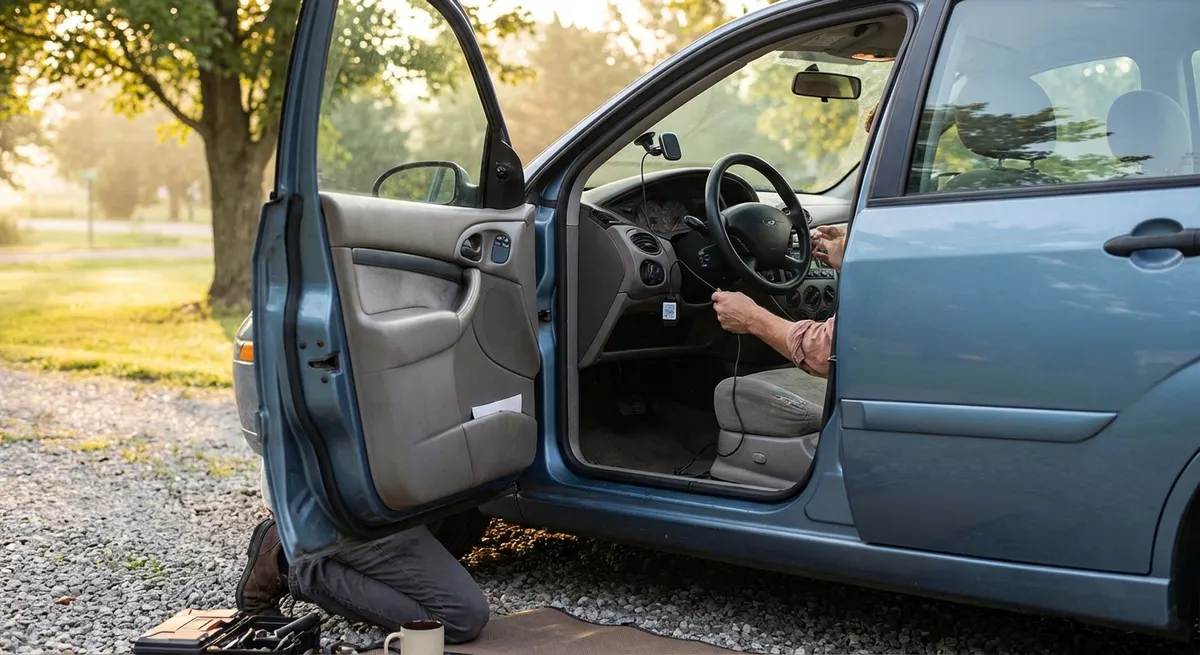
Your car has a diagnostic port (OBD-II) under the dash, typically near the steering column. With a small plug-in device, you can unlock a stream of data that’s usually only seen by technicians—and turn it into something you can act on daily.
A basic Bluetooth OBD-II adapter, paired with a reputable app, can show real-time engine temperature, fuel trims, battery voltage, and more. While you don’t need to understand the raw numbers in depth, you can set alerts for overheating, low voltage (which can warn of a failing battery or alternator), or recurring trouble codes that might indicate a developing problem.
Look for apps that translate fault codes into plain language and provide likely causes and severity. This can help you distinguish between something urgent (e.g., misfires, overheating) and something you can schedule (e.g., evaporative emissions leaks). Bring screenshots or exported logs to your mechanic; many will appreciate arriving with clear data instead of vague descriptions.
Beyond the port itself, consider simple external sensors: a tire pressure monitoring system (TPMS) retrofit with valve-cap sensors and a small display can add live tire pressure data to cars that never had it. Underinflated tires impact safety, fuel economy, and wear, and these systems usually pay for themselves by preventing uneven tire wear or blowouts.
Battery health monitors that stay on the terminals and sync with your phone can also be valuable if your car sits for days or weeks at a time. They’ll alert you to low voltage before you’re stranded with a dead battery.
Turn Safety Tech Into Everyday Habits, Not Just Features
Whether your car has built-in safety tech or you add it with aftermarket upgrades, the real value comes from how consistently you use it.
If your vehicle has factory systems like forward collision warning, automatic emergency braking, lane-keeping assist, or blind-spot monitoring, start by reading the owner’s manual section on each system. Understand exactly what speeds they work at, what conditions can disable them (heavy rain, dirty sensors, glare), and what their alerts sound or feel like. Many drivers misjudge what these systems can do and become overconfident.
Adjust sensitivity and volume to your preference rather than turning systems off after a few annoying alerts. For example, lane departure warning can often be set to a less aggressive mode that alerts only when you cross a line without signaling, helping you catch drifting due to fatigue without constant beeping in tight city traffic.
If your car lacks modern safety tech, consider targeted add-ons: a high-quality aftermarket rearview camera with a wide field of view and good low-light performance, or a blind-spot mirror setup that reduces large blind areas. Some aftermarket camera systems also offer cross-traffic alerts or parking guides that make tight maneuvering much safer.
Combine these tools with habit changes: always confirm blind-spot warnings with a quick mirror and shoulder check, treat collision warnings as prompts to increase following distance, and don’t rely on lane-keeping to “steer for you.” Think of tech as a second set of eyes—not a replacement for your own.
Use Tech to Track and Improve Your Driving Efficiency
Modern engine management systems constantly adapt to your driving style. With the right tech tools, you can adjust that style for better fuel economy, smoother performance, and less wear on critical components.
Start with a fuel-tracking app or even a simple spreadsheet—but log every fill-up. Many apps let you scan receipts, store odometer readings, and visualize long-term trends. Watch for changes in fuel economy that correlate with driving conditions (seasonal temperature shifts, new commute patterns) versus sudden drops that may indicate low tire pressure, dragging brakes, or engine issues.
Combine this with trip computers or OBD-II apps that display real-time fuel consumption. During a few test drives, watch how gentle acceleration, early but smooth braking, and maintaining momentum through traffic affects your average MPG. Aim to brake as if your pads and rotors are expensive (they are); every time you can coast instead of braking hard, you’re saving both fuel and hardware.
Navigation apps can also contribute to efficiency. Use live traffic routing to avoid long idle times in congestion and choose eco-routing options when available. In urban areas, routes that avoid constant stop-start traffic—even if they’re slightly longer in distance—often use less fuel.
Also pay attention to accessory loads. Heated seats, rear defrosters, and high-power audio systems pull power from the alternator, which is ultimately fed by the engine. Using these tools strategically, rather than constantly, can have a measurable impact on range for EVs and a modest but real impact on fuel economy for gas vehicles.
Protect Your Tech (and Car) With Smarter Security Choices
As vehicles become more connected, they also become more attractive targets for both physical theft and digital misuse. You can close many common gaps with a few proactive steps.
If your car uses a proximity key (keyless entry and start), be aware of relay attacks: thieves can amplify your key’s signal from inside your home to unlock and start your car. Simple RF-shielding pouches or metal boxes for keys can dramatically reduce this risk. Check if your vehicle allows turning off passive entry while still enabling remote lock/unlock from the fob.
For aftermarket devices—dash cams, GPS trackers, Bluetooth adapters—stick to brands with clear privacy policies and regular firmware updates. Change default passwords on any device that offers Wi‑Fi or cloud connectivity. If a device requires an app, limit its permissions to what’s absolutely necessary; it rarely needs full access to your contacts, camera roll, or location all the time.
Enable any built-in “find my car” or telematics features your automaker offers, and make sure they’re tied to a strong account password with two-factor authentication. If you sell the car, perform a full factory reset of the head unit and remove the vehicle from your online account to prevent the new owner from having access to your data—or you from still tracking a car you no longer own.
Finally, don’t underestimate the value of a visible dash cam or steering wheel lock. Even in a tech-heavy world, obvious deterrents often push opportunistic thieves toward easier targets. Pair physical deterrents with digital protections for a layered defense.
Conclusion
You don’t need a brand-new, fully loaded model to have a smart, capable, and safe daily driver. By integrating your phone correctly, tapping into your car’s diagnostic data, using safety tech as a disciplined habit, tracking your driving efficiency, and tightening up your security, you can transform how your current vehicle fits into your life. Focus on upgrades and settings that give you clearer information, reduce distraction, and help you drive more smoothly and safely—those are the tech moves that deliver real value every time you get behind the wheel.
Sources
- [NHTSA – Driver Assistance Technologies](https://www.nhtsa.gov/equipment/driver-assistance-technologies) - Overview of common advanced driver assistance systems and how they work
- [U.S. Department of Energy – Fuel Economy Tips](https://www.fueleconomy.gov/feg/driveHabits.jsp) - Evidence-based strategies for improving real-world fuel efficiency
- [FCC – Consumer Guide to Mobile Device Theft and Security](https://www.fcc.gov/consumers/guides/how-protect-yourself-wireless-device-theft) - General security practices relevant to connected devices in and around vehicles
- [Edmunds – OBD-II: What It Is and What It Does](https://www.edmunds.com/car-maintenance/obd-ii-what-it-is-and-what-it-does.html) - Practical explanation of OBD-II systems and their uses for car owners
- [Consumer Reports – Keyless Entry Car Theft: What You Need to Know](https://www.consumerreports.org/car-safety/keyless-entry-car-theft-what-you-need-to-know-a5337374090/) - Detailed look at risks and protections for vehicles with keyless systems