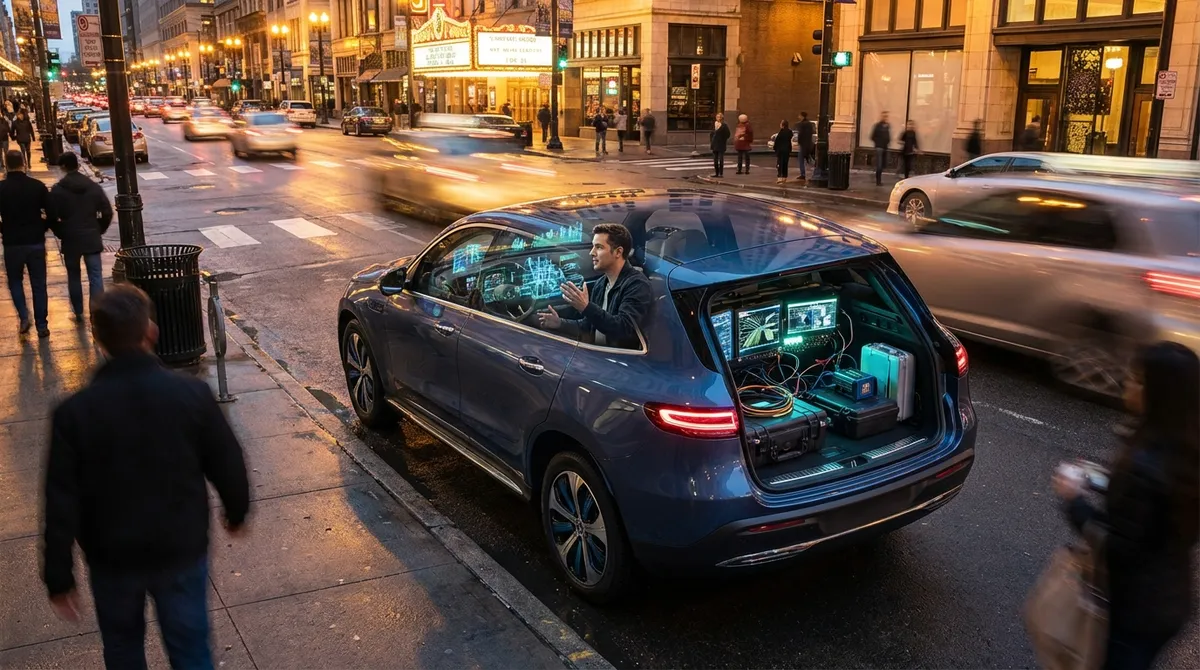
Use Live Data to Make Better Driving Decisions
Your car generates a constant stream of data, but the factory dashboard shows only a small slice of it. Tapping into that hidden information can make you a more informed (and often more efficient) driver.
Most cars built since 1996 have an OBD-II port under the dash. A simple Bluetooth OBD-II adapter paired with a smartphone app can show:
- Real-time fuel consumption instead of just a vague “MPG” average
- Engine temperature trends before overheating becomes a crisis
- Misfire counts and diagnostic codes, often with plain-language explanations
- Intake air temperature and load, useful for spotting performance issues
Instead of waiting for the check-engine light, you can see early warning signs and understand what’s happening before visiting a shop. Many apps let you create custom dashboards—one for daily driving, another focused on fuel economy, and a third for long road trips.
The practical payoff: you start to notice how speed, traffic, and hills change fuel use and engine stress. That feedback loop helps you adjust your driving in a way that a simple fuel gauge never will.
Turn Driver-Assistance Settings Into Tools, Not Annoyances
Many drivers disable advanced driver-assistance systems (ADAS) because the warnings feel intrusive. With a bit of tuning in the settings menu, these features can quietly work in the background instead of nagging you.
Look through your vehicle settings for:
- Forward collision warning and automatic emergency braking
Set sensitivity to “Normal” or “Late” instead of “Early” if you drive in dense traffic. You still get protection without constant false alarms.
- Lane-keeping assist or lane departure warning
If steering corrections feel too strong, switch from active steering to warning-only (vibration or chime). That keeps you aware without feeling like the car is fighting you.
- Blind-spot monitoring
Ensure the indicator lights in your mirrors and audible alerts are both enabled. Adjust alert volume if it’s too quiet in highway noise.
- Adaptive cruise control
Try different following-distance presets. A longer gap can reduce stress and the “accordion” effect in traffic, improving comfort and sometimes fuel efficiency.
Take 20–30 minutes in a safe parking lot to test how your car behaves with each setting. When tech is tuned to your driving style, it becomes a silent co-pilot instead of something you fight against.
Build a Smart Charging and Power Setup for the Cabin
In-car power and cable chaos can turn even a short drive into an annoying mess. A small investment in the right charging and power management makes daily driving smoother and safer.
Focus on:
- High-output USB or USB-C chargers
Look for at least 18–30W per port to fast-charge smartphones and tablets, especially if you use navigation or streaming audio. Avoid ultra-cheap, no-name chargers that can overheat.
- Short, dedicated cables for the car
Use sturdy, braided cables and keep them vehicle-specific so you’re not constantly moving them between home and car. Shorter lengths reduce tangles and distractions.
- Power management for rear passengers
A hub with multiple outputs in the rear seats prevents cable stretching from front to back and keeps kids or passengers more self-sufficient.
- Wireless charging pads (if compatible)
Mounted securely and away from critical controls, these reduce distraction from plugging/unplugging on every trip. Confirm that your phone charges reliably even on bumpy roads.
The goal is not more gadgets—it’s fewer friction points. When your phone, dash cam, and navigation all get steady power without clutter, every trip feels more controlled and less chaotic.
Let Navigation Tech Do More Than Just Show You the Route
Navigation has evolved far beyond “turn left in 500 feet.” Whether you’re using built-in navigation or Apple CarPlay/Android Auto, you can get more value by configuring a few less-obvious features.
Leverage:
- Live traffic and alternative route previews
Keep traffic layers turned on and glance at the bigger picture—not just the next turn. If a major slowdown appears ahead, you can decide whether to reroute or stay the course.
- Speed limit display and upcoming speed changes
Many systems show current speed limits and even warn of upcoming changes, helping you avoid unintentional speeding in unfamiliar areas.
- EV and fuel-aware routing (if available)
Some systems adjust routes based on fuel or battery state of charge, elevation changes, and available charging/fueling stations on the way, which is critical for EVs and plug-in hybrids.
- Saved locations and routines
Save frequently visited places (home, work, gym, preferred fuel station) and use voice commands to start navigation. This cuts down on pre-drive phone use and reduces distraction.
Treat navigation as a planning tool, not just a map. Check the route overview before pulling out of your driveway so you’re mentally prepared for traffic patterns, weather, and timing.
Add Targeted Cameras and Sensors for Real-World Safety
Factory cameras and sensors keep improving, but even older cars can gain meaningful safety upgrades with aftermarket tech—if you choose carefully and install them correctly.
Consider:
- Dash cams with loop recording and impact detection
These can automatically保存 footage of incidents, protect you in disputes, and sometimes lower insurance headaches. Prioritize models with good low-light performance and reliable storage.
- Rearview and 360° camera systems
A simple rear camera with guidelines can dramatically improve parking confidence. For larger vehicles or frequent city parking, multi-camera kits provide better awareness of blind spots.
- Parking sensors with visual and audio cues
If parallel parking or tight garages are part of your daily routine, ultrasonic parking sensors can help you park closer without risking contact.
- Tire pressure monitoring retrofit kits (for older cars)
Stable tire pressure improves safety, handling, and efficiency. External or internal TPMS kits can send live readings to a display or smartphone app.
Install placement matters as much as the tech you choose: mount cameras high and centered where possible, route cables cleanly away from airbags and moving parts, and test visibility in both day and night conditions before you rely on them.
Conclusion
Auto tech doesn’t have to mean buying a brand-new, fully loaded car. With a few intentional upgrades and better use of the features you already have, your vehicle becomes more than transportation—it becomes a connected, informed, and safer command center for every drive. Start with one area—data, driver-assistance, power, navigation, or cameras—and build from there. The best tech setup is the one that quietly makes every trip easier, safer, and less stressful without demanding your constant attention.
Sources
- NHTSA: Advanced Driver Assistance Systems (ADAS) - Overview of common driver-assistance features and their safety benefits
- U.S. Department of Energy: Advanced Cars & Fuels – Connected and Automated Vehicles - Explains how modern vehicle technologies improve efficiency and safety
- AAA: Advanced Driver Assistance Systems – Usage and Understanding - Research on how drivers interact with and misunderstand vehicle safety tech
- Consumer Reports: Guide to Car Dash Cams - Independent evaluations of dash cams and practical buying advice
- EPA: Fuel Economy – OBD and On-Board Diagnostics - Background on OBD systems and vehicle data relevant to efficiency and diagnostics