This guide focuses on five practical, tech-centered moves that car owners can act on right away—whether you’re driving a five-year-old commuter or a brand-new crossover.
1. Use OBD-II Tools to Turn Data Into Real Car Insight
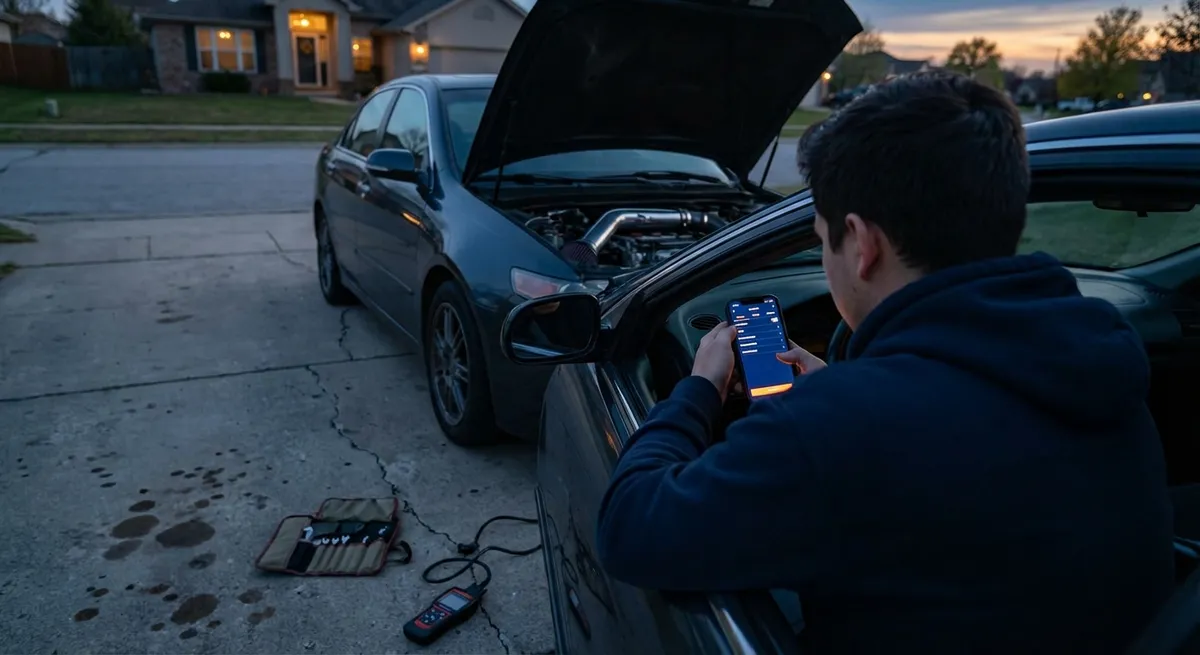
Every car sold in the U.S. since 1996 has an OBD-II (On-Board Diagnostics) port, usually under the dashboard. Most owners ignore it until a mechanic plugs in a scanner, but you can use that same port to understand what’s happening under the hood in real time.
A simple Bluetooth OBD-II dongle, paired with a reputable app, can:
- Read and clear check-engine light codes so you know if an issue is urgent or can wait
- Show live data like coolant temperature, intake air temp, fuel trims, and sensor readings
- Help track fuel economy over time and spot changes that may signal a maintenance need
- Log data during a long drive or road trip to catch intermittent issues
Practical way to use it:
- When a warning light appears, scan the code yourself before heading to the shop
- Track coolant temperature during hot weather or towing to avoid overheating surprises
- Compare fuel economy before and after a tune-up or tire change to see what really helped
Choose a name-brand adapter with good reviews and avoid the cheapest no-name units—they can be unreliable and sometimes cause connection issues with certain vehicles.
2. Treat Tires as Tech: Use TPMS Data and Tire Apps Smartly
Tires are your only contact patch with the road, and modern cars give you more tire data than most owners realize. Many vehicles now show individual tire pressures and sometimes temperature via the Tire Pressure Monitoring System (TPMS).
Instead of only reacting when the TPMS warning light comes on, you can:
- Check individual pressures on the dash before a highway trip and adjust for the load
- Learn what your car’s “normal” readings look like in different seasons
- Notice a slow leak days before it becomes a roadside problem
- Use a quality digital gauge to cross-check your car’s sensor readings occasionally
To go a step further, tire and manufacturer apps can help with:
- Correct pressure recommendations based on load, not just “one number for everything”
- Seasonal tire planning (summer vs. all-season vs. winter) tailored to your climate
- Understanding how tire age (not just tread depth) affects safety
Actionable habit: set a recurring reminder to note tire pressures once a month and before any long trip. Use both the TPMS display and a handheld gauge. This simple routine, backed by tech that’s already in your car, improves safety, fuel economy, and tire life.
3. Optimize Visibility With Smarter Lighting and Camera Use
Factory lighting and cameras are often better than owners think—but only if they’re correctly set up and used intentionally.
To get more from what you already have:
- Check headlight aim: even from the factory, some lamps are misaligned, leading to poor visibility or glare for other drivers. Many manuals show how to adjust aim safely.
- Use automatic high beams (if equipped) and understand when they might be too slow to react, such as on twisty roads or in heavy traffic—be ready to override them manually.
- Keep headlight lenses, backup cameras, and parking sensors clean; a quick microfiber wipe at fuel stops can restore clarity, especially in winter or dusty conditions.
- Adjust backup camera guidelines to match your driving style and parking environment, if your system allows customization.
If your car has older halogen headlights, an approved bulb upgrade or, where legal and properly designed, OEM-style LED assemblies can significantly improve night driving. Avoid cheap retrofit kits that don’t match your car’s optics—they can create glare and may be illegal in some regions.
Practical checklist:
- Clean lenses and cameras regularly
- Inspect for condensation or cracks that scatter light
- Test backup and 360° camera views in an empty lot to understand blind spots and guide lines
4. Use Driving Modes and Transmission Logic Instead of Fighting Them
Many cars now offer selectable drive modes—such as Eco, Normal, Sport, or customizable settings. Instead of leaving the car in one mode forever, you can match mode to situation and get better results without burning more fuel than necessary.
Ways to use drive modes more intelligently:
- Around town with frequent stops: Eco or Normal mode can smooth throttle response and reduce unnecessary downshifts, saving fuel and brake wear.
- On-ramps, passing, or hilly roads: Sport or a more responsive mode makes the car feel more predictable and reduces hesitation by holding gears longer.
- Bad weather: Some vehicles have dedicated Snow or Rain modes that soften throttle response and adjust traction control behavior, making it easier to avoid wheelspin.
Automatic transmissions and dual-clutch gearboxes also “learn” driving style to some degree. If the car feels indecisive or “hunted” between gears:
- Try driving smoothly and consistently for a few days to let the adaptive logic settle
- Use manual or paddle-shift mode in special situations, such as descending a steep grade, to maintain engine braking and reduce brake fade
- Explore your owner’s manual for any transmission reset or adaptation procedures before assuming something is mechanically wrong
The key is to think of these systems as tools. Instead of fighting the car’s logic with aggressive throttle and brake inputs, pick the right mode for the task and let the tech help you.
5. Turn Your Infotainment System Into a Driving Tool, Not a Distraction
Infotainment is often treated like an entertainment system, but it can be a powerful driving aid when configured thoughtfully.
To make yours work for you:
- Use Apple CarPlay or Android Auto, if available, for updated maps, traffic data, and safer voice control versus fiddling with your phone
- Customize your home screen (where possible) so key functions—navigation, audio, energy/fuel info—are accessible with one tap or button press
- Pre-set your most-used destinations (home, work, key clients, favorite charging stations) so route planning is quick and doesn’t pull attention from driving
- Learn the voice commands that matter: “navigate to [destination],” “call [contact],” “play [artist/playlist]” can replace multiple on-screen taps
Many vehicles also log useful long-term data:
- Trip computers can show:
- Average and instant fuel economy
- Driving time and distance
- Regenerative braking contribution in hybrids/EVs
- Energy or efficiency screens can help you see how speed, AC use, and terrain affect consumption
A practical approach is to review trip data at the end of a route rather than staring at it while driving. Over a few weeks, you’ll have a real-world picture of how your driving style and route choices impact fuel or energy use—and where tech-assisted adjustments (like smarter navigation routing) save you time and money.
Conclusion
The most useful auto tech upgrades aren’t always the flashiest. When you combine a basic OBD-II tool, smarter use of factory sensors, thoughtful lighting and camera setup, better use of drive modes, and a disciplined infotainment strategy, you transform your existing car into a more capable, predictable partner.
None of these changes require a full build, a race shop, or a new car. They’re about understanding the tech you already have, adding a few well-chosen tools, and turning scattered features into a coherent system that works for the way you drive. Start with one or two of these steps, build habits around them, and your daily drive will feel more composed, more informative, and more under your control.
Sources
- [U.S. Environmental Protection Agency – Onboard Diagnostics (OBD)](https://www.epa.gov/obd) - Explains OBD-II requirements, capabilities, and how diagnostic systems work in modern vehicles
- [National Highway Traffic Safety Administration – Tire Pressure Monitoring Systems](https://www.nhtsa.gov/equipment/tires) - Covers TPMS regulations, tire safety, and the importance of maintaining proper tire pressure
- [IIHS – Headlights and Visibility Information](https://www.iihs.org/ratings/headlights) - Provides research and ratings on headlight performance, glare, and real-world safety implications
- [National Renewable Energy Laboratory – Fuel-Saving Tips](https://www.fueleconomy.gov/feg/driveHabits.jsp) - Government-backed guidance on how driving behavior and vehicle settings affect fuel economy
- [AAA – Vehicle Technology Resources](https://www.aaa.com/autorepair/articles/understanding-vehicle-technology) - Breaks down common in-car technologies, their benefits, and how drivers can use them more effectively