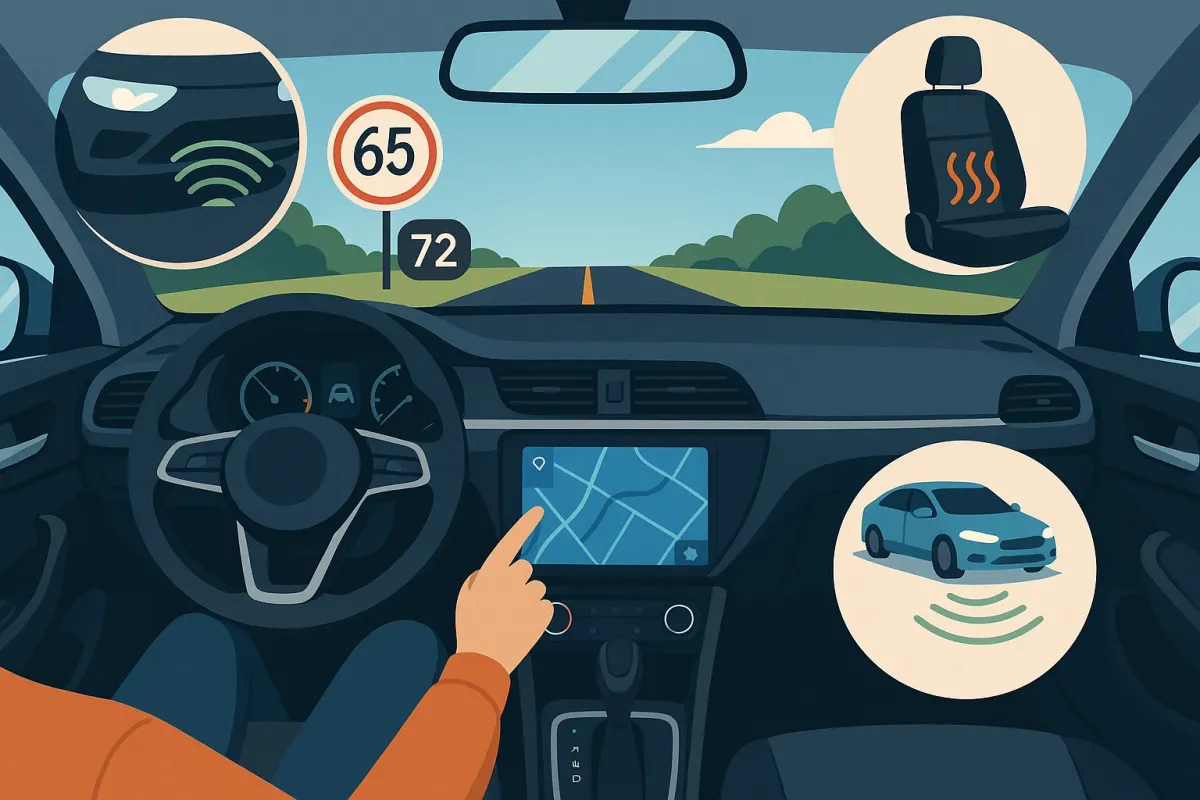
Whether you’re driving a 10-year-old sedan or a fresh-off-the-lot EV, there are affordable, easy-to-install tools that can make your daily drive safer, calmer, and more organized. Here are five actionable upgrades that actually pull their weight in the real world—and are worth sharing with every car owner you know.
Upgrade Your Phone Setup So It’s Truly Hands-Free
Most drivers technically use their phone “hands-free” but still end up poking at screens in traffic. Current trends are moving toward cleaner, more stable phone setups that basically disappear into your driving routine.
Skip the wobbly vent clip and look at modern MagSafe-style magnetic mounts or dash mounts designed specifically for larger phones. Pair that with wireless Android Auto or Apple CarPlay (many 2016+ cars can be upgraded with a plug-and-play dongle or aftermarket head unit) and you can stop juggling cables entirely. Once set up, your key tasks—navigation, calls, music, and voice assistants—are all instantly accessible with steering-wheel buttons or a quick voice command. Take 10 minutes in your driveway to customize your CarPlay/Android Auto home screen: remove apps you don’t need while driving, pin your map and audio apps, and turn on dark mode for night drives. This small investment of time and hardware dramatically cuts visual distraction and makes your cabin feel more like a cohesive system than a bundle of random gadgets.
Action step: Choose one stable phone mount and commit to it, then set up wireless CarPlay/Android Auto or a clean wired solution and disable on-screen keyboard use while moving.
Add A Smart Dash Cam That Actually Works For You
Dash cams have been around for years, but the latest wave is smarter, smaller, and far easier to live with. Instead of just recording grainy footage to a buried SD card, newer models offer clear 2K/4K recording, cloud backups, app alerts, and even AI-powered incident detection. Many can monitor your car while it’s parked, flag potential hit-and-runs, and automatically save clips when they detect hard braking or an impact.
Look for a unit with built-in GPS (for speed and location stamping), a quality sensor (for night visibility), and a companion app that isn’t painfully slow. If you park on the street or in busy lots, choose a model with buffered parking mode so it captures a few seconds before and after motion or impact. For EVs and newer vehicles, there are often plug-and-play kits that connect to existing power points without hacking into wiring. Install once, set your recording loop (e.g., 1–3 minutes), format the memory card monthly, and you’ll forget it’s there—until you really need that footage for an insurance claim or to prove what actually happened at that sketchy intersection.
Action step: Install a front dash cam with GPS and parking mode, set the correct time zone in the app, and put a monthly reminder in your calendar to check storage and update firmware.
Turn Your “Old” Car Into a Semi-Smart Car With OBD and Apps
You don’t need a new vehicle to get real-time data and smarter diagnostics. Compact OBD-II Bluetooth dongles (they plug into the port under your dash) have quietly become one of the best value tech upgrades for everyday drivers. Paired with a good app, they can read and clear basic fault codes, display live engine and transmission data, track fuel economy, and even monitor battery health.
Modern OBD apps go beyond just telling you “P0420” and actually translate issues into plain English with severity levels and recommended actions. Some also track driving habits—like hard braking or rapid acceleration—and can help you smooth out your driving to save fuel. For road-trip fans, trip logging and maintenance tracking features make it easier to stay ahead of service needs without spreadsheets. Just be smart: use quality hardware from a reputable brand, and don’t leave the dongle plugged in if your vehicle is sensitive to parasitic drain.
Action step: Buy a name-brand OBD-II Bluetooth adapter, pair it with a well-rated app, and the next time a warning light comes on, check the code yourself before heading to the shop.
Use Smart Cabin Accessories to Fix Everyday Comfort Problems
The latest trending “travel products” aren’t just for airplanes—they’re spilling into car interiors too, and a lot of them solve daily comfort and organization issues that car makers still ignore. Think modular seat gap fillers that stop your phone and keys from vanishing, low-profile organizing trays that perfectly fit under seats or in center consoles, and USB-C hubs that actually deliver fast charging for multiple devices.
Simple tech-enabled accessories like compact tire inflators with digital pressure readouts, motion-sensing LED strip lights for trunks, or heated seat pads with automatic shutoff can make a basic commuter feel much more premium. A big 2025 trend is “cable discipline” inside vehicles: flat, short USB-C cables, magnetic cable clips, and wireless charging pads that don’t overheat your phone. Put a little thought into how you physically move in and out of your cabin—where you drop your keys, where your sunglasses go, how you plug in—and then choose two or three accessories to fix those exact friction points instead of buying a bunch of random gadgets.
Action step: Do a short “in-car audit” during your next grocery run: note every time you get annoyed by clutter, cables, or lost items, then buy 1–3 targeted accessories to solve those specific problems.
Let Driver Assist Tech Help You, Not Control You
Advanced driver-assistance systems (ADAS) like adaptive cruise control, lane-keeping assist, blind-spot monitoring, and automatic emergency braking are now showing up in everything from compact crossovers to entry-level EVs. But many owners either don’t trust them or don’t understand how to use them effectively. The key is to treat them as digital co-pilots, not auto-pilots.
Spend 20 minutes with your owner’s manual or the digital guide in your car’s infotainment system and learn exactly what your systems do—and what they don’t. For example, adaptive cruise is brilliant on long highway stretches but can be annoying in dense stop-and-go city traffic unless you adjust follow distance and sensitivity. Lane-keep assist can reduce fatigue but should be turned off on poorly marked or narrow rural roads where it constantly nudges the wheel. Many 2024–2025 vehicles let you fine-tune warnings (volume, vibration, visual alerts) so they’re helpful instead of overwhelming. Once dialed in, ADAS can reduce your mental load on long drives, give you an extra set of “eyes” in blind spots, and in some cases prevent or reduce the severity of collisions.
Action step: Pick one driver-assist feature your car already has, learn its full settings, and use it intentionally for a week on appropriate roads—then adjust or disable what doesn’t work for your driving style.
Conclusion
Car tech in 2025 isn’t just about self-driving buzzwords—it’s about smart, affordable upgrades that fix the little frustrations you deal with every time you drive. A rock-solid hands-free setup, a capable dash cam, an OBD adapter, a few well-chosen comfort accessories, and properly tuned driver-assist systems can transform your experience without requiring a new car or a big budget.
Pick one upgrade from this list and implement it this week. Once you feel the difference in your daily commute or weekend road trip, share your setup and recommendations—your friends and followers are probably dealing with the same annoyances, and a few practical tech tweaks might change their drive, too.