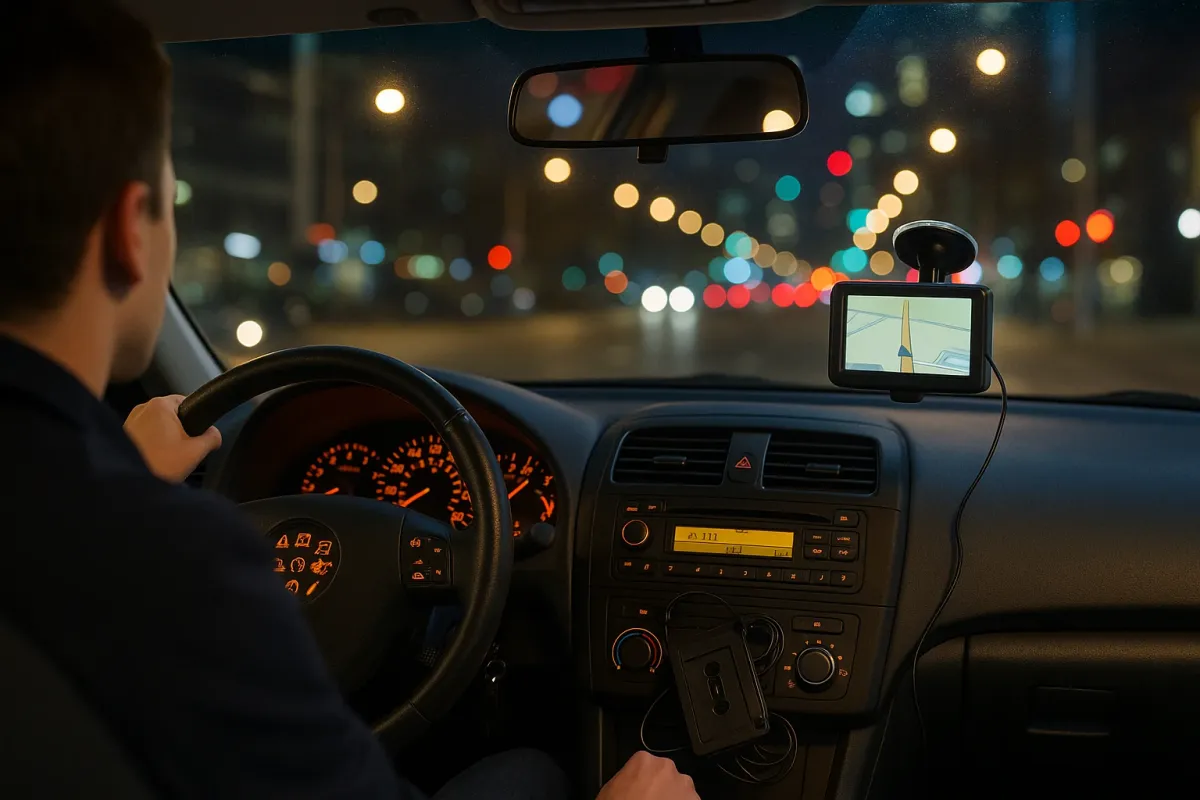
Over the past few years, automakers have been racing to keep cars updated more like smartphones—think Tesla’s over‑the‑air (OTA) software updates, Ford’s BlueCruise subscriptions, and GM’s push into connected services. At the same time, owners of slightly older vehicles are discovering dead 3G modems, unsupported apps, and navigation systems that might as well be MapQuest printouts. As we roll into another year of rapid tech change, it’s a good moment to audit what’s inside your own car—before it turns into a rolling time capsule.
Below are five practical, right‑now steps you can take to keep your car’s tech from becoming the automotive equivalent of a floppy disk.
1. Check If Your Car Still Connects To The Network (3G/4G/5G Reality Check)
Car makers have been shutting down older connectivity just like phone carriers did with 3G. In the US, the big 3G shutdowns in 2022 killed built‑in connected services on millions of vehicles—from BMW and Honda to Toyota and Lexus—unless they got a hardware retrofit. That trend is continuing as brands push owners toward newer platforms and subscription services.
Action steps you can take this week:
- Look up your VIN on your automaker’s support site and search “connected services,” “telematics,” or “3G shutdown.” Many brands keep a list of affected model years and what still works.
- Test the features in your car’s app: remote start, lock/unlock, location, and status (fuel, charge level, tire pressure). If something quietly stopped working, you may have lost connectivity.
- Ask your dealer about retrofit options if your services died with 3G. Some brands offered upgrade programs (often time‑limited) to move owners to 4G or later modules.
- If your car is out of the upgrade window, consider shifting critical functions (remote start, GPS tracking, dashcam) to aftermarket gear that uses your phone’s LTE/5G instead of the car’s aging modem.
Why this matters: Connected features aren’t just “nice to have.” They can be critical if your car is stolen, stranded, or shared within a family. Knowing what actually works today—and what’s riding on soon‑to‑age‑out networks—lets you plan before you’re stuck.
2. Stop Treating Your Infotainment System Like A Fixed Appliance
Automakers are increasingly treating your car’s center screen as a software platform, not a fixed piece of hardware. Tesla, Polestar, and some newer Volvo and GM models run Android Automotive OS; others are tightening integration with Apple CarPlay and Android Auto. At the same time, some brands (like GM in certain future EVs) have said they’ll phase out phone‑projection in favor of in‑house systems.
That means your existing infotainment setup is more temporary than it feels—but you’re not powerless.
What to do now:
- Update your infotainment software: Many brands (Volkswagen, Hyundai, Kia, Ford, Tesla, etc.) push updates that fix bugs, add features, and even improve performance. Check your settings menu for “Software Update” and make sure automatic updates are enabled, if available.
- Audit which apps you actually use on the built‑in system and which you always use via CarPlay/Android Auto. This tells you how much you rely on the car’s ecosystem vs your phone’s.
- If your car doesn’t have CarPlay or Android Auto, research whether a software unlock or hardware upgrade is available. Some 2015–2018 models can gain it with a dealer‑installed kit or firmware update.
- Consider a high‑quality aftermarket head unit if your factory system is slow, glitchy, or locked to ancient maps. Modern units can add wireless CarPlay/Android Auto, better Bluetooth, and higher‑resolution touchscreens to older cars.
Why this matters: Infotainment is now a major factor in resale value and daily driving enjoyment. Keeping it updated—or selectively upgrading—can extend the life of an older car and make a new car feel less dated in three years.
3. Treat Your Car’s Camera And Sensor Suite Like Safety Gear, Not Gadgets
Newer vehicles pack in advanced driver‑assistance systems (ADAS): lane‑keeping assist, adaptive cruise, blind‑spot monitoring, parking sensors, and 360° cameras. They rely on a mesh of sensors and cameras that can be knocked out of calibration by something as simple as a windshield replacement or a minor fender bender.
With more brands (Hyundai, GM, Ford, Tesla) leaning on these systems as a selling point, it’s on you to make sure they’re not quietly compromised.
Practical steps:
- After any glass or body work, ask: “Did you perform ADAS calibration?” Many systems require precise aiming of cameras and radar units, and not all shops do this by default.
- Run a regular “function check” every month:
- Does lane‑keep still detect lane lines consistently?
- Does adaptive cruise smoothly follow traffic without random disconnects?
- Are parking sensors and backup cameras clearly visible and responsive?
- Keep cameras and sensors clean: Gently wipe camera lenses (usually at the front windshield and rear hatch) and parking sensors with a microfiber cloth. Road grime and winter salt can blind them.
- Know where the sensors are before adding accessories. That bull bar, bike rack, or vinyl wrap could obstruct radar or ultrasonic sensors if installed carelessly.
Why this matters: These systems are increasingly factored into safety ratings and insurance expectations. If a lane‑keeping camera is knocked off by a pothole impact and never recalibrated, you might be trusting a system that’s guessing—on the highway.
4. Future‑Proof Your Charging And Power Setup (EVs And ICE Alike)
While headlines focus on EV fast‑charging networks (Ford, GM, and others shifting to Tesla’s NACS standard, for example), everyday charging and power use inside the car is evolving just as fast. This affects both EV and gas‑powered cars.
Here’s how to keep up without wasting money:
- Standardize your cables and mounts around USB‑C where possible. Many 2024–2025 models are dropping USB‑A ports, and smartphones are consolidating around USB‑C (especially in Europe).
- Check your car’s max USB output. Older ports sometimes only deliver 0.5–1.0A—too weak for modern phones and tablets. If so, use a 12V adapter with fast‑charging support (PD or Quick Charge) instead of the built‑in port.
- For EV owners, understand your actual daily charging pattern:
- If you always charge overnight at home, a Level 2 charger sized correctly to your panel (often 32–40A) is usually enough.
- If you rely on public DC fast charging, look up which networks near you are expanding or switching connectors (e.g., CCS vs NACS) and get the appropriate adapters now, while they’re easy to find.
- For gas/diesel owners, think of your alternator as the “old school” energy budget. If you’re running dashcams, a fridge, and multiple devices off a single 12V outlet, consider:
- A dual‑channel dashcam with hardwire kit that has low‑voltage protection.
- A dedicated power distribution setup if you overland or road‑trip heavily.
Why this matters: Power and charging are becoming the new “fuel planning.” Setting up a clean, reliable, and semi‑future‑proofed system now will prevent you from wrestling with underpowered ports and incompatible connectors later.
5. Back Up Your Car’s “Digital Glove Box” Before Something Fails
The ’90s hack was to keep a shoebox of receipts under the seat. Today, your car’s digital footprint—firmware versions, configuration codes, service logs, and even dashcam footage—lives across apps, cloud accounts, ECUs, and SD cards. If a control module fails or an app closes down, you may lose information that’s valuable at resale or during a repair dispute.
Concrete actions you can take this month:
- Download and save your service history from your automaker’s app or owner portal. Keep a copy in cloud storage and a simple printed summary in your glove box.
- Record your current software and map versions from your infotainment and instrument cluster screens. Snap photos with your phone; this can help a dealer diagnose an update issue later.
- Export dashcam footage regularly if your vehicle has a built‑in system (Tesla, Hyundai, Kia, some Subarus and BMWs) or an aftermarket camera. SD cards fail silently; don’t trust them as long‑term archives.
- Maintain a single “Car Info” folder (digital or physical) where you store:
- Window sticker or build sheet
- Major repair invoices
- Alignment reports
- Any tuning or coding changes you’ve made
Why this matters: When you sell the car, detailed documentation can add real value and confidence for the next buyer. If something goes wrong under warranty or after a software update, your records become evidence—not just your memory—of what changed and when.
Conclusion
Just like those nostalgic ’90s life hacks that don’t really work in a 2025 world, a lot of your car’s tech is on a quiet countdown timer. Networks get shut down, software ages, sensors drift out of spec, and connectors change. The good news is, you don’t need a brand‑new car to stay current—you just need to treat your vehicle a bit more like a living piece of tech than a fixed appliance.
By checking your connectivity, keeping infotainment updated (or upgraded), treating cameras and sensors as safety gear, future‑proofing your power setup, and backing up your “digital glove box,” you can keep your current car feeling modern and functional for years longer. That’s cheaper than trading in every three years—and a lot more satisfying than discovering your “smart” features quietly went dumb when you needed them most.