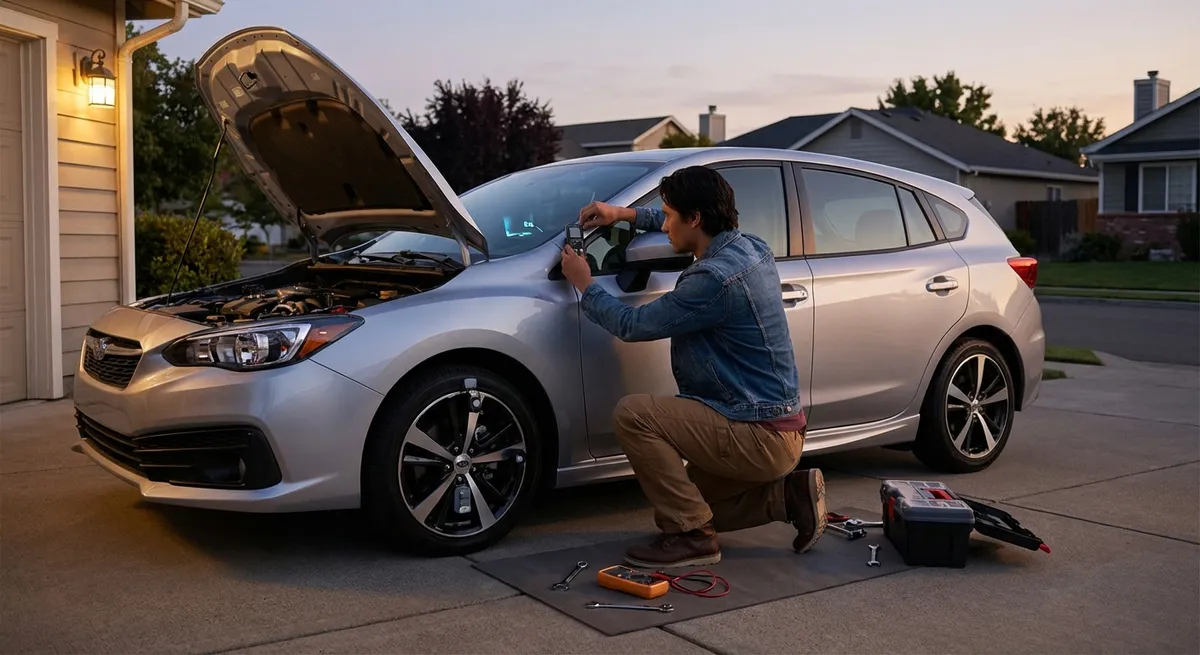
Below are five focused upgrades and habits: each one is about tech you can actually use, understand, and maintain over time.
Rethinking Navigation: From “Maps App” to Real Driving Tool
Most drivers treat navigation like a digital paper map: type an address, follow the line, arrive. But modern navigation tools can be a real driving assistant if you set them up with intention.
If your car has built-in navigation, make sure it’s updated—many automakers offer map and software updates through their websites, dealer networks, or even over-the-air. Updated maps can mean better routing, more accurate speed limits, and safer lane guidance on new interchanges.
Smartphone navigation still outpaces most factory systems for live traffic data and rerouting. The key is choosing one primary app (Google Maps, Apple Maps, Waze, etc.) and learning its deeper features: setting “avoid tolls” or “avoid highways” when it makes sense, saving frequent destinations, and reviewing route options before driving rather than blindly accepting the first suggestion.
Consider mounting your phone in a stable, eye-level position instead of leaving it in a cupholder. This minimizes glance time away from the road and lets you use voice guidance effectively. Use Do Not Disturb While Driving or similar modes so notifications don’t compete with navigation prompts.
For longer trips, pre-check the route at home on a bigger screen. Identify likely fuel stops, charging stations (for EVs and plug-in hybrids), and potential congestion hot spots. Treat the map as dynamic trip planning, not just turn-by-turn instructions.
Making Driver-Assistance Features Work For You (Not Against You)
Modern vehicles increasingly include advanced driver assistance systems (ADAS) like adaptive cruise control, lane-keeping assist, blind-spot monitoring, and automatic emergency braking. These tools can reduce fatigue and help avoid crashes—but only if you understand how they behave and where they fail.
Start by reading the driver-assistance section of your owner’s manual and, if available, the brand’s online video tutorials. Pay attention to the limitations: minimum and maximum speeds, weather or road conditions that can disable cameras and sensors, and exactly what the system will and will not do in emergencies.
Treat ADAS as “driver support,” not “driver replacement.” Lane-keeping, for example, is often designed to provide gentle corrections, not hold you perfectly centered in the lane at all times. Adaptive cruise might maintain a gap but not always anticipate a rapidly slowing car three vehicles ahead; that’s still your job.
Take the time to customize settings: adjust following distance on adaptive cruise to match your comfort level and typical traffic, and fine-tune lane departure warning sensitivity if it’s too chatty or not alert enough. Many systems allow you to choose between a stronger steering assist or just an audible/visual warning.
If your car doesn’t have built-in blind-spot monitoring or reversing sensors, aftermarket kits can add similar functionality. Quality varies, so look for products from established brands, have them professionally installed, and test thoroughly in a safe area to learn how accurate and timely alerts are before trusting them in busy traffic.
Using Your Phone as a True Car Companion, Not a Distraction Machine
Your smartphone is already your most powerful piece of auto tech—it just needs to be configured with driving in mind. Instead of downloading more apps, start by taming the ones you already have.
Enable a dedicated driving mode (such as Android Auto, Apple CarPlay, or your phone’s built-in “driving focus” features). These interfaces simplify screens, prioritize navigation and audio, and reduce tap-heavy interactions. If your car doesn’t support Android Auto or CarPlay, consider a reputable aftermarket head unit that does; this can give older vehicles a modern, safer interface in one step.
Turn off non-essential notifications while driving or use automatic replies that let people know you’ll respond later. This alone cuts a major source of distraction. Keep only a few driving-relevant apps on your home row: navigation, music/podcasts, your automaker’s app (if you have connected services), and maybe a reputable fuel-price or charger-location app.
For EV and plug-in hybrid owners, learn your charging network apps thoroughly: how to start and stop sessions, check station availability in real time, and see pricing before plugging in. Preloading your preferred networks and payment methods avoids frustration at public chargers.
If your automaker offers a connected app, go beyond remote start. Explore features like tire-pressure alerts, maintenance reminders, trip logs, or charging schedules. Configure alerts that you’ll actually use—such as if doors are left unlocked, charging is interrupted, or the car is moved unexpectedly.
Treating Software Updates Like Oil Changes
As cars become more software-driven, updates matter as much as mechanical maintenance. Many late-model vehicles receive over-the-air (OTA) updates that can improve efficiency, add features, fix bugs, or patch security vulnerabilities.
First, know how your car updates: via Wi‑Fi at home, cellular connection, or at the dealership. Check that your vehicle is connected to a stable network if it relies on Wi‑Fi in your garage or driveway. If updates require dealer visits, schedule them alongside regular services to minimize extra trips.
When an update is offered, read the release notes—not just “improved stability.” Automakers increasingly publish changelogs describing what’s new: tweaks to driver-assist tuning, improved charging curves for EVs, or enhanced infotainment performance. Understanding changes helps you adapt faster and notice if something doesn’t behave as expected.
Don’t postpone safety or security-related updates. Just like you wouldn’t delay a brake recall, software patches often address vulnerabilities in connected systems such as remote unlock, telematics, or infotainment. Enable automatic updates where appropriate, but keep an eye on how your car behaves afterward.
If your vehicle is older and no longer receives major updates, consider targeted tech refreshes that are effectively “software upgrades in hardware form”: newer head units with modern operating systems, better backup cameras, or upgraded radar detectors and dash cams that receive periodic firmware updates.
Turning “Data” into Cheaper Fuel and Safer Habits
Modern auto tech quietly collects a lot of data: trip distances, fuel usage, charging patterns, speed, and even how hard you brake or accelerate. Used well, this information can save you money and wear on your car.
If your car shows real-time fuel or energy consumption, watch how small changes to throttle input, speed, and following distance affect the live readout. Aim for smooth acceleration, earlier lifts off the accelerator, and more consistent highway speeds. Many drivers can improve economy noticeably just by using the display as feedback, not a gimmick.
Some vehicles and aftermarket OBD-II adapters pair with apps that log detailed trip data. Instead of obsessing over every number, use them to spot patterns: Does your commute burn significantly more fuel in one direction? Do weekend short trips in cold weather hammer your EV range? That insight can guide planning—consolidating errands, adjusting departure times, or preconditioning an EV while plugged in.
Pay attention to tire-pressure monitoring system (TPMS) alerts and periodically check pressures manually. Underinflated tires increase rolling resistance, hurt range or fuel economy, and affect safety. Many modern vehicles allow you to view actual tire pressures and sometimes even temperature; this is actionable data, not just an icon to clear.
Finally, if your insurance offers a voluntary telematics program, understand what it measures and how that data might be used. In some cases, careful drivers can earn discounts by demonstrating smoother driving habits. Just be sure you’re comfortable with the privacy trade-offs before opting in.
Conclusion
The most useful auto tech isn’t necessarily the one with the brightest screen—it’s the tools and habits that blend into your driving and quietly improve it. When you treat navigation as a planning assistant, driver aids as partners instead of substitutes, your phone as a streamlined companion, software updates as routine maintenance, and your car’s data as actionable feedback, you’re using technology on your own terms.
You don’t need a new vehicle or a suitcase of gadgets to get there. Start by fully understanding what your current car can already do, add only a few well-chosen upgrades, and build simple habits around them. That’s how modern auto tech stops being a distraction and becomes a true advantage every time you drive.
Sources
- National Highway Traffic Safety Administration – Driver Assistance Technologies - Explains common ADAS features, benefits, and limitations
- U.S. Department of Energy – Fuel Economy: Driving More Efficiently - Details how driving behavior and vehicle information can improve fuel economy
- AAA – Understanding Advanced Driver Assistance Systems - Provides research-based guidance on how drivers interact with ADAS
- Apple – Use the Driving Focus on your iPhone - Shows how to configure iPhone features to reduce distractions while driving
- Android Auto – Help & Support - Offers practical setup and usage information for turning an Android phone into a safer in-car interface