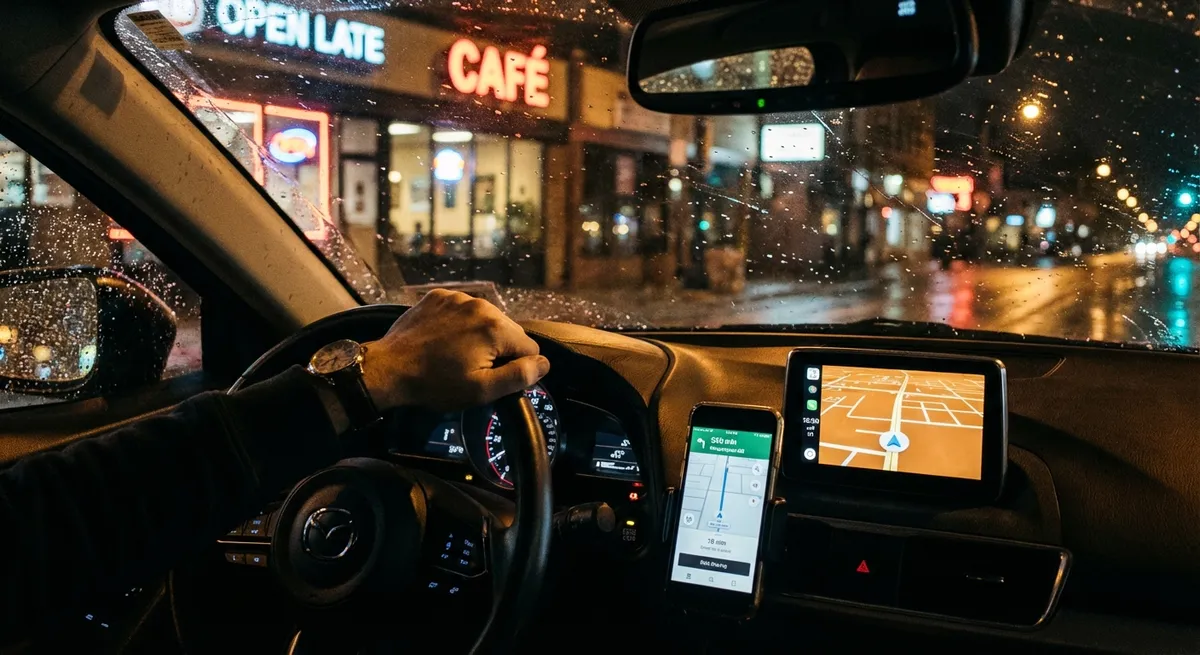
This guide focuses on practical, real-world ways to use auto tech you likely already own (or can add cheaply) to make everyday driving easier, safer, and less expensive.
Turn Your Phone and Infotainment System Into a Real Driving Command Center
Your phone and your car’s screen can be more than just a place for maps and music. When set up correctly, they can streamline your entire drive and reduce distraction.
Spend 20–30 minutes setting everything up once, then let it work for you every day:
- Lock in a default maps app and preferred routes. In Apple CarPlay or Android Auto, choose your main navigation app (Apple Maps, Google Maps, Waze). Set your home and work locations, and save your most common destinations. This reduces typing while driving and gives faster route suggestions when traffic changes.
- Customize your home screen tiles. Many infotainment systems let you choose what appears on the main display (navigation, audio, phone, vehicle info). Put the things you use constantly on the first screen and move rarely used apps off the main layout.
- Use voice control for almost everything. Practice using Siri, Google Assistant, Alexa Auto, or your car’s own assistant to handle common tasks: “Navigate home,” “Call Alex,” “Play jazz,” “Read my last text.” The less time you spend tapping the screen, the safer and smoother your drive.
- Pre-drive setup routine. Before moving, spend 30 seconds: start your preferred playlist, set the route, connect your phone, and adjust cabin temperature. Treat it like a pre-flight checklist so you’re not fiddling with settings at 60 mph.
- Turn off nonessential notifications. In your phone’s settings, limit which apps can display on your car screen. Disable social media and non-urgent app alerts so your display stays focused on navigation and essentials.
Done right, your infotainment setup becomes an organized, low-distraction control center instead of a scattered collection of icons and alerts.
Use Built-In Safety Systems as Coaching Tools, Not Background Noise
Many cars now include driver-assistance tech like lane-keeping assist, blind spot monitoring, forward collision warning, and adaptive cruise control. Too often, drivers either ignore them or get annoyed and switch them off.
You’ll get far more value if you treat these systems as co-drivers that help refine your habits:
- Learn what each system actually does—and doesn’t do. Check your owner’s manual or the manufacturer’s website to understand: at what speeds it works, what conditions interfere (bad weather, faded lane lines), and whether it can steer, brake, or only warn. This prevents overtrusting automation.
- Tune sensitivities to your driving style. Many systems allow “early/normal/late” alert timing or stronger vs. gentler steering corrections. If lane-keeping feels too aggressive, try the least intrusive mode instead of turning it off entirely.
- Treat alerts as feedback, not annoyances. If your forward collision warning keeps chirping in traffic, it’s a sign you’re following too closely. If lane departure warnings flash often, your lane position may need work. Use these nudges as real-time coaching.
- Practice with adaptive cruise on open roads. On highways, adaptive cruise control can help you maintain safe gaps and smoother speeds. Use it to get a feel for proper following distance and reduce “accordion” braking.
- Review how often alerts occur. Some vehicles show how frequently safety systems intervene. If you see regular activations, that’s a clue to adjust speed, following distance, or lane discipline in certain routes or conditions.
When you understand and customize these systems, they shift from irritating beepers to valuable partners that help you avoid fatigue, fines, and fender-benders.
Let Simple Tech Help You Drive More Efficiently and Save Fuel
You don’t need a hybrid or EV to benefit from smarter, tech-informed driving. Your car’s built-in displays and a few inexpensive tools can directly cut your fuel costs.
Practical ways to make tech work for your wallet:
- Watch the real-time fuel economy display—briefly. Most cars show instant or average mpg. Use this as a training tool: notice how hard acceleration, high speeds, and sudden braking affect the numbers. Aim for smoother inputs that keep your average higher over a full tank.
- Use cruise control strategically. On relatively flat highways, cruise control helps maintain a steady speed, usually improving economy. On steep hills or in heavy traffic, it can hunt for gears and over-accelerate, so be ready to take manual control there.
- Track trips, not just fill-ups. If your car has trip computers (Trip A/Trip B), reset one before long journeys and compare mpg between different routes or driving styles. Use the other for weekly commuting. This makes savings visible and helps you choose better routes or speeds.
- Monitor tire pressure digitally. If your car has a tire pressure monitoring system (TPMS) with actual PSI readouts, don’t ignore it until a warning light appears. Check pressures monthly and aim for the recommended cold PSI on the door jamb label. Underinflated tires increase fuel use and wear.
- Try a simple OBD-II Bluetooth adapter. For older or more basic vehicles, a $20–$40 adapter plus a phone app can show live data like fuel trims, coolant temp, and load. Use it to spot issues that hurt fuel economy early—like a failing oxygen sensor or weak thermostat.
These small, data-driven tweaks quickly add up, especially if you commute or do regular highway miles.
Turn Data Logging Into Preventive Maintenance (Without Being a Mechanic)
Modern cars constantly monitor themselves, but most drivers only discover a problem when a warning light comes on. With basic tools and apps, you can stay a step ahead and avoid surprise repairs.
Here’s how to make low-cost tech your maintenance ally:
- Use your phone as a maintenance log. Create a note or spreadsheet for your car: record oil changes, tire rotations, brake service, coolant and transmission flushes, and any repairs. Include date, mileage, and parts used. Set calendar reminders based on miles or time.
- Connect an OBD-II scanner before visiting a shop. If a check engine light appears, a simple scanner or app can read the error codes. You don’t have to fix it yourself, but knowing whether it’s an emissions sensor or a misfire helps you understand urgency and discuss the issue more confidently with technicians.
- Pay attention to trend data. Some apps and high-end infotainment systems show long-term stats like average fuel economy over months or battery voltage patterns. A sudden drop in mpg or repeat misfire codes can point to emerging problems before they become breakdowns.
- Use service mode displays (where available). Some vehicles allow you to view oil life percentage, brake pad wear estimates, or upcoming service intervals. Check these monthly, not just when the car pops up a reminder.
- Scan and save your receipts. Photograph service invoices and store them in a dedicated folder or cloud album. This gives you a complete digital history, supports warranty claims, and can increase resale value when you sell the car.
By turning scattered information into organized data, you reduce guesswork and make better, faster decisions about what really needs attention.
Drive More Confidently in Bad Weather With the Right Tech Settings
Weather-related crashes often come down to poor visibility, traction issues, and drivers not adapting their car’s settings. Your vehicle has more helping tools than just wipers and headlights—if you know how and when to use them.
Key ways to make tech your ally in challenging conditions:
- Know your drive mode—and when to change it. Many cars offer Normal, Sport, Eco, Snow, or Off-Road modes. In rain or light snow, a “Snow” or “Wet” mode can soften throttle response and adjust traction control to reduce wheelspin. Avoid “Sport” in slippery conditions—it often sharpens throttle and can make the car twitchy.
- Use automatic headlights and high-beam assist correctly. Keep auto headlight mode enabled so lights come on when visibility drops, not just when it’s dark. High-beam assist can help on rural roads, but if it’s slow to dim for oncoming traffic, be ready to override manually.
- Adjust your driver-assistance expectations in bad weather. Cameras and radar can be blocked by heavy rain, snow, fog, or dirt. If your car warns that lane-keeping or collision avoidance is limited, treat it seriously: increase following distances and slow down.
- Pre-condition your EV or modern ICE cabin. If your car or app allows pre-heating or pre-cooling while plugged in, use it. A warm cabin, defogged windows, and pre-warmed battery (for EVs) improve traction, range, and visibility before you start moving.
- Use rear and side cameras as supplements, not replacements. In heavy rain or snow, camera lenses can get covered quickly. Clean them regularly and use them to double-check surroundings—but always rely primarily on mirrors and direct sightlines.
Making a few smart tech adjustments for weather can dramatically improve confidence and control without needing any aftermarket gear.
Conclusion
You don’t need the latest flagship EV or a fully loaded luxury model to benefit from automotive tech. Most of the tools that make everyday driving safer, cheaper, and less stressful are already in your car—or in your pocket—waiting to be used intentionally.
By organizing your infotainment system, letting safety systems coach your habits, using tech feedback to drive more efficiently, turning basic data into maintenance insight, and tailoring your settings for conditions, you transform your car from a simple machine into a smarter partner on every trip.
The tech is already there. The advantage comes from how you use it.
Sources
- NHTSA: Driver Assistance Technologies - Overview of common driver-assistance systems, their functions, and limitations
- U.S. Department of Energy: Fuel-Efficient Driving Tips - Evidence-based strategies for improving fuel economy, many of which tie directly into using in-car displays and data
- AAA: Vehicle Technology Resources - Practical explanations of modern vehicle tech and how drivers can use it safely
- Edmunds: Understanding OBD-II Codes - Consumer-focused guide to using OBD-II and check engine codes for smarter maintenance decisions
- IIHS: Advanced Driver Assistance Systems - Research-based discussion of how ADAS affects crash risk and what drivers should know about system performance