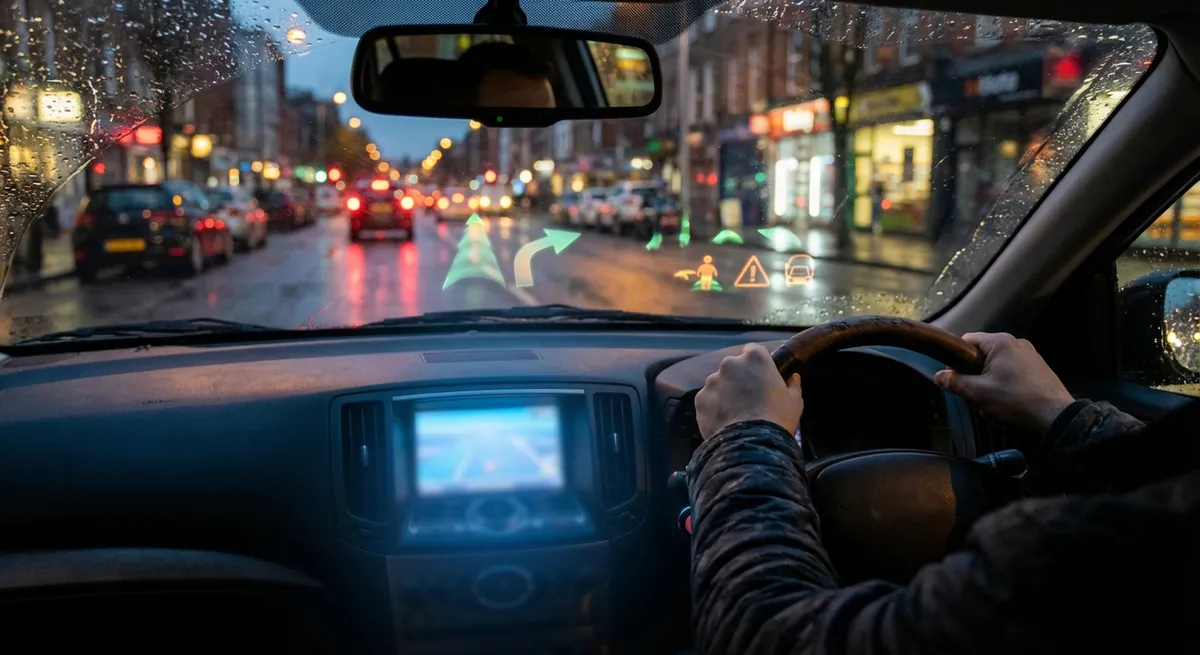
Turn Safety Tech Into a Daily Co‑Driver (Not an Annoying Beep Machine)
Advanced driver assistance systems (ADAS) like adaptive cruise control, lane-keeping assist, and automatic emergency braking are standard on many newer cars, but they’re often underused or turned off because they feel intrusive. The goal isn’t to let the car drive itself—it’s to reduce your workload and catch what you might miss on a long or stressful drive.
Start by opening your owner’s manual (or the digital version in your car’s infotainment system) and finding the exact menu path for driver-assist settings. Spend 10–15 minutes in a parked car adjusting sensitivity levels, warning volumes, and how early or late alerts trigger. For example, lane-departure warnings can usually be toned down from a steering “nudge” to just a visual or audio alert if the constant correction bothers you.
Test each feature one at a time on a familiar road, during the day and in good weather, so you understand what it feels like before you rely on it at night or in heavy rain. Adaptive cruise control is especially useful for cutting fatigue in stop‑and‑go traffic, but you’ll want to practice changing the following-distance settings until it matches your comfort level. Remember these systems assist—not replace—your judgment, so keep both hands on the wheel and never treat alerts as a guarantee the car will react perfectly.
Use Your Phone the Right Way: Clean, Connected, and Distraction‑Aware
Smartphone integration (Apple CarPlay, Android Auto, or proprietary systems) can dramatically cut distraction if you set it up intentionally instead of just mirroring your cluttered screen. Before you even plug in, clean up your phone: uninstall unused navigation apps, disable non‑driving notifications (social media, games, email), and enable “Do Not Disturb While Driving” modes so only urgent calls or texts come through.
In the car, pin a small core of apps to your in‑dash screen: maps, music or podcast app, your preferred call/text interface, and maybe a parking or EV charging app if relevant. Everything else should be hidden behind menus so you aren’t tempted at 70 mph. Use voice commands for almost everything—destination entry, track changes, and calls—so your eyes stay on the road.
If your car doesn’t support modern phone integration, a high‑quality Bluetooth adapter or a reputable aftermarket head unit can add safer connectivity to older vehicles. Look for models that support hands‑free calling, clear microphone pickup, and steering‑wheel control compatibility where possible. Done right, your phone becomes a simplified driving tool, not a rolling distraction.
Own Your Data: Maintenance Apps, OBD-II Tools, and Real‑World Diagnostics
Your car constantly generates data about engine performance, emissions, and system health—but most of it never reaches you unless a warning light comes on. With a basic OBD‑II Bluetooth adapter and a quality smartphone app, you can turn that invisible information into practical insight without pretending to be a mechanic.
Pair an adapter with a well‑reviewed app that can read and clear diagnostic trouble codes (DTCs), log basic parameters like coolant temperature and battery voltage, and export reports. When a check‑engine light appears, you’ll see the actual code and a plain‑language description before heading to a shop. That context helps you distinguish between an urgent issue (like misfires or overheating) and something minor (like an evaporative emissions leak from a loose gas cap).
Use the same tools preventively: scan for codes before long road trips, monitor transmission fluid and engine temperature in extreme heat or while towing, and track battery health on older vehicles. Combine this with a maintenance log app—record oil changes, brake pad replacements, tire rotations, and fluid services. Over time, you’ll spot patterns (like a battery that’s weakening or brake pads that wear faster on one axle) and can plan service instead of reacting to surprises.
Tune Your Comfort Tech: Climate, Seats, and Lighting That Work With You
Comfort systems are more than luxury—they directly affect your alertness and fatigue, especially on long drives. Automatic climate control, seat heaters and coolers, and lighting settings can be dialed in much more precisely than most owners realize.
Set your climate control to “auto” with a slightly cooler target temperature (often 68–72°F / 20–22°C) to help maintain alertness, and avoid constantly changing the fan speed manually; the system is designed to balance humidity, airflow, and temperature more efficiently than constant fiddling. Use seat heating or cooling in short bursts to stabilize comfort rather than leaving them on high, which can cause drowsiness or dehydration over hours.
Interior and exterior lighting can also be optimized. If you have automatic high beams or adaptive headlights, make sure they’re enabled and properly aimed (your owner’s manual usually shows how to check beam height against a wall). Inside, reduce instrument panel brightness at night to minimize eye strain and improve contrast for spotting hazards outside your windshield. Many vehicles let you save these settings to a driver profile, so every time you start the car, your preferred climate, seat position, and lighting come back automatically.
Build a Simple “Tech Baseline” Check Every Few Months
Just like oil changes and tire rotations, your vehicle’s tech features need periodic attention to stay reliable and secure. Instead of waiting for things to break, create a 20‑minute “tech baseline” checklist and run through it every few months or before major trips.
Start with software: check for infotainment or navigation updates (many modern cars can download them over‑the‑air, but others require a USB drive or dealer visit). Updated software often fixes bugs, improves Bluetooth stability, and adds compatibility with newer phones or apps. Next, verify your paired devices—remove old phones, rename your current phone so you recognize it, and confirm that contacts and recents sync correctly.
Then test your sensors and cameras in a practical way: back into a parking space using only your mirrors and backup camera, ensuring the image is clear and guidelines move with your steering input. Clean camera lenses and parking sensors with a soft, damp cloth; dirt and road film can degrade performance enough to cause false alerts or missed obstacles. Finally, review and update any saved locations in your navigation (home, work, frequent destinations) so they’re current and easy to access by voice.
By treating tech like any other part of vehicle maintenance—something you periodically inspect, clean, and update—you keep the systems you already own working for you instead of against you.
Conclusion
Auto tech doesn’t have to be overwhelming or gimmicky. When you approach it as a set of tools to reduce fatigue, improve safety, and make daily driving smoother, even basic features become powerful. Dial in your driver-assistance systems to match your comfort, clean up how your phone interacts with the car, use simple diagnostic tools to understand what your vehicle is telling you, tailor comfort and lighting for alertness, and keep your software and sensors on a regular “tech check” schedule. The result is a car that feels smarter, more predictable, and more enjoyable every time you drive it.
Sources
- NHTSA – Advanced Driver Assistance Systems (ADAS) - Explains common driver-assist features and how they’re intended to be used
- IIHS – Real-World Benefits of Crash Avoidance Technologies - Summarizes research on the effectiveness of various safety systems
- Apple – Use “Do Not Disturb While Driving” on iPhone - Details on reducing smartphone distraction in the car
- EPA – OBD-II: On-Board Diagnostics - Background on how OBD-II works and what diagnostic information it provides
- AAA Foundation for Traffic Safety – Impact of In-Vehicle Technologies on Driving - Research insights into how in-car tech affects driver behavior and safety