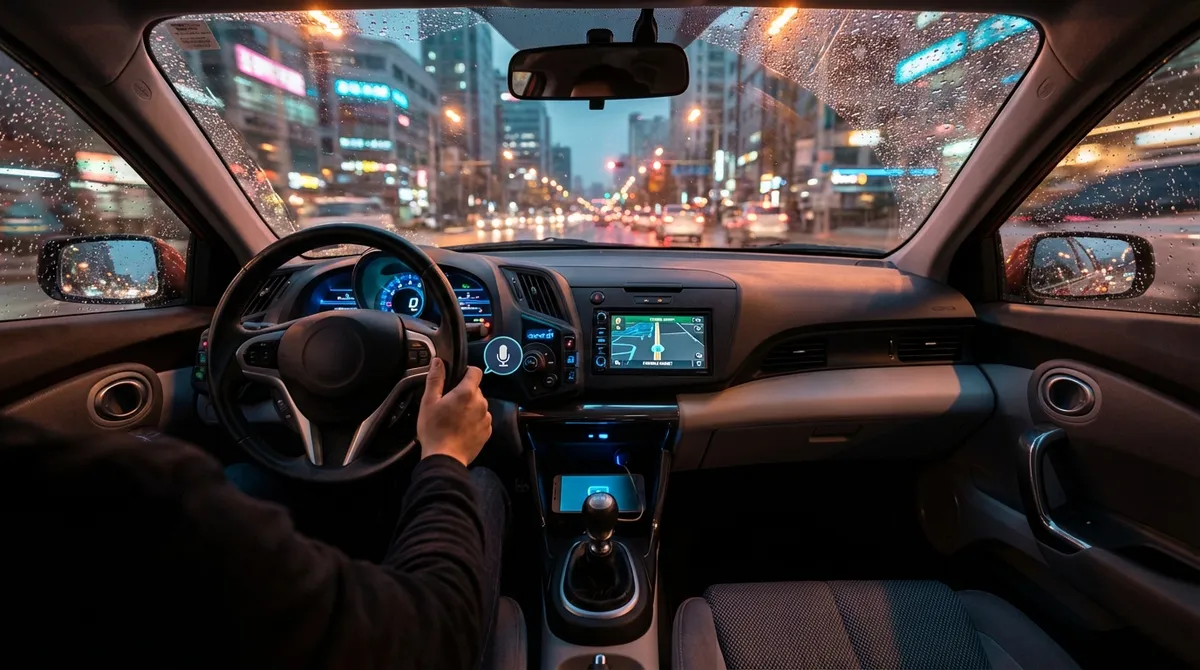
This guide focuses on practical auto tech you can use right now—no hype, no gimmicks—just tools that make daily driving less stressful and more efficient.
Turn Safety Sensors Into a Real Driving Assist, Not Background Noise
Most newer cars come with driver-assistance features like forward collision warning, lane-keeping assist, blind-spot monitoring, and rear cross-traffic alert. Many owners leave them on the default settings or turn them off when they get annoying. That’s a missed opportunity.
Actionable ways to make them work for you:
Customize sensitivity instead of disabling
Go into your vehicle’s settings and adjust warning distances and alert types. If lane-keeping feels too aggressive, switch from “assist” (steering correction) to “alert only” (vibration or chime). A less intrusive setup keeps you protected without feeling like the car is fighting you.
Test each feature one at a time
On a quiet road, safely test lane departure alerts, adaptive cruise control, and automatic emergency braking to understand how they behave. Knowing what a system feels like before an emergency situation makes you more likely to trust and use it properly.
Pair sensors with good habits
Use blind-spot monitoring as a backup, not your primary check. Make mirror checks and shoulder glances your default, and treat the light in the mirror as confirmation—not a replacement—for awareness.
Update software when available
For vehicles that receive updates at the dealer or over-the-air, ask specifically if safety and driver-assist systems are included. Manufacturers routinely refine braking thresholds, lane-centering behavior, and alert logic based on real-world data.
Learn the limits in bad weather
Cameras and radar can be blocked by snow, ice, or mud. If your car warns that a system is temporarily unavailable, don’t panic—but recognize you’re now driving without that safety net and adjust following distance and speed accordingly.
When tuned to your preferences, these technologies fade into the background but are there when you need them most.
Use Your Infotainment System Like a Tool, Not a Toy
Infotainment is often treated as an entertainment hub, but used well, it can meaningfully reduce distraction and help you manage your drive more efficiently.
Actionable ways to get more from it:
Build a “driving home screen”
Set up a simple, low-clutter home layout: navigation, audio, and phone only. Turn off or hide non-essential apps (games, web browsers, complex menus) so you’re not hunting through screens on the move.
Pre-program frequent destinations
Save “Home,” “Work,” your regular grocery store, gym, and preferred charging or fuel stations. This cuts down typing on the screen, which is one of the most attention-demanding in-car tasks.
Master voice control properly
Spend 10 minutes learning the actual command phrases your system expects (e.g., “Call [name] on mobile” or “Navigate to [address]”). Some cars support natural speech better than others, but even basic systems handle calls, navigation, and radio changes without taking your eyes off the road.
Limit on-screen text and pop-ups
In settings, reduce or disable scrolling text, long notification banners, and unnecessary pop-ups. The less your eyes are tempted to scan, the better your focus on driving.
Use split-screen wisely
If your car supports it, pair navigation with something genuinely useful: a simplified audio tile or energy/fuel consumption data. Avoid multi-pane layouts full of “live tiles” updating constantly—it looks cool but competes for your attention.
Treat the screen like a cockpit instrument cluster: clean, understandable, and strictly functional.
Make Phone Integration Work For You, Not Against You
Apple CarPlay and Android Auto can be huge upgrades—but only if you treat your phone integration as a way to remove distraction, not import it to dashboard-size.
Here’s how to structure it smartly:
Curate which apps appear in the car
In your phone’s CarPlay/Android Auto settings, hide any app you’d never use while driving (email, video, social media, news feeds). Keep maps, calls, messages, music/podcasts, and maybe one EV or parking app. Less choice = less temptation.
Set up a “driving focus” or “do not disturb while driving” mode
Both iOS and Android let you mute most notifications while allowing calls from favorites or emergency contacts. Enable automatic activation when the phone connects to your car’s Bluetooth or CarPlay/Android Auto.
Use audio responses for messages
Let Siri, Google Assistant, or your car’s system read messages aloud and send replies via voice. Avoid reading text off the screen, especially at night when bright white message pop-ups are extra distracting.
Download offline maps for your region
If you drive through areas with bad reception, pre-download your primary commuting and road-trip zones in Google Maps, Apple Maps, or Waze. This stabilizes navigation and reduces last-minute rerouting surprises.
Store a “toolkit” playlist or podcast queue
Build a go-to playlist or pod queue for stressful holiday traffic or long commutes—something familiar that won’t make you fuss with the screen. Consistency reduces the urge to constantly skip tracks or scroll through content.
Phone integration is at its best when it simplifies driving tasks rather than turning your dashboard into a giant smartphone.
Use Vehicle Data to Drive Cheaper and Kinder to Your Car
Your car constantly collects data on fuel use, battery status, driving patterns, and braking behavior. Ignoring that information is like throwing away free money and wear-and-tear insights.
Here’s how to put that data to work:
Watch average fuel/energy consumption trends, not single trips
Instead of fixating on one bad tank or drive, track your average over weeks. If it gradually worsens, that can indicate underinflated tires, overdue maintenance, or a change in driving habits (more short trips, heavy loads, or aggressive acceleration).
Use trip computers to compare driving styles
Reset a secondary trip meter and deliberately drive a smoother “eco-focused” route for a week. Compare it to your normal baseline. Seeing a concrete fuel or range improvement in numbers makes it easier to stick to better habits.
Pay attention to regenerative braking (for EVs and hybrids)
Many EVs and hybrids display how much energy you recapture. Get familiar with one-pedal driving or higher regen settings in stop-and-go traffic. Over time, this not only increases efficiency but also reduces mechanical brake wear.
Log tire pressure readings and changes
If your car shows individual tire pressures, check them on cold mornings a few times a month. A slow but consistent drop in one tire usually means a small leak or nail—catching it early saves both money and fuel, and reduces blowout risk.
Use manufacturer apps for maintenance reminders
Many automaker apps now show oil life, upcoming service intervals, or recall alerts. Enable push notifications, but keep them limited to safety, maintenance, and charging/fuel-related alerts so important information doesn’t get buried under generic marketing.
Treat the data like a health report of your car: not something to obsess over daily, but a powerful early-warning system for expensive problems.
Make Navigation and Routing Tech Your Daily Co-Driver
Navigation isn’t just for long trips anymore. With live traffic, EV routing, and better map intelligence, your nav system can quietly make daily driving smoother and cheaper—if you use it intentionally.
Ways to get more from routing tech:
Run navigation even on familiar commutes
Live traffic can detect incidents, sudden slowdowns, and road closures before you see brake lights. This won’t save you time every day, but over months it prevents a surprising number of frustrating delays.
Choose “eco” or “efficiency” routes when it makes sense
Many systems now offer route types that prioritize lower consumption or gentler driving over raw speed. For dense urban areas or casual drives where arrival time isn’t critical, this can save fuel or extend EV range without adding much time.
Use advanced ETAs to reduce stress
Knowing accurately when you’ll arrive allows you to drive at a calmer pace, instead of constantly speeding and braking to “make up” time. That pays dividends in safety, fuel use, and fatigue.
Learn your EV’s smart routing tools (if applicable)
If you drive an EV, explore routing options that factor in charge stops, weather, elevation, and current state of charge. Pre-planned routes with realistic charging windows are far more relaxing than hunting for chargers when you’re already low.
Keep maps updated—on any system
For built-in navigation, ask your dealer or check online how to update maps. For phone-based nav, periodically download updated offline regions. Old maps mean bad lane guidance, missing roads, and inaccurate speed limits.
Think of navigation less as a digital map, more as a planning assistant that clears mental load from every drive.
Conclusion
Auto tech doesn’t have to be complicated or overwhelming. When you strip away the buzzwords, the best features all do a few simple things: reduce distraction, enhance safety margins, cut costs, and make day-to-day driving more predictable.
By tuning your driver-assistance systems, simplifying your infotainment, taming phone integration, paying attention to vehicle data, and using navigation as a real co-driver, you turn your car’s tech from clutter into capability. You don’t need a new vehicle or expensive upgrades—just a willingness to dive into the settings you already have and shape them around how you actually drive.
Sources
- [NHTSA – Driver Assistance Technologies](https://www.nhtsa.gov/equipment/driver-assistance-technologies) - Overview of common driver-assistance systems, their purpose, and limitations
- [IIHS – Crash Avoidance Features](https://www.iihs.org/topics/advanced-driver-assistance) - Research and explanations on how advanced driver-assistance systems impact safety
- [U.S. Department of Transportation – Distracted Driving](https://www.transportation.gov/distracteddriving) - Data and guidance on managing in-vehicle distractions, including phones and infotainment
- [AAA – Vehicle Technology Education](https://www.aaa.com/autorepair/articles/understanding-advanced-car-safety-features) - Practical explanations of modern car tech and how drivers should use it
- [U.S. Department of Energy – Fuel Economy Guide](https://www.fueleconomy.gov/feg/driveHabits.jsp) - Evidence-based tips on using driving behavior and vehicle data to improve efficiency