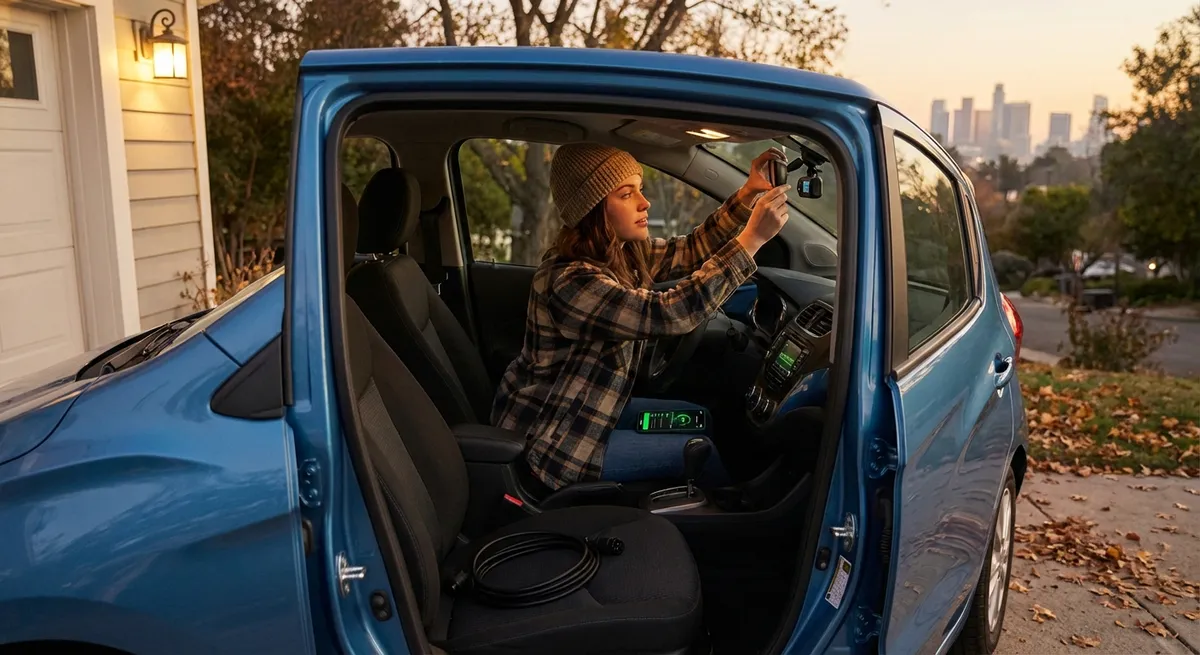
This guide focuses on five practical auto tech moves that give real-world benefits, whether you’re in a five-year-old sedan or a brand-new SUV.
Upgrade Your Vision: Smarter Lighting and Cameras
Before adding anything “smart,” make sure you can actually see—and be seen.
If your car still runs halogen headlights, upgrading to quality LED or HID kits (that are road-legal and properly aimed) can dramatically improve night visibility. Many newer vehicles already use LEDs, but older ones can benefit from:
- DOT-approved LED retrofit bulbs designed for your specific housing
- Professional headlight aiming to avoid blinding other drivers
- Restoring cloudy headlight lenses with a proper restoration kit
Backup cameras are now mandatory on new cars in the U.S., but many older cars don’t have them. A reputable aftermarket system with a wide-angle lens and decent low-light performance is a major safety upgrade for tight parking, kids playing behind vehicles, and urban driving.
If your car already has cameras, check your vehicle settings. Many owners don’t realize they can:
- Adjust brightness and contrast to improve clarity at night
- Enable or refine parking guide lines
- Turn on cross-traffic alerts (if equipped)
Treat visibility tech as a safety system, not a luxury add-on. A clean lens, a bright, well-aimed headlight, and a properly set-up rear camera often do more for real safety than a flashy infotainment upgrade.
Use Your Phone as a Tech Upgrade, Not a Distraction
You don’t always need new hardware to get smarter features. Your smartphone can dramatically upgrade your car—if you use it with intention.
First, make connectivity safer and easier:
- Use a quality phone mount that keeps your eyes close to the road line of sight
- Plug in and use Apple CarPlay or Android Auto if your car supports it
- If not, apps like Google Maps, Waze, or manufacturer apps can still bring big benefits
Key practical uses:
- Smarter navigation – Live traffic rerouting, lane guidance, and speed limit display help you drive smoother and avoid stress and tickets.
- Digital maintenance tracking – Use apps or your manufacturer’s app to log oil changes, tires, and repairs so you don’t rely on memory.
- Remote features – Many OEM apps let you lock/unlock, locate the car, or check fuel/charge level remotely.
Set your phone up like a tool, not entertainment:
- Turn on driving focus/do not disturb modes to block non-critical notifications
- Pre-set your destination and playlist before moving
- Limit on-screen apps to navigation, calls, and essential vehicle apps
Used deliberately, your phone becomes a low-cost “software upgrade” for almost any car on the road.
Add a Simple OBD-II Monitor for Real-Time Insight
Every car sold in the U.S. since 1996 has an OBD-II port—basically a direct line to your engine and emissions systems. Most drivers ignore it until a mechanic plugs in a scanner, but a small OBD-II adapter and app can give you real-time information that helps you drive smarter and maintain the car better.
What a basic OBD-II setup can do:
- Read and clear check engine light codes (so you know if it’s urgent or minor)
- Show real-time data like coolant temperature, fuel trims, and intake air temp
- Estimate fuel economy more accurately than the dash display
- Monitor battery voltage—useful for spotting a weak battery before it dies
For daily drivers, the most practical uses are:
- Understanding warning lights – Instead of guessing, you can see the exact code and a plain-language explanation in the app. That won’t replace a mechanic, but it helps you decide urgency and talk more confidently at the shop.
- Spotting trends early – Small changes in engine temperature or fuel trims over time can hint at issues (like a failing thermostat or vacuum leak) before they become expensive.
Look for:
- A reputable Bluetooth or Wi-Fi OBD-II adapter with good security practices
- An app with clear graphs, code explanations, and data logging
Mount your phone where you can glance at a few key gauges—don’t turn it into a cockpit full of distracting dials. Focus on one or two metrics you actually use, like coolant temperature on long climbs or transmission temp when towing.
Let Driver Assistance Tech Work for You (Not Against You)
Many newer cars ship with advanced driver assistance systems (ADAS) like adaptive cruise control, lane keeping, and automatic emergency braking. Too often, drivers either:
- Ignore them completely, or
- Turn them on and hope for the best
The practical approach is to learn how each one behaves and then deliberately choose which to use.
Useful ways to apply ADAS tech:
- Adaptive cruise control – Great for highway driving to maintain a set distance. It can smooth out your speed, reduce fatigue, and often improve fuel economy by avoiding constant manual corrections.
- Blind-spot monitoring – A helpful backup to shoulder checks, especially in dense traffic or poor visibility, but never a replacement for actually looking.
- Rear cross-traffic alert – Extremely useful in crowded parking lots or when backing out of driveways with limited visibility.
Tips to get real value:
- Read the system descriptions in the owner’s manual—each brand behaves slightly differently.
- Start by testing in low-stress conditions (light traffic, good weather, familiar roads).
- Adjust sensitivity or alert types if they annoy you—false alarms often make people disable safety features entirely.
Think of ADAS as a co-pilot that assists but never drives for you. Your hands stay on the wheel, eyes on the road, and attention on traffic. The tech is there to catch what you might miss in a split second—not to replace you.
Make Energy and Tires “Smart” for Real Savings
Some of the most impactful “tech” upgrades are simple devices and habits that quietly cut fuel or energy use and extend component life.
Tire pressure monitoring and management
Even if your car has TPMS, it usually only warns you when a tire is significantly low. A more proactive approach:
- Use a digital tire gauge monthly, not just when a warning light comes on
- Consider smart valve caps or external TPMS kits that show real-time pressures
- Keep tires at the manufacturer-recommended pressures (on the door jamb label, not the tire sidewall)
Proper tire pressure improves:
- Safety (better braking and handling)
- Fuel economy
- Tire life (less uneven wear)
For hybrids and EVs
If you drive an electrified vehicle, take advantage of built-in energy tech:
- Turn on and learn eco-driving or efficiency coaching modes
- Use preconditioning (heating or cooling the cabin while plugged in) to save battery range
- Check energy usage screens to see which accessories or driving patterns use the most power
For gas vehicles
Use built-in fuel economy displays to track your average over weeks, not days. If your fuel economy suddenly drops:
- Check tire pressure
- Make sure maintenance is current (air filter, spark plugs, oil)
- Look for dragging brakes or changes in your driving route or habits
Small, tech-assisted adjustments to how you use tires and energy often return more money over a year than a flashy new gadget.
Conclusion
You don’t need a brand-new, fully loaded car to benefit from modern auto tech. The most powerful upgrades often combine simple hardware, smart use of existing systems, and better information about what your car is doing.
If you want to get started without overwhelming yourself, a practical sequence looks like this:
- Improve what you can see (lighting and cameras).
- Turn your phone into a safe, focused driving tool.
- Add an OBD-II monitor for insight into how your car is really running.
- Learn and tune your existing driver assistance systems.
- Use simple tech to keep tires and energy use in the sweet spot.
Approach auto tech as a way to make each drive calmer, safer, and cheaper—not just more complicated. The right tools, used deliberately, turn you from a passive driver into an informed, proactive owner.
Sources
- [NHTSA – Rear Visibility Requirements](https://www.nhtsa.gov/rear-visibility) – Explains U.S. regulations on backup cameras and rear visibility standards.
- [NHTSA – Tire Safety: Everything Rides on It](https://www.nhtsa.gov/sites/nhtsa.gov/files/documents/tire_safety_brochure_042020.pdf) – Federal safety guidance on tire pressure, tread, and maintenance.
- [Consumer Reports – Guide to Advanced Driver Assistance Systems (ADAS)](https://www.consumerreports.org/cars-driving/guide-to-advanced-driver-assistance-systems-adas-a6619922928/) – Overview of common safety tech features and how they work in real-world driving.
- [U.S. Department of Energy – Fuel Economy Tips](https://www.fueleconomy.gov/feg/drive.shtml) – Practical, data-backed ways to improve fuel efficiency, including driving behavior and maintenance.
- [SAE International – OBD-II Overview](https://www.sae.org/blog/obd-ii) – Background on OBD-II standards and how onboard diagnostics support vehicle monitoring and repair.