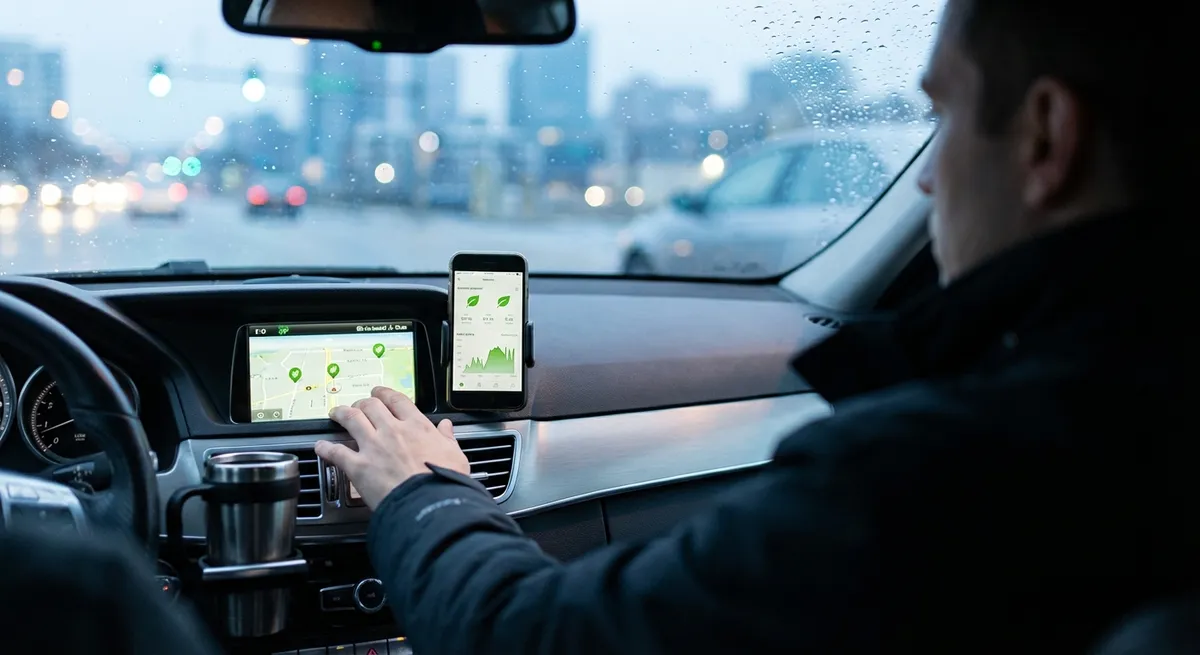
This guide focuses on practical, repeatable actions you can take with almost any modern vehicle, whether you’re driving a decade-old sedan or a fresh-off-the-lot SUV.
Make Your Phone and Car Work Together, Not Against Each Other
Your smartphone is already the “brain” of a lot of your driving life—navigation, music, messaging—but many drivers never fully set it up to cooperate with their car.
First, properly pair your phone via Bluetooth or USB (for Apple CarPlay/Android Auto) and tidy up what it’s allowed to do. Turn off notifications you don’t need while driving—group chats, social media alerts, and email banners can wait—but keep critical ones like navigation prompts and calls from key contacts. Most phones offer a “Do Not Disturb While Driving” mode; set it to auto-activate when your phone connects to your car’s Bluetooth.
Second, streamline your in-car apps. On Apple CarPlay and Android Auto, rearrange or hide apps so your primary screen shows only what you actually use: navigation, audio, and maybe one or two essentials. This reduces scrolling and decision time while driving.
Finally, set up a simple charging routine. Use a short, dedicated cable or wireless pad so your phone charges every time you drive. Keeping your battery topped up means less cable juggling at home and ensures your phone is ready for emergencies and long trips.
Turn Navigation into a Real-Time Driving Assistant
Even if you know your city by heart, navigation apps can do more than tell you where to turn—they can help you drive smarter.
Start by using live traffic features every time you head somewhere time-sensitive, even on familiar routes. Apps like Google Maps, Apple Maps, and Waze constantly recalculate based on accidents, closures, and congestion. Over a year, shaving a few minutes off many drives adds up to hours saved.
Dig into the settings to customize how guidance works. You can often choose between fastest, shortest, or least fuel-consuming routes. If your priority is saving fuel (or EV battery), pick routes that avoid stop-and-go traffic and steep hills, even if they’re a minute or two longer.
For longer drives, use the “arrival time” and “departure time” planning features. Plug in your destination in advance and let the app estimate the best time to leave to avoid major traffic. For EVs, many built-in and third-party apps can factor in charging stops and elevation changes to plan more realistic routes and energy usage.
Lastly, keep your maps updated. Built-in navigation systems in older cars often rely on outdated map data if owners never run updates. Check your car’s manual or the manufacturer’s website for instructions—some offer over-the-air updates; others require a USB drive or dealer visit.
Use Built-In Driver Assistance Features Intentionally
Driver assistance tech—like lane keeping, adaptive cruise control, and collision warnings—can make driving easier and safer when used correctly, but they’re not autopilot. Most drivers either ignore them entirely or leave them on default settings without thinking.
Start by learning exactly what your car has and what each feature does. Look up your car’s manual or the automaker’s official site; many have short explainer videos. Understand the limits: where the camera and radar are located, speed ranges where systems work, and conditions where they may misread lane lines or be disabled (snow, heavy rain, dirty sensors).
Next, adjust sensitivity and alert styles if your vehicle allows it. If lane-keeping warnings are too aggressive, many drivers disable them entirely. A better move is to reduce sensitivity or change from steering assist to just a vibration or chime. With adaptive cruise control, choose a following distance you’re comfortable with—many settings default to relatively close gaps that can feel unnerving in heavy traffic.
Treat these systems as backup and convenience, not an excuse to zone out. Use adaptive cruise to smooth out highway speed fluctuations and reduce fatigue, and forward collision warnings as an extra set of eyes—but always drive as if the tech could fail at any moment. That mindset keeps you in control while still benefiting from the tools.
Turn Vehicle Data into Simple Maintenance Triggers
Modern cars quietly collect a lot of useful data: fuel economy, tire pressure, oil life, and trip history. Instead of ignoring those screens, use them to time your maintenance intelligently.
Keep an eye on your average fuel economy over time. If it drops noticeably without a change in your driving style or routes, that can be a hint of issues like underinflated tires, old air filters, dragging brakes, or failing sensors. Use this as a prompt to do a quick walkaround check and review upcoming maintenance.
If your car has a tire pressure monitoring system (TPMS), don’t just wait for a low-pressure warning. Some systems let you see each tire’s PSI; check it monthly or when weather swings significantly. A slow, steady loss in one tire usually means a small puncture or bead leak—addressing it early can prevent a blowout or shredded tire on the highway.
Many modern vehicles also estimate remaining oil life or display service intervals. Rather than ignoring those until a warning pops up, tie them to your calendar. When the car says 20–30% oil life remaining, schedule the service appointment. This gives you flexibility to pick a convenient time rather than rushing when the warning light appears right before a long trip.
If your car supports companion apps, enable maintenance reminders and digital service logs. Keeping a clean, time-stamped record of work done not only keeps the car running better but can also increase resale value when you show prospective buyers a complete history.
Optimize Comfort and Climate Settings for Real Efficiency
Climate control and comfort tech can dramatically change how your car feels day-to-day, but they also affect fuel and energy use more than many drivers realize.
For cars with automatic climate control, let the system do its job rather than constantly fiddling with fan speed and temperature. Set a reasonable target (around 68–72°F / 20–22°C for most people) and leave it. The system will typically work harder at first, then settle into an efficient rhythm. Constant large adjustments make it run less predictably and can use more energy.
If you drive an EV or plug-in hybrid, take advantage of preconditioning while the car is plugged in. Heating or cooling the cabin before you unplug uses grid power instead of your battery, preserving range. Many gasoline cars with remote start also allow limited preconditioning—use it strategically on very hot or very cold days.
For any car, seat heaters and steering wheel heaters are often more energy-efficient than blasting cabin heat, especially in EVs. On cold days, warm yourself directly first, then keep the cabin temperature slightly lower. In the summer, start your drive with windows down for the first 30–60 seconds to vent hot air, then close them and use A/C; driving at higher speeds with windows open can increase drag and reduce efficiency.
Lastly, save your favorite comfort and tech settings as driver profiles if your car supports it. Profiles can store seat position, mirror angles, climate preferences, audio settings, and even driver assist behavior. This cuts down on constant readjustment, especially in households where multiple people share a vehicle.
Conclusion
Car tech doesn’t have to be overwhelming or reserved for enthusiasts chasing the latest gadgets. Most of the tools you need to make your daily driving smoother, safer, and more efficient are already in your car or in your pocket—you just need to set them up and use them intentionally.
By tightening the way your phone integrates with your car, treating navigation as a planning tool, leaning on driver assistance thoughtfully, paying attention to vehicle data, and fine-tuning comfort and climate habits, you can quietly upgrade every commute without buying a single new device.
These are not one-time changes; they work best as habits. Pick one area to refine this week, live with it for a few drives, then layer in the next. Over time, your car starts to feel less like a machine you tolerate and more like a system that’s actually working with you.
Sources
- [NHTSA – Driver Assistance Technologies](https://www.nhtsa.gov/equipment/driver-assistance-technologies) - Overview of common driver assistance features, how they work, and their limitations
- [U.S. Department of Energy – Fuel Economy in Cold Weather](https://www.fueleconomy.gov/feg/coldweather.shtml) - Explains how climate control and temperature affect efficiency for gas and electric vehicles
- [Google Maps Help – Commute and Regular Routes](https://support.google.com/maps/answer/7200709) - Details on using navigation for live traffic, route choices, and trip planning
- [Apple – Use Do Not Disturb While Driving](https://support.apple.com/en-us/HT208090) - Instructions for configuring iPhone driving modes to reduce distraction
- [National Renewable Energy Laboratory – Connected and Automated Vehicles Research](https://www.nrel.gov/transportation/connected-vehicles.html) - Background on how connected and automated vehicle technologies impact efficiency and safety