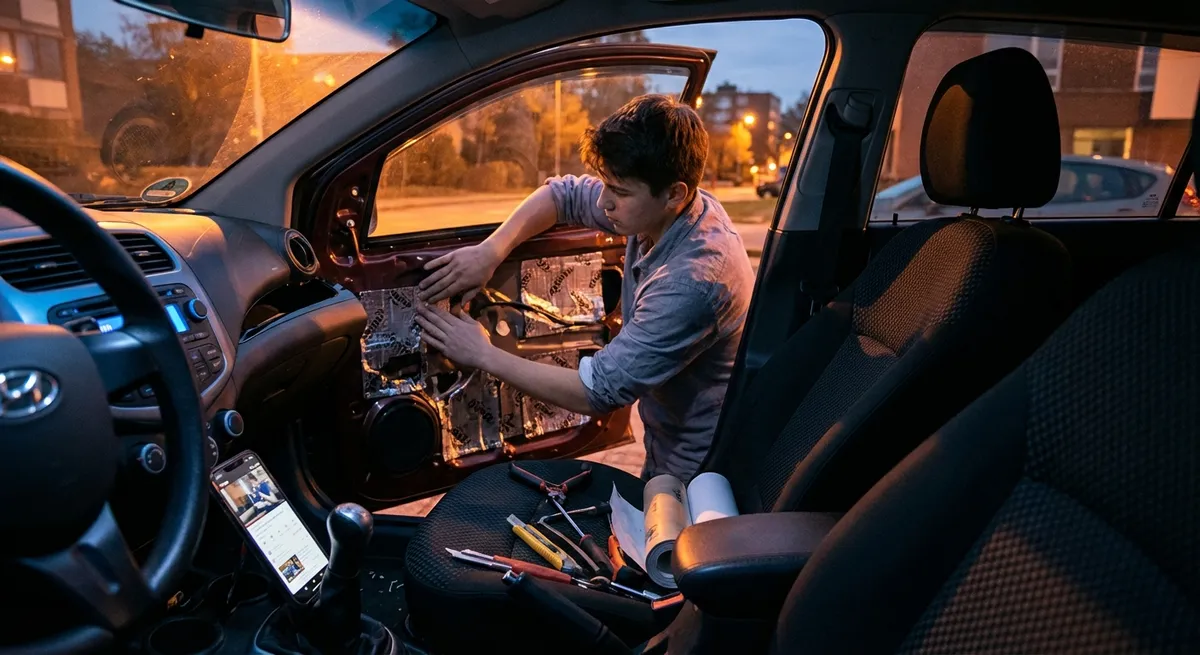
This guide focuses on practical auto tech moves you can do in an afternoon, without a shop visit. Nothing flashy, just small, smart tweaks that make every drive smoother, safer, and less stressful.
Turn Your Phone Into a Safer, Smarter Driving Hub
Your smartphone is already the most powerful piece of tech in your car. The problem isn’t power—it’s setup. A few tweaks turn it from “distraction machine” into a focused driving tool.
First, lock in hands-free control. On iOS, enable “Siri while locked” and set up a custom phrase so you can launch navigation or calls without touching the screen. On Android, make sure “Hey Google” is enabled and allowed on the lock screen. Test it parked first: “Get directions to work,” “Call Mom,” “Send a text to Alex: I’m on my way.”
Next, build a driving-only home screen. Move social apps off the first page. Put navigation, music/podcasts, and EV/parking apps front and center. This reduces the urge to tap something that will suck you into scrolling when you should be watching traffic.
If your car supports Apple CarPlay or Android Auto, use them—they strip your phone’s interface down to what’s safe and necessary while driving. If your car doesn’t support them from the factory, many modern aftermarket head units do, and some OEMs offer retrofit kits for newer models.
Finally, turn on automatic driving focus modes. iOS “Driving Focus” and Android’s “Do Not Disturb While Driving” can auto-activate when your phone detects motion or Bluetooth connection. Allow only urgent contacts and navigation notifications to break through. That one setting can quietly cut your mental load in traffic.
Use Driver-Assist Tech as a Partner, Not an Autopilot
Modern cars are loaded with names like “Lane Keep Assist,” “Pilot Assist,” or “Traffic-Aware Cruise Control.” The truth: none of them make your car self-driving—but used correctly, they can reduce fatigue and sharpen your awareness.
Start with adaptive cruise control. On highways, it maintains speed and following distance. Set the following distance a notch longer than you think you need; it gives you more space if the car ahead brakes hard and makes the system’s behavior feel smoother and less abrupt.
If your car has lane-keeping assist or lane-centering, understand the difference. Lane-keeping usually nudges you back if you drift. Lane-centering actively tries to keep you in the middle. Go into your settings menu and choose the least aggressive steering assistance you’re comfortable with so it feels natural instead of “fighting” you.
Turn on clear alerts, not overload. Many cars let you adjust alert volume, types of warnings (beeps vs. steering wheel vibration), and sensitivity. If everything beeps, you’ll tune it all out. Keep critical alerts (forward collision warning, blind-spot monitoring), and dial back ultra-sensitive lane departure tones if they chirp constantly on narrow roads.
Most importantly, treat these systems as extra eyes and hands—not replacements. Keep your hands on the wheel, eyes on the road, and mentally “grade” the system: when does it behave well, and when does it struggle (sharp curves, poorly painted lanes, heavy rain)? Knowing its weak spots keeps you in charge.
Upgrade Your View: Cameras, Mounts, and Smart Positioning
Seeing more—and seeing clearer—might be the single biggest practical tech improvement you can make.
If your car doesn’t have a backup camera (mandatory on new cars in the US since 2018 but missing on older ones), an aftermarket kit can be a huge upgrade. Look for a camera with good low-light performance and guidelines. Wired kits are more reliable than purely wireless ones, though they take more effort to install. Many integrate with an existing head unit or include a mirror with a built-in screen.
Add a proper phone mount and place it just below your natural sightline, not on the dash center or dangling from the vent far down. You want “eyes up, glance down” rather than “eyes down, scan up.” Windshield mounts placed low, or sturdy dash mounts attached with adhesive pads, tend to work best.
For night driving, check your headlight aim and brightness. Even factory headlights can be misaligned. Most owner’s manuals show how to adjust them, or you can have a shop do a quick check. If you upgrade bulbs, stick to reputable brands and avoid excessive brightness that can blind other drivers or violate local regulations.
Consider a dash cam that records both front and rear. Choose one with loop recording, G-sensor for incidents, and a mobile app for easy video downloads. It’s passive tech that does nothing…until the day you really need objective footage after an incident or hit-and-run in a parking lot.
Make Your Alerts Work for You, Not Against You
Cars and phones love to ping, chime, and flash—but constant noise makes you ignore the important stuff. A bit of setup turns your alerts from background chaos into a useful signal system.
Start with your car’s alert settings menu. Many vehicles let you change the volume, style, and sensitivity of alerts like lane departure, parking sensors, rear cross-traffic, or attention monitoring. Prioritize:
- High priority: forward collision warning, blind-spot alerts, rear cross-traffic alert, seat belt reminders. Keep these loud and clear.
- Medium priority: speed warning, driver attention alerts. Tweak thresholds so they aren’t firing constantly.
- Low priority: overly sensitive parking sensors or lane departure if you drive on narrow or poorly marked roads. Consider reducing volume or sensitivity, not turning them off completely.
Sync that with your phone’s notification strategy while driving. Allow:
- Navigation prompts
- Hands-free calls
- Critical texts (e.g., family or emergency contacts)
Silence:
- Social media
- Shopping apps
- Game and promotion alerts
If you use a smartwatch, set a “driving” or “focus” mode there too. A silent tap on your wrist for navigation can be less distracting than a loud voice prompt—but you don’t want your watch lighting up for every email while you’re changing lanes on the highway.
Once a month, revisit these settings. As your routes or driving needs change (new commute, more highway, different traffic), adjust your digital “noise floor” so you only hear what actually matters.
Use Data to Understand How (and Where) You Really Drive
A lot of tech in your car quietly collects data that can help you drive smarter and maintain your car better—if you know where to look.
Explore your trip computer or vehicle info pages. Many cars track:
- Average fuel economy
- Average speed
- Time spent at different speeds
- Distance since last refuel
- Tire pressures
- Oil life or maintenance indicators
Reset your trip data at the start of a tank or a week and review it. If your average speed is low and fuel economy is poor, you might be stuck in short, stop-and-go trips—exactly the kind of usage pattern that benefits from more frequent oil changes or occasional longer runs to fully warm up the engine.
Use built-in or app-based driving reports, if available. Some vehicles and insurance telematics apps show harsh braking events, rapid acceleration, or late-night driving patterns. Instead of seeing this as “grading,” use it as feedback: Where are you consistently braking late? Could you ease into acceleration more to save fuel and reduce wear?
For EV or plug-in hybrid owners, your car likely tracks energy consumption, regen use, and route efficiency. Look at how speed, temperature, and HVAC use affect your range. Small adjustments—slightly slower highway speeds, preconditioning the cabin while plugged in—can noticeably extend usable range.
Finally, pay attention to maintenance reminders and digital service records. Many newer cars log service history in the infotainment system or connected app. Keeping these updated isn’t just neat record-keeping—it can boost resale value and keep you ahead of issues before they become expensive repairs.
Conclusion
Your car’s tech doesn’t have to be overwhelming or gimmicky. When you strip it down to what genuinely helps—clearer views, smarter alerts, safer phone use, better use of driver-assist systems, and a bit of data awareness—you get a car that quietly works with you every day.
The key is intentional setup. Spend an hour in your driveway going through these adjustments, test them on your regular routes, and fine-tune over a week. You’ll end up with a driving experience that feels calmer, more controlled, and better aligned with how you actually use your car.
Sources
- [NHTSA – Driver Assistance Technologies](https://www.nhtsa.gov/equipment/driver-assistance-technologies) – Overview of common driver-assist systems, what they do, and their limitations
- [IIHS – Front Crash Prevention and Safety Technologies](https://www.iihs.org/topics/advanced-vehicle-technologies) – Research-based information on how tech like automatic emergency braking and lane departure warning improves safety
- [U.S. Department of Transportation – Backup Camera Requirements](https://www.transportation.gov/fastlane/important-changes-backup-camera-requirements) – Details on the federal rear visibility rule and backup camera benefits
- [Apple – Use Focus to Concentrate on What You’re Doing](https://support.apple.com/en-us/HT212608) – Official guide to setting up Driving Focus and managing iPhone notifications while driving
- [Android – Use Do Not Disturb to Silence Notifications](https://support.google.com/android/answer/9069335) – How to configure Do Not Disturb and driving-related notification controls on Android devices