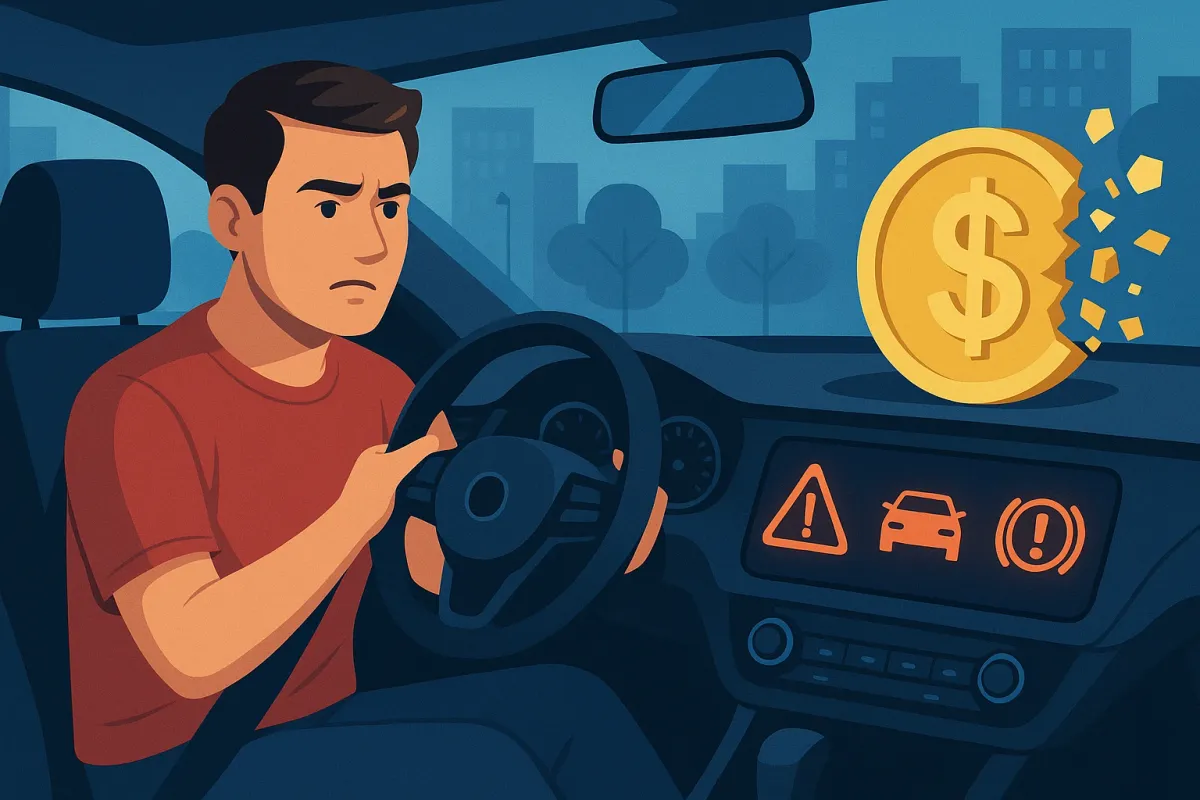
Here’s how to turn today’s most common in-car tech into a practical toolkit instead of background noise. These five habits work whether you drive a 5‑year‑old crossover or a brand‑new EV loaded with screens.
Use Your Maintenance Monitor Like A Service Log, Not A Suggestion Box
Most late‑model cars now track oil life, brake wear, tire pressure, and even service intervals—yet many owners treat dashboard reminders as optional. That’s a fast track to big repair bills.
Start by going into your car’s settings or owner’s app and reviewing the maintenance schedule display. Many brands let you see percentages for oil life, countdowns for inspections, and sometimes remaining miles to brake service. Use that data to plan bookings a few weeks ahead instead of waiting for a warning light or a strange noise. If your car supports digital service records, ask your shop to log work so your maintenance monitor and service history line up.
You’ll also want to calibrate the reminder intervals for how you actually drive. If your commute is mostly short trips or heavy traffic, set service prompts a bit more aggressively than the factory default. And when a warning pops up, don’t just clear it—snap a photo of the display and add it to a simple “car health” album on your phone. It’s amazing how much easier troubleshooting becomes when you can show a mechanic the exact alerts you’ve seen over time.
Let Driver-Assistance Teach You Better Habits Instead Of Fighting It
Adaptive cruise control, lane-keeping assist, and forward collision warnings are becoming standard even on budget models. Many drivers either switch these off immediately or let them operate without understanding how they work—both approaches waste a powerful safety tool.
Instead, treat these systems like a driving coach. On your next highway trip, turn on adaptive cruise and pay attention to how it manages following distance. If you constantly feel the system braking to avoid tailgating, that’s a cue your normal following distance might be too short. Similarly, lane-keeping assist can highlight how often you drift or cut corners on curves.
Go through the driver-assistance menu and customize sensitivity and warnings. Turn on steering wheel or seat vibrations if your car supports them—they’re often less annoying than constant beeps. Learn precisely what each symbol means; your manual or brand app will usually have a quick reference section. Most importantly, remember these are “assist” systems, not autopilot. Use them to reduce fatigue and sharpen your awareness, not to abdicate control.
Turn Your Phone Into A True Car Companion, Not Just A Music Player
Apple CarPlay, Android Auto, and manufacturer apps are evolving fast, and many drivers still use only the basics. Done right, your phone can streamline maintenance, navigation, and even insurance documentation.
First, audit the apps connected to your car. Install the official app from your vehicle’s brand if you haven’t already—these often provide remote lock/unlock, tire pressure readings, range/fuel status, and service reminders. Turn on notifications for “vehicle health” or “recall” updates so you don’t miss important bulletins.
Next, clean up your CarPlay/Android Auto layout. Put navigation, EV charging or fuel finder apps, and your primary music/podcast apps on the first screen. Add a dedicated parking app (especially if you visit cities regularly) and, if your area supports it, an app that shows real-time traffic incidents and speed camera areas. Set up favorites for your home, work, regular gas stations, and preferred fast chargers so you’re not typing while stressed.
Finally, create a digital glovebox on your phone: store photos of your registration, insurance card, and key maintenance receipts in a clearly labeled folder or note. In an accident or breakdown, having everything in one place can turn chaos into a quick, organized interaction with police, tow operators, or insurance adjusters.
Treat Telematics And Dashcams As Silent Witnesses That Can Lower Your Costs
Between built-in telematics, plug-in OBD devices, and affordable dashcams, it’s easier than ever to document how and where your car is driven. Used smartly, these tools can protect you in disputes and even reduce your insurance bill.
Many insurers now offer usage-based programs that plug into your car’s data or use an app to monitor your driving. If you’re generally a smooth, low-mileage driver, this can yield serious discounts. Before enrolling, read what they track—typically hard braking, acceleration, nighttime driving, and mileage—and adjust your habits for a few weeks so the tech works in your favor.
A simple front-facing dashcam is another high-value upgrade. Look for one with loop recording, a decent sensor for low-light situations, and parking mode if you street-park often. Once installed, format the SD card periodically and confirm it’s still functioning—too many owners discover a failed card only after an incident. If your car already has built-in event recording (common on newer EVs and premium models), learn how to trigger, save, and export clips so you’re not fumbling after a crash or hit-and-run.
Combined, telematics and cameras turn your driving into data. That data can settle fault questions quickly, protect against staged accidents, and prove you were driving responsibly when it matters most.
Use Real-Time Vehicle Data To Drive More Efficiently Every Single Trip
With fuel and electricity prices fluctuating, squeezing more efficiency from every trip is one of the most practical uses of modern car tech. Most vehicles now show live consumption, trip history, and eco-feedback—but many drivers never glance at these screens.
Start by resetting a trip meter at the beginning of your typical commute and watching your average economy number at the end of each week. Note patterns: does heavy traffic crush your efficiency, or is it high-speed cruising that hurts most? Use that insight to adjust your routes and departure times where possible.
Turn on your car’s eco-driving aids if available—features like shift indicators for manuals, eco-coaching bars, or gentle acceleration prompts. In EVs and hybrids, learn how to modulate regenerative braking so you’re harvesting more energy instead of wasting it as heat. Use navigation that’s EV- or eco-aware; some systems can suggest more efficient routes or precondition your battery for fast charging to reduce time and cost at high-speed chargers.
Finally, combine digital data with simple physical habits: use your tire pressure monitoring system (TPMS) readouts to keep pressures at the correct spec, not merely “not low.” Underinflated tires are one of the fastest ways to burn extra fuel or range. Check pressures when the car is cold, and make it a monthly ritual—backed up by the live TPMS display on your dash.
Conclusion
Today’s cars generate more data and alerts than ever, but most owners only scratch the surface—and pay for it in preventable repairs, wasted fuel, and higher insurance risk. When you treat maintenance monitors as planning tools, driver-assistance as a coach, your phone as a genuine companion, telematics as a silent witness, and efficiency data as a daily guide, your car’s tech stops being a distraction and starts becoming an advantage.
The next time a new icon pops up on your dash or your car’s app rolls out an update, don’t just swipe it away. Spend five minutes exploring what it can tell you—those minutes can turn into real savings every time you drive.