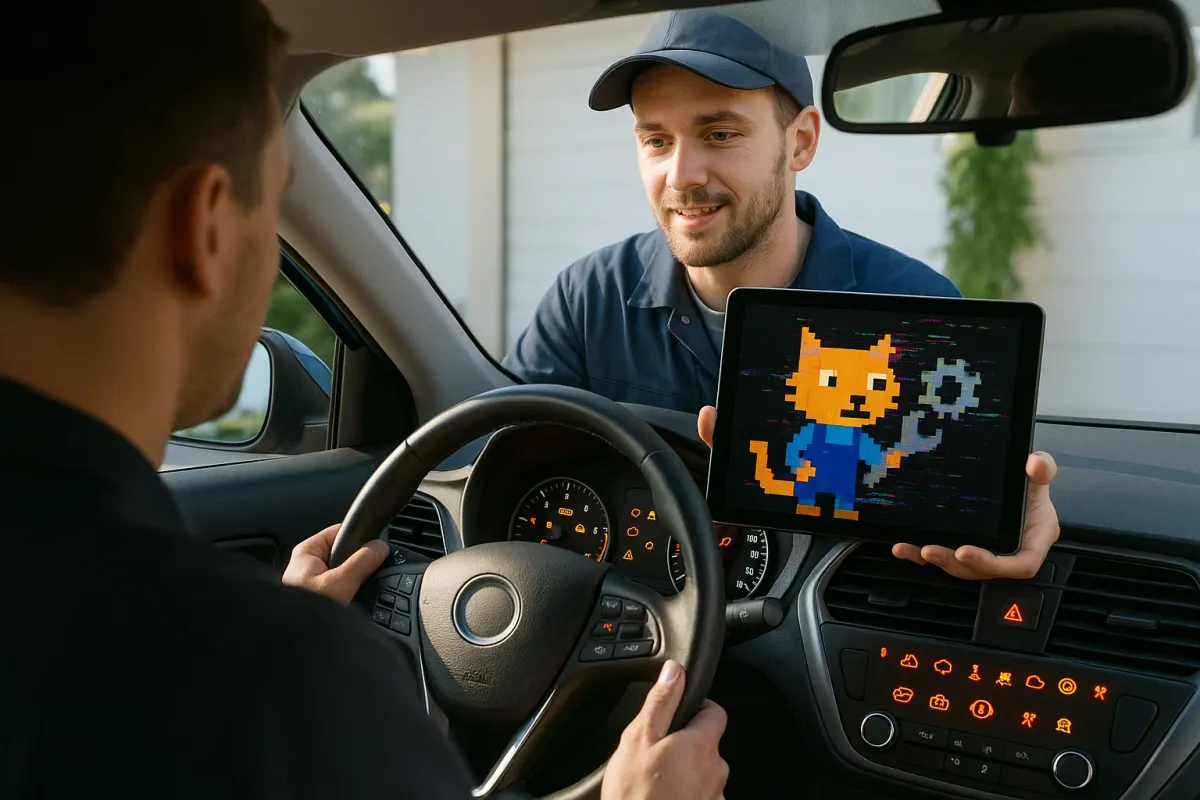
Modern cars are doing the same thing—only less cute and a lot more stressful. From frozen infotainment screens to lane‑keep systems that ping‑pong you in construction zones, today’s vehicles are computers on wheels, and they “malfunction” in just as many odd ways as those internet‑famous cats.
Using that viral trend as a jumping‑off point, let’s turn the “my cat is broken” energy into “my car tech is behaving weirdly—now what?” Here are five practical, do‑right‑now steps to keep your car’s tech from turning into the next meme.
Treat Your Car Like a Smartphone: Check for Over‑the‑Air Updates
Just like your phone, your car’s software needs updates—not just for new features, but to fix bugs that make things feel “off.”
Automakers are pushing more over‑the‑air (OTA) updates than ever. Tesla has been doing it for years, but now Ford (BlueCruise and Sync), Hyundai/Kia, Mercedes‑Benz, BMW, and even some Toyota and VW models are quietly updating maps, driver‑assist tuning, and charging logic in the background. If your car feels glitchy—slow boot‑up, Bluetooth drops, random warning lights—start by checking for a software update in your settings menu or companion app.
Make it a habit to connect your car to home Wi‑Fi if your model allows it; many larger updates only download when you’re on a stable connection. Read the update notes when they pop up—manufacturers often mention specific fixes like improved lane‑keep behavior, smoother adaptive cruise, or quicker Android Auto/Apple CarPlay connections. If you bought a used late‑model car, ask the dealer to confirm it’s on the latest software; many haven’t been updated since delivery.
Bottom line: before assuming a sensor or module is “broken,” treat your car like a phone that needs a patch. A 30‑minute update can solve issues owners live with for months.
Stop the Phantom Warnings: Clean the Right Sensors, the Right Way
A lot of “my car is freaking out” complaints track back to something as simple as dirty or partially blocked sensors. Think of it like those cat photos where the camera angle makes them look broken—your car’s cameras and radar are just “seeing” something wrong.
Modern cars use a mix of cameras, radar, ultrasound, and sometimes lidar for features like automatic emergency braking, parking assist, and adaptive cruise. Road grime, salt, slush, and even thick wax can cause false alerts or outright system shutdowns. Check these common trouble spots:
- The area around your front grille emblem (often hides radar)
- The camera behind the windshield near the rearview mirror
- Side‑view mirror housings (blind‑spot sensors and cameras)
- Rear bumper and tailgate trim (rear cross‑traffic and parking sensors)
Use a soft microfiber cloth and a gentle, non‑ammonia glass cleaner for cameras; avoid high‑pressure washers right on sensor areas, which can force water into connectors. In winter, clear ice and snow from bumpers and mirrors before driving—many “sensor blocked” messages appear simply because of slush. If a warning returns immediately after cleaning, snap a photo of the message and sensor area; this gives the dealer or shop a head start on diagnosing a real hardware fault.
A quick walk‑around wipe once a week can cut down on false collision alerts, random beeping, and driver‑assist shutdowns more than any setting buried in a menu.
Tame the Beeps: Customize Driver‑Assist So It Helps (Not Harasses) You
Just as a cat may “malfunction” by sprinting for no reason, driver‑assist features often feel jumpy or hyperactive—especially in city traffic. Instead of turning everything off, dial these systems in so they work with your driving style.
Most cars let you adjust at least three key things:
- Lane‑keep assist sensitivity – If your steering wheel constantly nudges you on narrow roads or in construction zones, look for options like “Standard/High/Low” or “Lane Departure Warning Only.” Try switching to a gentler mode or warning‑only on roads you know are tricky.
- Adaptive cruise following distance – That “too cautious” gap that invites people to cut in? You can usually shorten the following distance one or two steps while still staying safe. This makes adaptive cruise feel more natural on busy highways.
- Forward collision warning timing – Early warnings can feel like panic attacks in stop‑and‑go traffic. Many systems allow “Near/Medium/Far” or “Early/Normal/Late” warning timing. Pick “Normal” instead of “Early” if the car shouts at you during everyday merges and lane changes.
Make changes one at a time and test them in familiar conditions so you can feel the difference. If something still stresses you out—like aggressive lane centering in crosswinds—know that you can turn that specific feature off without losing other safety tech like automatic emergency braking.
The goal isn’t full automation; it’s using the tech as a calm, predictable co‑driver instead of a jumpy passenger hitting an invisible brake pedal.
Fix “Glitchy” Infotainment with Simple Connection Hygiene
Those memes of cats frozen mid‑pounce look a lot like many owners’ infotainment systems: frozen screens, spinning wheels, apps refusing to launch. Before you assume the whole unit is doomed, try some basic digital hygiene that mirrors what IT pros do with misbehaving laptops.
Start with your phone. Out‑of‑date OS versions, cluttered Bluetooth history, or aggressive battery‑saver modes can cause Android Auto and Apple CarPlay to disconnect or lag. Update your phone OS, clear out old car Bluetooth profiles, and make sure your car’s app (FordPass, myChevrolet, Hyundai Bluelink, etc.) is updated. On the car side, delete your phone from the Bluetooth list, then re‑pair it from scratch—this often clears hidden pairing conflicts.
If your car supports wired CarPlay/Android Auto but you use a wireless dongle, test the factory wired connection for a few days. Third‑party wireless adapters are notorious for lag and dropouts, especially after car or phone updates. Also check for buried infotainment reset options in settings; many systems, from GM’s newer units to VW’s MIB, allow a soft reset that doesn’t erase vehicle settings.
Finally, carry a known‑good, short USB cable in the car. A surprising number of “My CarPlay is broken” issues are just cheap or worn cables that can’t maintain a stable data link.
Use Your Car’s Data to Drive Smarter—and Catch Problems Early
Those “What’s Wrong With My Cat?” posts are funny because owners start noticing patterns: the time of day, certain sounds, weird triggers. Your car is constantly doing the same thing—logging patterns. Tapping into that data is one of the most underrated ways to make your tech work for you.
Many recent models from brands like Ford, GM, Hyundai/Kia, and Stellantis log trip summaries, energy use (for EVs and hybrids), and even driving “eco scores” in the built‑in menus or companion apps. Instead of treating this as a gimmick, use it to spot changes: if your EV’s consumption suddenly jumps on the same commute and weather, it could point to low tire pressure or a dragging brake. If fuel economy drops sharply after a software update, note the date—this is useful if a later patch fixes it or if you need to push for a dealer investigation.
Consider an OBD‑II dongle with a reputable app (like OBDLink, Car Scanner, or manufacturer‑branded tools) if your car doesn’t expose much data. You can monitor coolant temps on long grades, see misfire counts before you feel a stumble, and verify that sensors are actually reading correctly when lights come on. For performance‑minded drivers, logging runs lets you see whether that aftermarket intake or tune helped—or just made more noise.
Think of this as your “is my car actually broken or just acting weird?” dashboard. With a few weeks of baseline data, it becomes much easier to spot when a genuine issue starts creeping in.
Conclusion
The internet loves “broken” cats because we know they’re not really broken—they’ve just hit a strange combination of angles, timing, and context. Modern car tech is similar: a mix of software, sensors, and connectivity that will absolutely act odd at the edges.
Instead of fighting it or switching everything off, treat your car more like the connected device it is. Keep the software fresh, the sensors clean, the assist settings tuned to your reality, the phone connections tidy, and the data working in your favor. Do that, and the next time your car behaves like those viral “malfunctioning cats,” you’ll know whether it’s just a funny edge case—or a real problem you can fix before it goes truly off the rails.