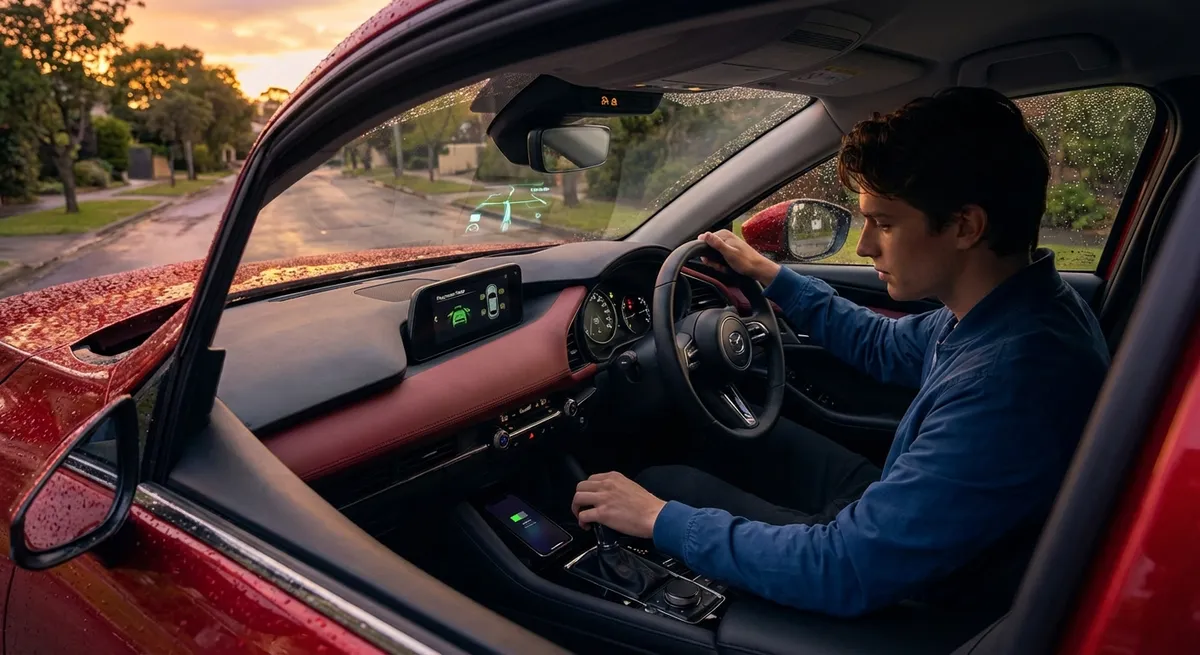
This guide walks through five practical, often-overlooked features you can dial in today. Each one is designed to make your daily drive smoother, safer, and less stressful.
Fine‑Tune Your Driver‑Assist Systems Instead of Leaving Them on Default
Advanced driver-assistance systems (ADAS) like adaptive cruise control, lane keeping, and forward collision warning usually come with multiple sensitivity and distance settings. Most drivers leave them at the factory default, which can make the systems feel either too jumpy or too lazy—leading people to turn them off entirely.
Take 15–20 minutes, parked safely, to go through your vehicle’s Driver Assistance or Safety menu:
- Adjust following distance on adaptive cruise to match your driving environment (longer gaps for highway commuting, slightly shorter for light traffic where constant cut-ins are common).
- Set lane-departure and lane-keeping aids to the least intrusive mode you’ll still respect. If constant steering intervention bothers you, try warning-only mode with steering wheel vibration instead of automatic steering.
- Calibrate speed warnings a few mph/kmh above your usual cruising speed so alerts are useful, not nagging.
- Check automatic emergency braking is turned on and at a normal or “early” warning setting—this system has been shown to reduce rear-end crashes significantly.
Once tuned to your comfort level, you’re far more likely to leave these systems active long-term, which is where they can actually help in real-world emergency situations.
Use Your Smartphone Integration as a Driving Tool, Not a Distraction
Apple CarPlay and Android Auto can make your drive safer—or more distracting—depending on how you set them up. The key is treating the screen as a driving tool, not an entertainment center.
Set things up before you shift into drive:
- Trim app access: Turn off or hide non-essential apps (email, social media, games). Keep only navigation, music/podcasts, messaging, and EV apps (if applicable) visible.
- Turn on driving-friendly notification settings: Use “Driving Focus” (iOS) or Android’s “Do Not Disturb while driving” so only important calls or texts break through.
- Pre-program frequent destinations (home, work, gym, kids’ school) in your preferred navigation app so starting guidance is a two-tap task, not a typing session.
- Use voice commands aggressively: Send texts, change playlists, or adjust navigation by voice instead of reaching for the screen. Practice the exact phrases that work best with your system.
When smartphone integration is configured with driving in mind, you spend less time fiddling with menus and more time watching the road.
Turn Your Dashboard Data Into Real Fuel Savings
Most cars now show real-time and average fuel economy, trip data, and sometimes even driving “scores.” Used correctly, this data can meaningfully cut your fuel costs without driving like a hypermiler.
Here’s how to turn numbers into habits:
- Reset your trip computer at every fill-up and track the average fuel economy for the tank. Watch how changes in your route or driving style affect the numbers.
- Pay attention to real-time fuel economy when accelerating. You’ll notice how gentle throttle inputs keep the bar or graph higher, especially between 20–50 mph.
- Use eco-coaching displays (if equipped) that rate your acceleration, cruising, and braking. Try to “beat your score” on your regular commute.
- Experiment with cruise control on flat highways and manual control on hilly routes. Compare which yields better mileage in your specific car.
- If you drive a hybrid, learn where the engine typically kicks in and how light throttle can keep you in electric mode longer at low speeds.
Small, consistent improvements can add up to real savings over a year, and your car’s built-in tools are already measuring the impact for you.
Configure Comfort Tech So the Car “Matches” You Every Time
Comfort tech isn’t just a luxury feature—if your car feels physically right, you’re less fatigued and more focused. Many owners never properly set up the personalization features that can make their car feel tailored to them.
Take time to configure:
- Seat and steering wheel memory: If your car has memory settings, program at least one profile that works for long drives (good visibility, relaxed shoulders, slight knee bend). Use a second for city driving if you prefer a slightly higher seat or closer steering wheel.
- Automatic climate control: Set a realistic temperature (usually 69–72°F / 20–22°C) and leave it in auto mode. Let the system adjust fan speed and vent selection instead of constantly tinkering with it.
- Heated/ventilated seats and wheel: If your car allows, set them to auto activation based on outside temperature. This reduces the urge to overuse cabin heat or AC, which can affect fuel economy in gas cars and range in EVs.
- Key-linked profiles: Many vehicles can link your key fob to driver settings—seat, mirrors, radio presets, even ambient lighting. Set this up so the car automatically adjusts as you unlock it.
Once dialed in, your car becomes “set and forget,” reducing distractions from constant manual adjustments while you drive.
Use Built-In Connectivity for Smarter Maintenance and Security
Connectivity features—apps, telematics, and in-car alerts—are often underused beyond remote start. These tools can give you an early heads-up on issues and more control over what happens when you’re away from the car.
Practical ways to use them:
- Install and log into the official manufacturer app for your vehicle. Register your VIN so you can receive recall notifications, maintenance reminders, and status updates.
- Enable service and diagnostic notifications if available. Some systems can warn you about low battery voltage, tire pressure issues, or potential system faults before they become serious.
- Set up location-based alerts (if supported), like geofencing or speed alerts, for teen drivers or valet parking. This can notify you if the car leaves a defined area or exceeds a set speed.
- Use remote lock, horn, and light controls when you’re unsure if you locked the car or need to locate it in a crowded parking lot.
- For EVs and some plug-in hybrids, schedule charging during off-peak utility hours and pre-condition the cabin while plugged in to preserve driving range.
These features put more information and control in your hands, reducing the chances of small issues turning into big problems.
Conclusion
The most useful tech in your car is probably already installed—it just needs to be set up with intention. By tuning your driver-assist settings, tightening your smartphone integration, using fuel and trip data, personalizing comfort systems, and activating connected features, you turn your car from a generic machine into a tool that actually supports how you drive.
Pick one of these areas to focus on during your next parked moment, work through the menus slowly, and give yourself a week to live with the changes. Then refine. Over time, your car’s tech will feel less like a mystery and more like a quiet co‑driver working in the background for you.
Sources
- [NHTSA – Vehicle Safety Technologies](https://www.nhtsa.gov/vehicle-safety/vehicle-safety-technologies) – Overview of modern safety and driver-assistance systems and how they function
- [IIHS – Front Crash Prevention and Automatic Emergency Braking](https://www.iihs.org/topics/front-crash-prevention) – Research and data on the effectiveness of automatic emergency braking and related tech
- [U.S. Department of Energy – Fuel Economy Guide](https://www.fueleconomy.gov/feg/driveHabits.jsp) – Practical tips on driving habits and vehicle features that affect fuel efficiency
- [AAA – Advanced Driver Assistance Systems (ADAS) Guide](https://exchange.aaa.com/safety/vehicle-safety/understanding-advanced-driver-assistance-systems/) – Consumer-focused explanations of common ADAS and how drivers should use them
- [Consumer Reports – How to Get the Most Out of Your Car’s Infotainment System](https://www.consumerreports.org/cars/car-safety/car-infotainment-system-tips-a6767929119/) – Guidance on configuring infotainment, smartphone integration, and reducing distraction