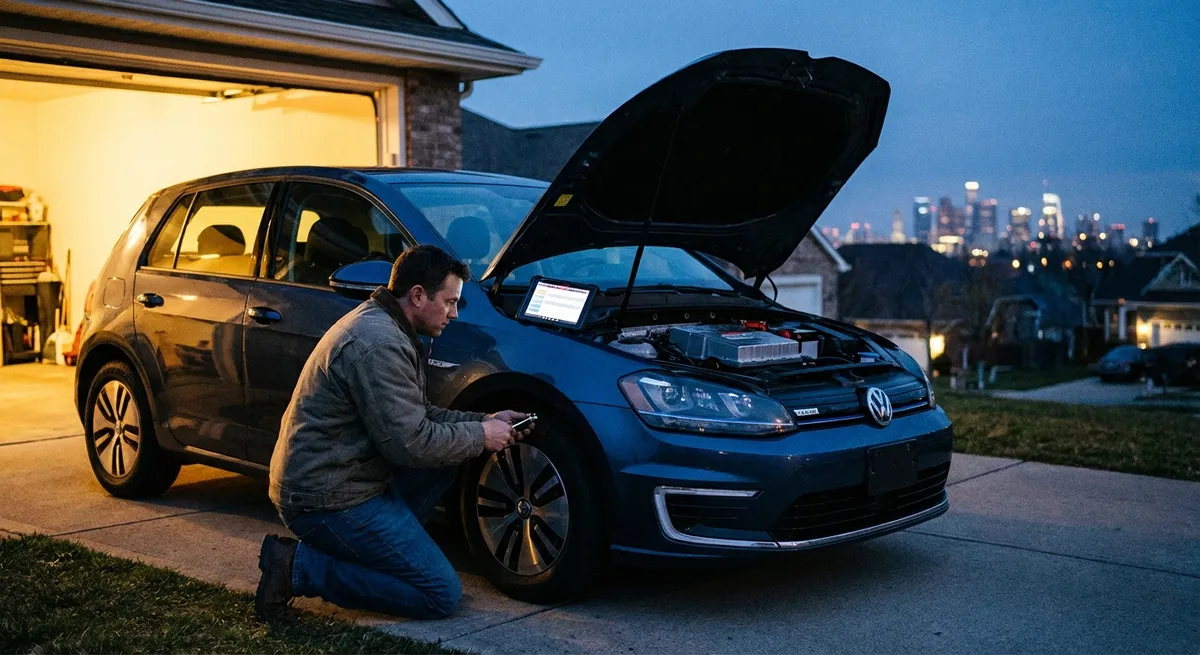
This guide walks through five practical, high-impact auto tech upgrades you can put to work right away—without needing to be an engineer or a hardcore tuner.
1. Smart Dash Cams: Turning Your Commute Into Evidence
A dash cam is one of the most useful tech add-ons you can install, especially as more insurance disputes are settled with video instead of memory. Today’s smart dash cams don’t just record; they protect, notify, and even assist.
Look for a dash cam that records in at least 1080p, has a wide field of view (around 140–160 degrees), and offers good low-light performance. Cloud-connected models can automatically upload critical clips if a collision is detected, giving you a backup even if the device is damaged or stolen. Parking mode is another valuable feature: the camera can wake up and record if it senses motion or an impact while your car is parked.
Some dash cams now include driver-assist alerts, like lane departure warnings or forward-collision alerts, which can give older cars a taste of modern safety systems. While these add-ons aren’t a replacement for OEM safety tech, they can be a meaningful extra layer of awareness.
Actionable steps:
- Choose a reputable brand with strong user reviews and sample footage you can watch online.
- Use a hardwire kit (or professional install) to enable parking mode without overloading your 12V socket.
- Regularly format the memory card and replace it every 1–2 years—these cards wear out with constant overwriting.
- Label and safely store any important footage in multiple places (cloud + local drive).
- Learn how to quickly export a clip; in a stressful moment after an accident, muscle memory helps.
2. OBD-II Adapters and Apps: Turning Data Into Maintenance Decisions
Every car sold in the U.S. since 1996 (and most modern vehicles worldwide) has an OBD-II port—essentially a gateway into your car’s brain. A small OBD-II adapter combined with a smartphone app can turn that hidden data into real-world insight.
These adapters plug into the port (usually under the dashboard) and can read diagnostic trouble codes, monitor sensor data, and in some cases track fuel economy and driving behavior. Instead of seeing a vague “check engine” light and fearing the worst, you can read the code, research it, and walk into a workshop with more context.
Some apps can create maintenance logs, remind you of upcoming services, and monitor parameters like coolant temperature, battery voltage, and fuel trims. That kind of information helps you spot issues early, such as a weak battery or an overheating trend on long highway drives.
Actionable steps:
- Buy an adapter that clearly states compatibility with your car’s make/model and your phone’s operating system.
- Use a well-reviewed app (many have free tiers) that explains codes in plain language.
- Create a simple log: date, mileage, code, symptoms, and what fixed it (if anything).
- Don’t automatically panic at a code—some are minor (like a loose gas cap), but do research and act promptly when severity is high.
- If you visit a shop, bring your code list; it helps ask better questions and avoid unnecessary parts swapping.
3. Phone-Integrated Infotainment: Making Your Cabin Safer and Less Distracting
If your car doesn’t have native Android Auto or Apple CarPlay, you’re not stuck with clumsy phone mounts and scattered cables. There are now aftermarket head units and wireless adapters that bring modern phone integration to older vehicles, often with minimal dashboard surgery.
The real advantage isn’t just maps on a bigger screen—it’s safer, more focused driving. Well-integrated systems give you voice control for calls, messages, and navigation, keeping your hands on the wheel and your eyes on the road. With live traffic, automatic rerouting, and real-time EV charging locations (for electric drivers), these systems are more current than most built-in nav units.
Look for a unit that fits your dash (single-DIN, double-DIN, or vehicle-specific), supports both major phone ecosystems if your household is mixed, and offers reliable Bluetooth or wired connections. For some newer vehicles, wireless CarPlay/Android Auto dongles can add wireless functionality to a wired-only system.
Actionable steps:
- Before buying, confirm vehicle compatibility and whether extra dash kits or wiring harnesses are needed.
- Prioritize a simple, low-glare interface over flashy graphics—visibility and quick navigation matter more.
- Customize your home screen and only keep essential apps active (maps, calls, music, maybe messaging).
- Learn the key voice commands you’ll actually use (“take me home,” “call [name],” “play [playlist]”).
- Keep software and firmware updated; many bug fixes resolve connection drops and audio issues.
4. Tire Tech and TPMS Awareness: Small Sensors, Big Safety
Tires are your only contact with the road, and tire pressure monitoring systems (TPMS) are one of the most underrated tech features in modern cars. Even if your car predates factory TPMS, there are aftermarket kits that can bring this safety net to older vehicles.
Proper tire pressure improves grip, braking distance, fuel efficiency, and tire life. TPMS systems use in-wheel sensors or valve stem sensors to monitor pressure in real-time and warn you of slow leaks or sudden deflations. Some advanced systems also report temperature, helping diagnose issues like dragging brakes or overloaded conditions.
Aftermarket TPMS kits usually come with screw-on valve stem sensors and a small display or phone app. They’re straightforward to install and can be a game-changer on long trips or for vehicles that sit for extended periods, such as second cars or seasonal vehicles.
Actionable steps:
- Know your car’s recommended tire pressures (usually on the driver’s door jamb, not the tire sidewall).
- Check and adjust tire pressures at least once a month and before long trips, using a reliable gauge.
- If your dash TPMS light comes on, don’t ignore it—inspect for nails, slow leaks, or sidewall damage.
- For aftermarket TPMS, install fresh batteries as recommended and recalibrate when rotating or changing tires.
- Combine TPMS with good tire habits: regular rotations, tread depth checks, and seasonal tire swaps where appropriate.
5. Driver Assistance Add-Ons: Bringing Modern Safety to Older Cars
Not every car has the latest built-in driver assistance systems, but a growing market of retrofit tech can add meaningful safety features—particularly useful if you drive an older vehicle you love and don’t want to replace.
Rearview camera kits are now almost trivial to install, often using the license plate frame and a small screen or the existing mirror. Blind-spot monitoring add-ons use radar sensors mounted in the rear bumper and LED indicators near your mirrors. Some systems include cross-traffic alerts, helpful when backing out of tight parking spots.
There are also aftermarket forward-collision warning (FCW) and lane departure warning (LDW) systems that use cameras mounted near the windshield. While these aren’t as sophisticated as factory systems integrated with braking and steering, they can still provide useful early warnings, especially in low-speed urban traffic where distractions are common.
Actionable steps:
- Decide what problem you’re solving: tight parking (camera), highway lane changes (blind-spot), or stop-and-go safety (FCW/LDW).
- For safety-critical systems, consider professional installation to ensure sensors are aligned and calibrated correctly.
- Keep camera lenses and radar areas clean; dirt and snow can cripple performance.
- Spend time in a safe, low-traffic area learning how the alerts sound and look, so you don’t confuse them with other chimes.
- Treat these systems as backups to your awareness, not replacements; they’re there to catch what you miss, not to drive for you.
Conclusion
Auto tech doesn’t have to mean chasing the latest gadget or trading in your car every few years. By focusing on upgrades that improve visibility, data awareness, communication, and tire safety, you can make almost any vehicle feel smarter and more secure.
A well-chosen dash cam, a solid OBD-II setup, thoughtful phone integration, reliable TPMS, and carefully selected driver assistance add-ons all work toward the same goal: keeping you informed at the right moment, with less distraction and more control. Start with the area that addresses your biggest daily frustration or concern, then build from there. Tech that quietly works in the background is often the kind that makes the biggest difference over time.
Sources
- National Highway Traffic Safety Administration (NHTSA) – Tire Pressure Monitoring Systems - Explains how TPMS works and why proper tire pressure is critical for safety and efficiency
- U.S. Department of Energy – Fuel Economy and Proper Tire Inflation - Details how correct tire pressure impacts fuel economy and tire life
- Insurance Institute for Highway Safety (IIHS) – Rearview and Other Cameras - Summarizes safety benefits of rearview and surround-view camera systems
- Consumer Reports – Why You Need a Dash Cam - Provides an overview of dash cam advantages and key buying considerations
- MIT CSAIL – Understanding OBD-II and Vehicle Data Access - Technical background on vehicle onboard diagnostics and data accessibility