This guide focuses on practical, realistic moves you can make right now, whether your car is brand-new or a few years old. Each point is something you can act on in a weekend, not “someday when I replace the car.”
Dialing In Driver Assistance: From Annoying to Actually Useful
Advanced driver-assistance systems (ADAS) are standard on many cars now, but a lot of owners either turn them off or leave them on default settings that don’t match how they drive. Instead, take 15–20 minutes to tune them.
Actionable steps:
- Adjust following distance on adaptive cruise control (ACC).
Many systems let you pick how far back you want to stay. On highways with heavy traffic, a shorter (but still safe) gap may feel more natural. On long road trips, a longer gap can reduce stress and “accordion” braking.
- Set sensible lane-keeping sensitivity.
If lane-keeping assist is constantly tugging at the wheel, go into the settings menu and:
- Reduce steering assist strength if possible.
- Use “warning only” chimes instead of steering corrections if you find it intrusive.
This often turns it from a fight into a gentle reminder.
- Match alerts to your environment.
City driver? Turn up blind-spot alerts and rear cross-traffic alert volume.
Mostly highway? Prioritize forward collision warnings and lane departure alerts.
- Turn off what you truly don’t trust—but understand the trade.
If a feature feels unpredictable (for example, aggressive automatic emergency braking), you can switch it off in the menus. Just know you’re giving up a safety net; offset that by increasing your following distance and attention.
- Revisit settings after a week.
Use your normal commute as a test loop. If something still irritates you, tweak it again. ADAS works best when it’s tuned like a seat or mirror: to your habits, not just the factory defaults.
Using Your Phone Smarter: Integrating CarPlay, Android Auto, and Apps
Most drivers pair their phone once and never touch the settings again. But a bit of setup can make your infotainment system faster, safer, and less distracting.
Actionable steps:
- Clean up your phone’s home screen and app permissions.
CarPlay and Android Auto draw heavily from your phone’s notifications and contacts. Disable non-essential notifications (social media, shopping apps) so they don’t appear on your car’s screen.
- Pre-configure navigation favorites.
Save:
- Home
- Work
- Regular destinations (gym, daycare, favorite grocery store)
This lets you start navigation with one or two taps instead of typing while parked—or worse, while moving.
- Turn on “Do Not Disturb While Driving.”
Both iOS and Android can automatically limit notifications once the phone detects driving. You can:
- Allow calls from favorites or emergency contacts
- Auto-reply to texts with a “driving now, will respond later” message
- Use voice commands for common actions.
- “Call [Name] on speaker.”
- “Take me to [destination].”
- “Play [artist/playlist].”
Practice a few phrases you’ll actually use:
If you try them while parked a few times, you’ll be more likely to use them hands-free on the road.
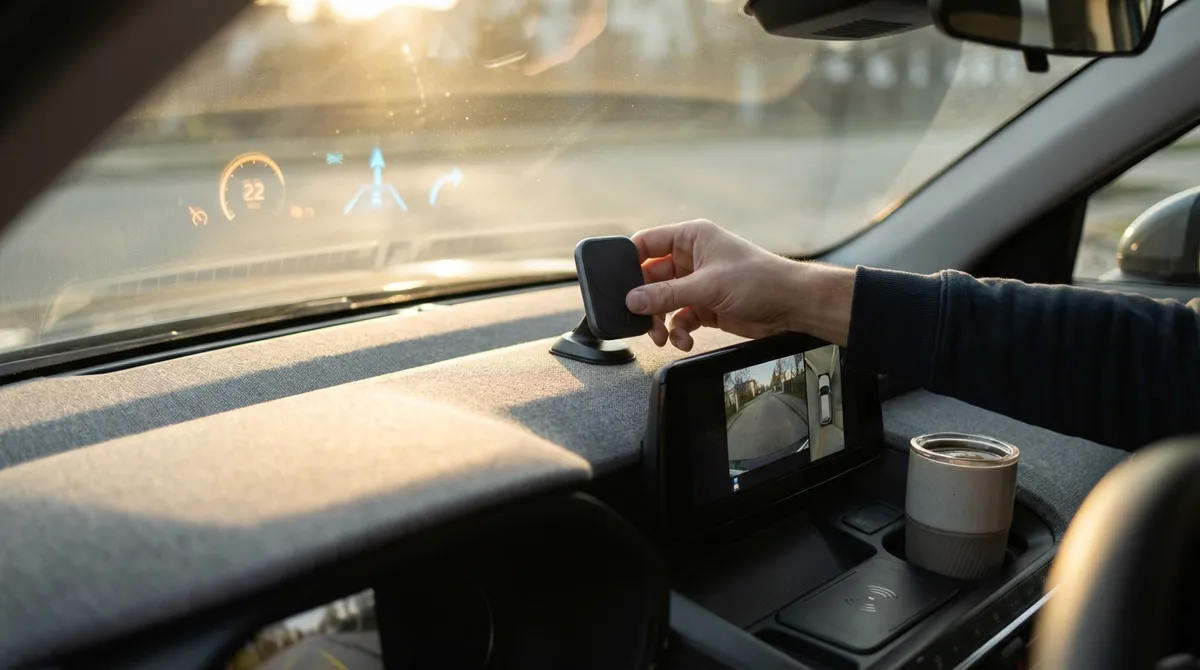
- Add a quality phone mount in older cars.
No CarPlay/Android Auto? A sturdy, eye-level mount plus a good charging cable gives you:
- Safer navigation visibility
- Less fumbling in the console
- Better mic pickup for calls
Avoid vent mounts that sag or block airflow; look for dash or windshield mounts with strong adhesive or suction and minimal shake.
Getting Real Value from Fuel and Range Data
Your car already knows far more about your driving and fuel use than you probably check. A small shift in how you use that data can translate into real savings.
Actionable steps:
- Track fuel economy by route, not just tank.
Many trip computers let you reset “Trip A” and “Trip B” separately. Use them like this:
- Trip A: Reset every fill-up (overall mpg).
- Trip B: Reset for specific routes (commute, weekend errands, road trips).
This shows where you burn the most fuel and where driving smoother helps most.
- Watch real-time consumption, then stop staring.
Use the live mpg / L/100 km readout for a week to see:
- How hard acceleration affects fuel
- How speed changes mileage (often a steep drop above ~65–70 mph)
Once you’ve learned the patterns, stop fixating on it and just apply what you learned.
- Use tire pressure monitoring system (TPMS) as a fuel tool, not just a warning.
Underinflated tires increase rolling resistance and fuel use.
- Check TPMS readings monthly when tires are cold.
- Keep them at the recommended pressure (on the driver-side door jamb), not the sidewall max.
- Plan charging with the same discipline if you drive an EV.
- Precondition the battery and cabin while plugged in (less energy used on the road).
- Route through fast chargers along highways instead of improvising mid-trip.
- Review long-term trend data.
- Aging spark plugs or ignition components
- Dragging brakes
- Underinflated or worn tires
Use your car’s app or in-car nav to:
Some vehicles and apps show monthly or yearly reports. A gradual drop in fuel economy can hint at:
Catching a pattern early can push you to schedule maintenance before there’s a bigger problem.
Lighting, Cameras, and Visibility: Small Tweaks, Big Safety Gains
You can’t react to what you can’t see. Most visibility tech is either installed already or surprisingly inexpensive to add.
Actionable steps:
- Adjust the backup camera view—if your car allows it.
Many systems let you toggle:
- Wide angle vs. straight down
- Guide lines on/off
- Cross-traffic warnings
Pick the view that best fits your typical parking—tight city spots, narrow driveways, or crowded lots.
- Clean camera lenses and sensors regularly.
Road grime, winter salt, and dust easily cover:
- Rearview camera
- Front sensors in the grille
- Side radar units in the bumpers
A quick microfiber wipe when you clean the windshield can restore range and clarity.
- Upgrade to better bulbs if your car allows it.
If you have older halogen headlights:
- Switch to high-quality OEM-grade replacement bulbs (not cheap unknown brands).
- Avoid overly blue “extra bright” bulbs that can reduce performance in rain and fog and may dazzle other drivers.
- Use auto high beams correctly.
- Make sure the feature is actually turned on in the settings.
- Glance at your instrument cluster occasionally to confirm they’re switching as expected with oncoming traffic.
- Add a dash cam with parking mode for extra awareness.
- Captures accidents and near-misses
- Helps with hit-and-run or parking lot incidents
If your car has automatic high beams:
A basic front-facing dash cam:
Look for a reputable brand, loop recording, and solid heat resistance if you park in the sun a lot.
Using Manufacturer Apps and Over-the-Air Updates to Your Advantage
Car maker apps and over-the-air (OTA) software updates are no longer just for EVs or luxury vehicles. Used well, they can improve convenience, security, and performance over time.
Actionable steps:
- Register your car with the official app.
After creating an account, look for:
- Digital owner’s manual and how-to videos
- Remote lock/unlock and horn/lights (handy in big parking lots)
- Service reminders and recall notices
- Turn on service and safety notifications.
- Maintenance reminders based on mileage or time
- Warning if the car detects a serious issue (some brands support this)
Opt in to:
Avoid marketing spam if the app lets you separate promotional vs. safety notices.
- Understand what OTA updates actually do.
Read the release notes (often in the app or on the infotainment screen). Updates can:
- Tweak ADAS behavior
- Improve charging profiles on EVs
- Fix bugs in infotainment or connectivity
Schedule updates for overnight so you’re not blocked when you need to drive.
- Use remote climate carefully to protect the battery.
Remote start or preconditioning is great to:
- Cool a car in summer
- Warm and defrost in winter
For gas cars, avoid idling too long in enclosed spaces and don’t use it as a substitute for clearing snow. For EVs, precondition while plugged in when possible.
- Lock down security and access.
In the app:
- Set up strong passwords and, ideally, two-factor authentication.
- Review which phones or keys are paired with the car (especially after selling, servicing, or lending it).
- Remove old devices you no longer use to prevent unintended access.
Conclusion
You don’t need the latest model or a tech-heavy trim to get more out of modern auto tech. By tuning the driver-assistance features you already have, using your phone and data more intentionally, improving visibility, and taking advantage of manufacturer apps and updates, you can upgrade your daily drive in very practical ways.
Pick one area—assistance systems, phone integration, fuel data, visibility, or apps—and make a few changes this week. The best tech isn’t the flashiest gadget on the spec sheet; it’s the small, reliable improvements that quietly make every trip safer, smoother, and less stressful.
Sources
- [NHTSA – Driver Assistance Technologies](https://www.nhtsa.gov/equipment/driver-assistance-technologies) – Overview of common ADAS features and how they are intended to work
- [IIHS – Headlights and Visibility](https://www.iihs.org/topics/headlights) – Research on how headlight performance affects night driving safety
- [U.S. Department of Energy – Fuel Economy Guide](https://www.fueleconomy.gov/feg/driveHabits.jsp) – Practical tips on driving habits and vehicle maintenance that impact fuel use
- [Apple – Use CarPlay with your iPhone](https://support.apple.com/en-us/HT205634) – Official guidance on setting up and optimizing Apple CarPlay
- [Android – Use Android Auto with your car’s display](https://support.google.com/androidauto/answer/6348019) – Official setup and usage details for Android Auto systems