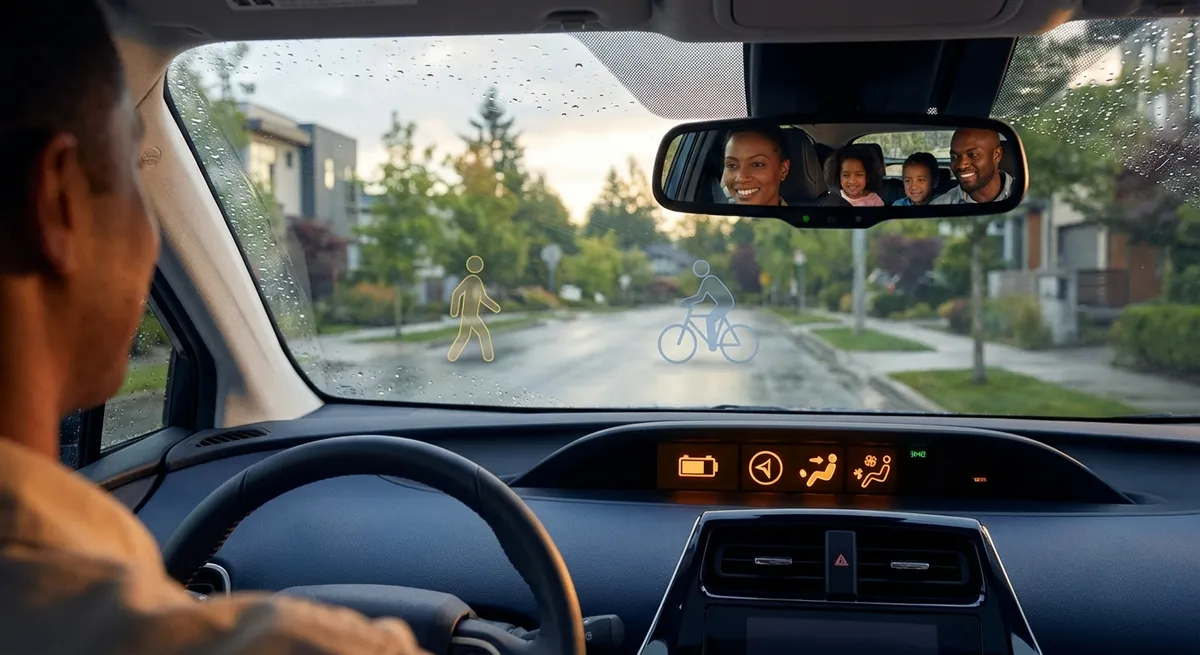
Below are five actionable moves you can take with almost any late‑model vehicle, whether it’s a compact commuter, SUV, or performance car.
Dial In Your Driver Assist Settings (So They Help, Not Annoy)
Driver assist systems can reduce fatigue and help you avoid mistakes—but only if they’re configured to match how you actually drive.
Most cars let you personalize things like sensitivity and timing for features such as:
- Forward Collision Warning / Automatic Emergency Braking (AEB)
- If you do a lot of city driving or follow closely in traffic, try a “normal” or slightly “later” alert to cut false alarms.
- If you drive fast on highways or in bad weather, consider an “earlier” alert to buy more reaction time.
- Lane Departure Warning / Lane Keeping Assist
- If the steering nudges feel intrusive, start with warning-only mode but keep it on. You still get a safety net if you drift.
- Some cars let you tweak how strong the steering correction feels—set it to the lightest level you’ll actually keep enabled.
- Blind Spot Monitoring
- If you’re sensitive to beeps, choose visual-only alerts but train yourself to check the mirror indicator every lane change.
- If a family member is a less confident driver, consider enabling both visual and audible alerts for their profile.
In the settings menu, you’ll often see options like “near/medium/far” or “early/normal/late” alert timing.
There’s usually a choice between just a warning (chime/vibration) and active steering assist.
Many systems let you pick between a light only, light + chime, or more aggressive warnings.
Actionable move:
Spend 15–20 minutes parked in your driveway or a lot, going through the “Driver Assistance” or “Safety” menu. Adjust one setting at a time, then test it on a familiar route. Keep the systems on, tweak until they support your style instead of fighting it.
Use Adaptive Cruise and Speed Limit Data to Save Fuel and Stress
Adaptive cruise control (ACC) isn’t just a comfort feature—it can improve fuel economy and reduce your “micro-stress” behind the wheel.
Here’s how to set it up to work in your favor:
- Choose a realistic following distance
- Try a medium or long following distance on highways. This smooths out speed variations and often saves fuel.
- In stop‑and‑go traffic, a slightly longer gap can also reduce abrupt stops, especially if your system can handle low speeds or full stops.
- Pair ACC with speed limit data (if available)
- Use the “set to limit + offset” approach if your car supports it (e.g., limit + 3–5 mph).
- This keeps you close to legal limits while reducing constant speedometer-checking.
- Use Eco or Normal drive modes with ACC
Many drivers set the shortest gap because it “feels” normal, but that forces more braking and acceleration.
Some cars read speed limit signs or use map data, then suggest or automatically adjust your set speed.
In many vehicles, pairing ACC with Eco mode tones down aggressive acceleration, which can noticeably improve fuel consumption on long trips.
Actionable move:
On your next highway trip, set ACC to one step longer following distance than you usually use and switch to Eco/Normal mode. Don’t touch the throttle unless necessary. At the end of the trip, check your trip computer’s fuel economy and compare it to similar drives without ACC.
Turn Your Infotainment System Into a Real Driving Tool
Most drivers use their infotainment system for music and navigation, but small setup changes can turn it into a powerful driving companion instead of a distraction.
Focus on these areas:
- Simplify your home screen
Many systems let you customize tiles or layout. Put navigation, phone, and audio on the main screen and remove or demote rarely used apps. Fewer options = less time hunting while moving.
- Standardize navigation across drivers and devices
- Built‑in navigation
- Apple CarPlay / Android Auto (Google Maps, Waze, Apple Maps)
Decide if you’ll mainly use:
Then stick to it. This consistency means fewer wrong turns and less fiddling when switching cars or drivers.
- Pre‑program critical destinations
Save “Home,” “Work,” your preferred fuel station, and your trusted service shop as favorites. That way, a couple of taps gets you routing with live traffic data instead of typing while frustrated.
- Reduce notification clutter
Turn off or limit non‑essential alerts (social apps, email) when your phone is connected to the car. Keep call and message notifications, but consider disabling screen pop‑ups for everything else.
Actionable move:
Block off 10 minutes, parked, to:
- Set up your preferred navigation app.
- Save at least four key locations as favorites.
- Remove any infotainment home‑screen shortcuts you haven’t used in the last month.
Use Built-In Vehicle Data to Catch Problems Early
Your car constantly gathers useful data, but most owners ignore it until a warning light appears. Paying attention to a few key numbers can flag issues early and save on repairs.
Look at these areas in your vehicle info menus or app:
- Tire Pressure Monitoring System (TPMS)
- Check live pressures monthly, not just when the warning light appears.
- If one tire is consistently 2–3 psi lower than the others, you might have a slow leak or valve issue. Fixing it early prevents uneven wear or a roadside flat.
- Fuel Economy Trends
- Watch your average fuel consumption over time for your normal route. A sharp drop (10–15% or more) without obvious cause can signal low tire pressure, dragging brakes, or engine-related issues like a bad sensor.
- Compare “since refuel” or “trip” averages from tank to tank.
- Oil life and service timers
- Even if you follow a mileage-based schedule, check the oil life monitor. If it’s dropping unusually fast for your usage, mention it to your service tech—it can indicate more short trips, heavy loads, or other operating conditions.
- Battery and charging status (for hybrids/EVs)
- For EVs, track usable range at a consistent state of charge (e.g., how many miles you typically see at 80%). A steady decline over months can indicate battery health changes or new habits/routes that use more energy.
Actionable move:
Once a month, while parked, scroll through Vehicle Info / Status and note: tire pressures, average MPG (or kWh/100 mi), and any maintenance reminders. Screenshot or write these down. Patterns over 3–6 months are more useful than any single reading and give you something specific to show a mechanic.
Set Per-Driver Profiles So Your Car Feels “Right” Every Time
If more than one person drives your car—or if you switch between solo commuting and family trips—driver profiles are one of the most underrated features.
Use them to avoid constant re‑adjustment and improve safety:
- Create separate profiles for each regular driver
- Set each driver’s seat and mirror positions carefully while parked.
- Save preferred steering feel and drive mode (Comfort/Normal/Sport) if your car supports it.
- Customize safety and alert settings per driver
- A new driver might want more conservative settings: early collision warnings, more pronounced lane keeping, and softer acceleration.
- An experienced driver might dial alerts back slightly to reduce annoyance but still keep all major systems active.
- Use a “Family” or “Trip” profile
- Softer ride/comfort mode
- Slightly cooler rear climate
- Enhanced driver assist features enabled
Most modern cars let you store seat, mirror, steering, climate, and sometimes radio and safety settings under a named profile or key.
Create a profile tuned for long drives:
This way, switching from “Daily” to “Trip” reconfigures the car in seconds instead of multiple menu dives.
Actionable move:
Set up at least two profiles: one for your normal solo driving and one for long trips or shared driving. Associate keys or phone-based keys with profiles if your car allows it, so your settings load automatically when you unlock the door.
Conclusion
You don’t need a brand‑new car or expensive aftermarket gear to benefit from automotive technology. By deliberately setting up driver assists, cruise control, infotainment, data monitoring, and driver profiles, you turn the tech you already own into a real asset instead of a distraction.
The key is intentional setup: spend a little time parked going through menus, testing on familiar roads, and making small adjustments until the car feels like it’s working with you. Once you’ve done that, everyday driving becomes calmer, safer, and more efficient—powered not by more gadgets, but by smarter use of the ones you already have.
Sources
- [NHTSA – Driver Assistance Technologies](https://www.nhtsa.gov/equipment/driver-assistance-technologies) - Overview of common vehicle safety and assist systems and how they work
- [IIHS – Front Crash Prevention](https://www.iihs.org/topics/front-crash-prevention) - Research and ratings related to automatic emergency braking and forward-collision warning
- [U.S. Department of Energy – Fuel Economy in Cold Weather and Other Conditions](https://www.fueleconomy.gov/feg/coldweather.shtml) - Explains factors that affect real-world fuel economy and how driving style and systems can influence efficiency
- [National Highway Traffic Safety Administration – Tire Safety](https://www.nhtsa.gov/equipment/tires) - Guidance on tire pressure monitoring systems, proper inflation, and safety impacts
- [Consumer Reports – Guide to Advanced Driver Assistance Systems](https://www.consumerreports.org/cars/car-safety/guide-to-car-safety-systems-a1063802686/) - Practical breakdown of various driver assist features and how owners can use them effectively