Focus on Driver Assistance That Prevents Bumper‑to‑Bumper Headaches
Advanced driver‑assistance systems (ADAS) are no longer just for premium models. Even if your car is a few years old, you can often enable, customize, or retrofit helpful features that reduce fatigue and minor accidents.
First, dig into your current car’s settings—many owners drive for years without realizing they can adjust following distance for adaptive cruise control, sensitivity for forward‑collision warnings, or lane‑keep assist intensity. Tweaking these can mean the difference between “annoying” and “genuinely helpful.” If your car doesn’t have these features, look into reputable aftermarket options: forward‑collision warning, lane‑departure alert, and blind‑spot monitoring kits are available for many vehicles and can be professionally installed to work with your existing mirrors or rearview camera.
The most practical payoff is in stop‑and‑go traffic and highway driving. Adaptive cruise control that handles speed changes smoothly and a lane‑centering system that gently supports your steering can significantly cut fatigue on long commutes. Just remember: these systems assist—you’re still responsible for actively driving. Treat the tech as a second set of eyes and hands, not a replacement for your own.
Actionable point #1: Review and adjust your car’s driver‑assistance settings this week, and if your vehicle is older, price out a basic collision‑warning or blind‑spot upgrade from a local installer with good reviews.
Turn Your Infotainment System Into a Daily Driving Tool, Not a Distraction
Infotainment doesn’t have to be about flashy graphics and apps—it can be one of the most practical tools in your car if you set it up with everyday use in mind. Start with smartphone integration: if your car supports Apple CarPlay or Android Auto, enable it and clean up the apps that appear on the driving screen. Keep it to essentials like navigation, music, messaging (voice‑only), and parking apps.
Next, customize voice commands. Instead of tapping through menus, learn a few key phrases to call contacts, get directions, or change music. This can drastically cut down on screen time while driving. If your vehicle doesn’t support CarPlay or Android Auto, consider a quality aftermarket head unit. Many are designed to work seamlessly with existing steering‑wheel controls, factory cameras, and audio systems, giving even older cars a modern interface.
Finally, disable what you don’t need. Turn off distracting pop‑ups, auto‑play videos, and any non‑driving apps that tempt you to browse. Your infotainment should help you get somewhere safely, not steal your attention.
Actionable point #2: Set aside 30 minutes to reorganize your infotainment layout—remove non‑driving apps, set up a preferred navigation app, and learn at least three voice commands you’ll actually use.
Use Connectivity and Apps to Track Maintenance Instead of Forgetting It
One of the most underrated uses of auto tech is simply preventing you from neglecting your car. Many modern vehicles have built‑in maintenance reminders, companion apps, or telematics services that track oil life, tire pressure, and service intervals. Activating and configuring these can save you from expensive surprises.
If your car has a manufacturer app, connect it to your vehicle and explore the “Vehicle Health” or “Service” sections. You can often see diagnostic codes, upcoming maintenance recommendations, and even get alerts when something needs attention. Some apps allow you to schedule service directly with a dealer or trusted shop, turning what used to be a mental note into a push notification.
For older vehicles, a simple Bluetooth OBD‑II adapter paired with a high‑quality app can provide similar insight. You can monitor engine codes, track mileage between services, and set reminders based on time or distance. This turns vague dashboard lights into clear, actionable information.
Actionable point #3: Connect your car to its official app or an OBD‑II app, then set reminders for oil changes, tire rotations, and brake inspections based on your real driving patterns—not just a sticker on the windshield.
Upgrade Lighting and Cameras for Better Awareness, Day and Night
Seeing more—and being seen more clearly—might be the most tangible safety upgrade you can make. Modern lighting and camera systems do this far better than the dim halogens and basic mirrors that many cars still use.
Start with the basics: check your headlight aim. Misaligned lights can reduce your visibility and blind oncoming drivers. Many service centers can quickly adjust this, and it’s often inexpensive. If your car uses older halogen bulbs, upgrading to high‑quality, road‑legal bulbs or an OEM‑grade LED retrofit kit (where appropriate and legal) can sharply improve nighttime clarity without increasing glare. Always choose reputable brands and follow your local regulations.
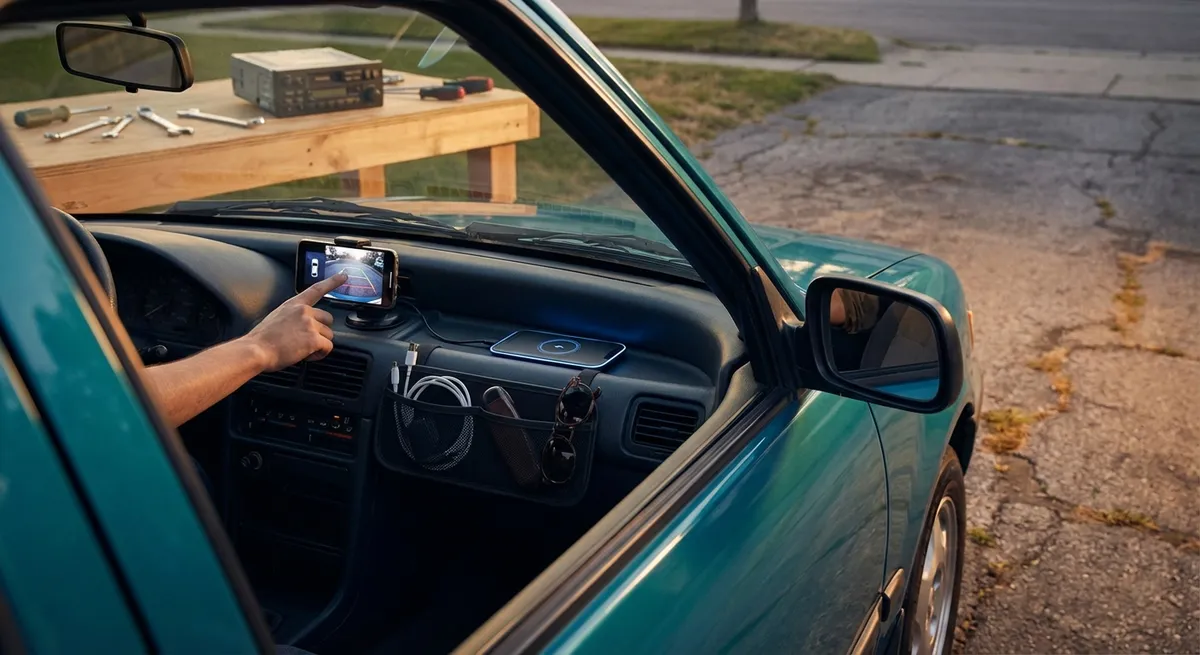
Cameras are another practical addition. If you don’t have a backup camera, this is one of the most worthwhile upgrades you can make—especially in tight parking situations or when kids and pedestrians are nearby. Many systems integrate into your existing display or mirror. For larger vehicles, adding a front or 360‑degree camera system can make parking and low‑speed maneuvering much less stressful.
Actionable point #4: Have your headlights checked and aimed properly, and if you regularly drive at night, research a legal bulb or camera upgrade that improves what you can see—and how clearly others see you.
Protect Your Data and Electronics Like You Protect Your Garage
As cars get smarter, they start to look more like rolling computers—and that means thinking about security and power management differently. Good habits here can protect both your data and your wallet.
First, secure your digital access. Use strong, unique passwords for manufacturer apps, enable two‑factor authentication when offered, and immediately remove access from phones or accounts you no longer use. If you sell the car, perform a factory reset of infotainment and telematics systems, and log out of all connected services, just as you would with a phone or laptop.
Second, be thoughtful with what you plug in. Hardwiring multiple dash cams, GPS trackers, and accessories without a professional plan can overload circuits or cause parasitic battery drain. If you frequently use powered accessories, consider having a shop add a fused accessory circuit or a proper power distribution module rather than stacking multiple adapters into your 12V socket.
Finally, keep your software up to date. Many automakers release over‑the‑air or dealer‑installed updates that fix bugs, improve security, and occasionally enhance features. Ignoring them is like skipping operating system updates on a computer.
Actionable point #5: Audit your car’s digital footprint: change app passwords, remove unused devices and accounts, and schedule a software update check at your next service visit or through your vehicle’s settings menu.
Conclusion
Auto tech doesn’t have to be overwhelming or gimmicky. When you focus on systems that genuinely support driving—driver assistance, smart infotainment setup, connected maintenance tools, better visibility, and digital security—you end up with a car that feels calmer, safer, and easier to live with every day. You don’t need the latest model year to benefit, either; a few well‑chosen upgrades and smarter use of what you already have can transform your daily commute and weekend drives alike.
Sources
- NHTSA – Vehicle Safety Technologies - Overview of advanced driver‑assistance systems and how they improve safety
- IIHS – Front Crash Prevention and ADAS Research - Data and findings on crash‑avoidance technologies and their effectiveness
- AAA – Headlight Performance and Night Driving - Research on headlight performance and why proper lighting and aim matter
- FTC – Tips for Connected Cars - Guidance on privacy, data protection, and security for internet‑connected vehicles
- Consumer Reports – Car Maintenance and Reliability Guide - Practical advice on keeping vehicles reliable, including the role of monitoring and reminders