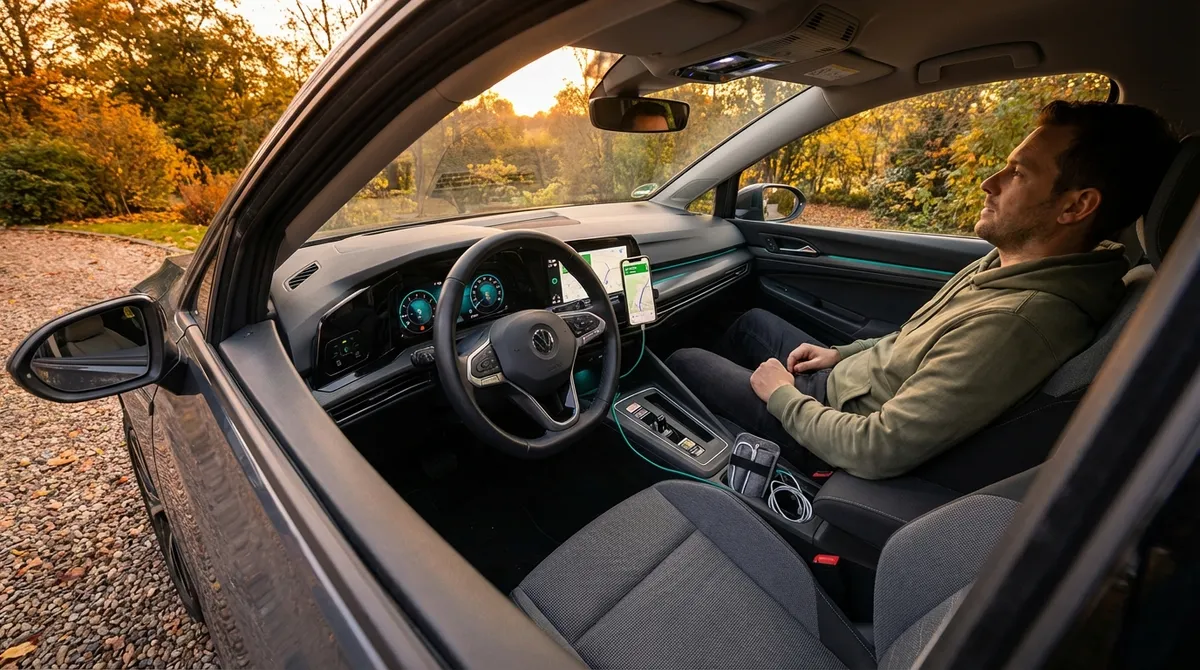
This guide walks through practical, tech-focused tweaks that most drivers can apply in an afternoon, without turning their car into a science project.
Dial In Your Driver Profiles, Not Just Your Seat
Many newer cars let you store a “driver profile,” but owners often stop at saving seat position. There’s a lot more you can customize if you take 15–20 minutes to set it up properly.
Most systems let you tie your profile to a key fob, phone, or account. That typically lets you store seat and mirror position, steering feel (comfort/sport), climate preferences, and sometimes even your favorite audio sources and driver-assistance sensitivity. Set up individual profiles for each regular driver so no one is constantly fighting the seat and mirror settings.
If your vehicle uses a companion app (from brands like Toyota, Ford, Hyundai, etc.), check whether cloud profiles are supported. Cloud-based profiles often follow you between vehicles of the same brand—useful for rentals or second cars. Also look for “learning” features that adjust seat heaters or steering wheel warmth based on outside temperature; if your car supports it, turning these on can make winter mornings far more comfortable.
Once profiles are configured, test switching between them with the car off and on. Make sure nothing behaves unexpectedly (for example, strong steering-wheel tilt movements that could interfere with your knees). This initial setup saves time and reduces distraction every time you get behind the wheel.
Turn Passive Driver Aids Into Active Safety Tools
Driver-assistance tech is most effective when it’s tuned to how you actually drive. Factory defaults are usually conservative, which can mean alerts that feel late, vague, or easy to ignore.
Start with forward collision warning and automatic emergency braking. Many cars let you adjust sensitivity (near/medium/far). If your car only warns very late, bump sensitivity up one level and drive for a week. The goal is a warning early enough to act on, but not so early it constantly chirps in stop-and-go traffic. If false alerts become annoying, step it back one level rather than turning it off entirely.
Next, fine-tune lane-keeping and lane departure features. Some systems can be set to vibrate the wheel instead of steering aggressively, or to warn only when you cross the line without signaling. Pick an alert style you’ll actually respond to, and take note of how it behaves on roads with poor markings—some systems struggle and may need to be disabled temporarily on certain routes.
Also check the settings for blind-spot monitoring and rear cross-traffic alert. If possible, enable both audible and visual alerts, especially if you often back out of parking spaces between tall vehicles. For long highway drives, consider enabling adaptive cruise control but keep a following distance that feels comfortable, not just efficient. A slightly larger gap reduces stress and can smooth out sudden braking.
Finally, commit to a routine: once every few months, revisit these settings as your driving patterns, routes, or even seasonal conditions change. Tech that’s aligned with your real-world driving is far more than a gadget—it becomes part of your safety habit.
Make Your Infotainment System Work Like Your Phone (Not Against It)
Infotainment systems can either simplify your drive or constantly fight for your attention. The difference usually comes down to how you set them up and what you turn off.
If your car supports Apple CarPlay or Android Auto, use it. These platforms mirror your phone’s core apps with an interface designed for driving—clear navigation, simplified voice commands, and reduced on-screen clutter. Hardwire with USB when possible for better stability and faster charging; if wireless CarPlay or Android Auto is available, test both and stick with the one that disconnects less often on your routes.
Customize your home screen. Many systems let you pin shortcuts for navigation, recent contacts, and favorite audio—do that instead of digging through submenus while driving. Hide or de-prioritize apps you never use (like built-in web browsers or app stores) so what you need is always one tap away.
Audio apps matter too. Pick a primary music or podcast service and sign in through the car system or CarPlay/Android Auto. This prevents your phone from constantly switching between services or local media when you start the car. For navigation, keep at least two options available: your preferred app plus the built-in map system as a backup in areas with weak cell coverage.
Finally, reduce distraction by pruning notifications. Turn off non-essential alerts that pop up on the infotainment screen—social media, email, and app badges can wait. Keep only driving-critical notifications: navigation directions, incoming calls, and perhaps text message previews if your system reads them aloud and you use voice responses.
Use Simple Add-On Tech to Upgrade an Older Car
Even if your car predates built-in screens and advanced sensors, you can still add smart tech without major modifications.
Start with a quality phone mount. Choose a design that doesn’t block airbags or critical gauges and keeps your eyes close to the road—dash or vent mounts are usually better than windshield suction mounts. A stable mount paired with a high-quality charging cable turns your phone into a safe, reliable navigation screen.
Consider an OBD-II plug-in device or Bluetooth dongle if your car is 1996 or newer (in the U.S.). These small devices connect to your car’s diagnostic port and pair with an app to display real-time engine data, fuel usage, and hidden trouble codes. For enthusiasts, this can be a powerful tool for monitoring coolant temperatures, intake air temps, and more during spirited driving or towing. For daily driving, it can help you understand why a check-engine light is on before heading to the mechanic.
Dash cams are another high-impact add-on. A simple forward-facing dash cam with loop recording and a large memory card can provide critical evidence after a collision or incident. Look for models with parking mode if you leave your car on the street or in public lots frequently; just ensure the install doesn’t tangle with airbags or obstruct your view.
If your car lacks Bluetooth, upgrade your audio path. Options include Bluetooth adapters that plug into an AUX port, FM transmitters that broadcast to an unused radio frequency, or aftermarket head units that add full Bluetooth calling and streaming. For many older cars, a modern head unit is one of the most transformative tech upgrades you can do without touching the rest of the vehicle.
Put Your Car’s Data to Work: Apps, Logs, and Alerts
Many vehicles and aftermarket devices now generate a steady stream of useful data—but it only matters if you actually use it.
If your car has a connected services app (such as FordPass, HondaLink, myChevrolet, Hyundai Bluelink, etc.), set it up fully rather than stopping after remote lock/unlock. Enable maintenance reminders, low-fuel alerts, tire pressure warnings, and service notifications. These push alerts can catch slow leaks or overdue oil changes before they turn into roadside problems.
For enthusiasts, telematics and logging apps can help you understand how you really drive. When used responsibly (and off public roads for spirited testing), apps can show acceleration patterns, braking intensity, and route efficiency. That information can guide upgrades like better tires or brakes more effectively than seat-of-the-pants impressions alone.
Fuel-tracking apps are valuable for any driver. Manually entering fill-ups or syncing with your car’s data can reveal gradual drops in fuel economy that hint at underinflated tires, dragging brakes, or engine issues. Over time, you establish a baseline for your car’s “normal,” making problems easier to spot early.
Set a recurring reminder—monthly or after every oil change—to review your car’s digital history: error codes, alerts, fuel usage, and tire pressures. Treat your car’s data like a health log. Instead of reacting only when a dashboard light comes on, you’ll start to see small patterns that let you plan maintenance before something fails at an inconvenient time.
Conclusion
You don’t need cutting-edge self-driving features to get real value from auto tech. By fine-tuning driver aids, organizing your infotainment, adding targeted gadgets to older vehicles, and paying attention to your car’s data, you can turn ordinary commutes into smoother, safer drives. The goal isn’t more screens or complexity—it’s technology that quietly supports how you actually use your car, every day.
Sources
- [National Highway Traffic Safety Administration (NHTSA) – Driver Assistance Technologies](https://www.nhtsa.gov/equipment/driver-assistance-technologies) - Overview of common driver-assistance features and how they improve safety
- [AAA – Advanced Driver Assistance Systems (ADAS) Study](https://newsroom.aaa.com/tag/adas/) - Research on how drivers use and respond to modern vehicle safety technologies
- [Apple – CarPlay Overview](https://www.apple.com/ios/carplay/) - Details on Apple CarPlay features, supported apps, and safety-focused design
- [Android – Android Auto Help Center](https://support.google.com/androidauto/) - Official guidance on using Android Auto, compatibility, and setup
- [U.S. Department of Energy – Fuel Economy and Driving Tips](https://www.fueleconomy.gov/feg/driveHabits.jsp) - Data-backed advice on driving and maintenance habits that affect efficiency and running costs