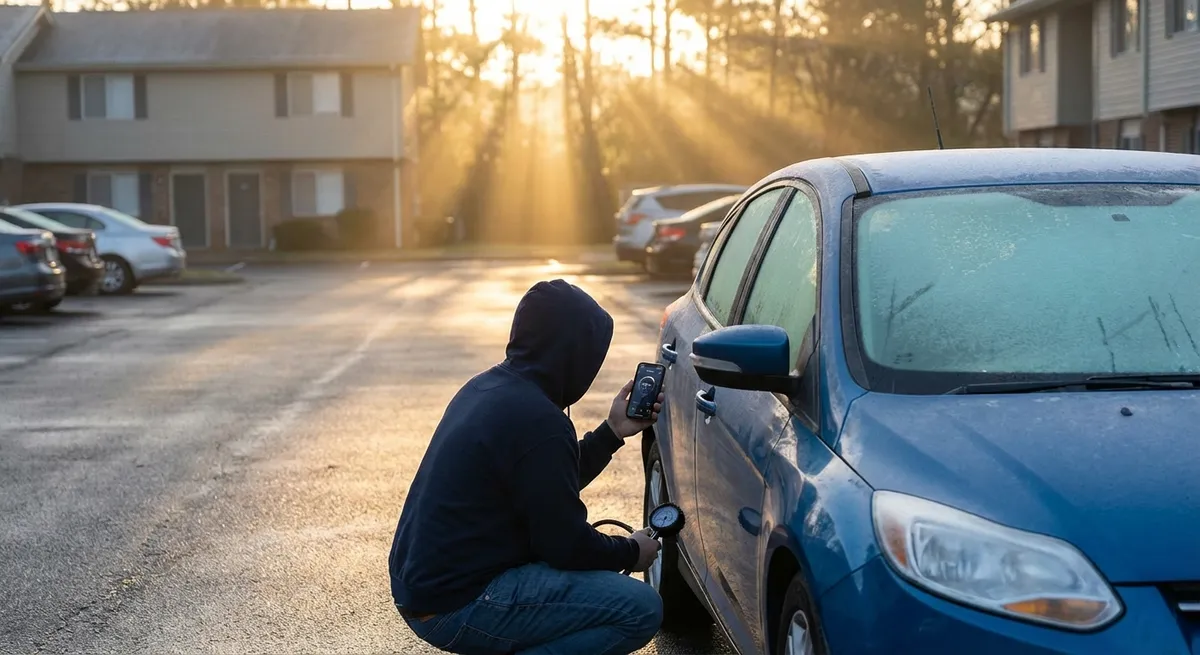
This guide focuses on practical, repeatable habits that use tech you likely already have: built‑in systems, phone apps, and simple add‑ons. Each point is something you can start using this week without being a “car person” or buying anything exotic.
Make Your Dashboard Warnings Work For You, Not Against You
Most drivers treat dashboard lights like fire alarms—ignore them until something’s smoking. That’s expensive. A better approach is to treat warning systems as an early‑detection toolkit and learn to respond in stages instead of panic.
Start by learning your specific icons. Your owner’s manual usually has a chart that explains which alerts are critical (typically red), which are urgent but not immediate (yellow/amber), and which are informational (blue/green/white). Take 10 minutes, snap photos of the chart with your phone, and keep that album handy. That one habit makes it easier not to ignore warnings “until later.”
Use your car’s built‑in vehicle status or “check control” screen (common on many newer vehicles) once a week, the same way you might check your email. Look for anything related to oil, coolant, brake system, or tire pressure. Those systems often detect issues before you can feel or hear them.
When a warning appears, document it with your phone: take a photo of the dashboard and, if your car has a menu for “detailed information,” snap that too. This gives a mechanic precise clues—what light, when it happened, and what you were doing—saving diagnostic time and often avoiding guesswork-based part swapping.
If a light appears briefly and then disappears, don’t just shrug and move on. Use your car’s info screen (or app, if available) to see if a fault was stored. Even intermittent alerts may signal a failing sensor, weak battery, or small leak. Addressing those while the car still seems “fine” is almost always cheaper than waiting for a no-start or roadside failure.
Finally, know which red alerts mean “pull over immediately” (like oil pressure or overheating) and which mean “drive gently to a safe stop and call for help.” A two-minute review in your manual now can prevent a destroyed engine later.
Use Tire Pressure and Temperature Data Like a Safety System
Tires are the only part of your car touching the road, yet most people only think about them during a flat. Modern cars with TPMS (Tire Pressure Monitoring System) and some performance models with temperature readouts turn your tires into a live safety report—if you use the data regularly.
Start by checking tire pressures from the car’s display at least twice a month and before long trips. Compare the readings to the recommended pressures on the driver’s door jamb sticker, not the max PSI on the tire sidewall. Even a 3–5 PSI drop can increase tire wear, reduce fuel economy, and worsen braking performance.
Pay attention to seasonal changes. When temperatures drop, tire pressures often fall several PSI. If your car’s display shows all four tires trending low in early winter, that’s likely weather, not leaks—but you still need to top them up. In hotter weather, watch for a single tire consistently hotter or higher pressure than the others; it can signal a slow leak, underinflation, or internal tire damage.
Many cars only show a generic TPMS symbol when something’s wrong. If your car doesn’t display individual tire pressures, consider an external TPMS kit that sends data to your phone. These are relatively inexpensive and especially helpful if you drive long distances, tow, or frequently carry heavy loads.
Before long highway drives, use tire readings to “baseline” your car. Record cold pressures in your notes app or a small logbook. If you stop for fuel and notice one tire rising more than others or losing pressure faster, that’s your cue to inspect it before you’re stuck on the shoulder with a blown tire.
Treat any TPMS warning as an immediate action item, even if the car still feels normal. Pull over in a safe area, visually inspect the tire, and recheck pressures. Catching a small nail at 30 PSI is manageable; driving on it until the tire shreds can damage the wheel, suspension, and even bodywork.
Turn Your Phone Into a Maintenance Control Center
Your smartphone is already the most powerful tool you own for managing information—use it to organize your car’s care instead of just navigation and music. Simple digital habits can turn random repairs into a predictable, lower‑stress maintenance plan.
Create a “Car” folder in your notes app or cloud drive with subfolders for receipts, photos, and logs for each vehicle you own. Snap photos of maintenance invoices, parts labels, and any work order your shop hands you. Label them by date and mileage. This becomes your searchable service history, which is invaluable for troubleshooting and boosts resale value.
Use a calendar or reminder app to set recurring events for oil changes, brake fluid replacement, coolant changes, and transmission service, based on your manual’s time and mileage intervals. Add buffer reminders a few weeks early so you can schedule service around your life instead of rushing when something feels wrong.
Download the official app from your vehicle’s manufacturer if available. Many now show maintenance schedules, recall notices, service campaigns, and digital owner’s manuals. Some can even pull live vehicle health reports, update software, and log service visits done at dealerships.
For older vehicles without connected services, consider a quality OBD-II Bluetooth adapter plus a reputable diagnostic app. These let you read error codes when the check engine light comes on, monitor real‑time data like coolant temperature, and sometimes reset non-critical alerts after you fix the issue. Use it as an information tool, not a substitute for a professional diagnosis when serious issues appear.
Track fuel fill‑ups in a simple spreadsheet or fuel‑tracking app. A steady drop in fuel economy can reveal problems like underinflated tires, worn spark plugs, dragging brakes, or a failing oxygen sensor—weeks or months before they trigger a warning light.
Let Driver Assistance Tech Help You Drive Smarter, Not Lazier
Advanced driver-assistance systems (ADAS) like adaptive cruise control, lane-keeping assist, blind-spot monitoring, and automatic emergency braking are more than convenience features—they’re safety nets that, used wisely, help you maintain your car better and protect your investment.
Start by reading the ADAS section of your owner’s manual or manufacturer’s online guide. Every brand tunes these systems differently. Knowing how your car is designed to react—when it brakes, how strongly it steers, what triggers alerts—prevents surprises that can feel like “malfunctions” but are actually expected behavior.
Use adaptive cruise control on long highway trips not just for comfort but for consistency. Smoother acceleration and braking reduce wear on your brakes, engine, and transmission. You’ll also typically see more stable fuel economy, especially in stop‑and‑go traffic where the system maintains more even speeds than most humans.
Blind-spot monitoring and rear cross‑traffic alert are especially valuable in tight urban environments or busy parking lots. If these features suddenly stop working or give frequent false alarms, don’t just turn them off—have the sensors checked. Misaligned or blocked radar/ultrasonic sensors (from minor bumps, poorly installed accessories, or panel damage) can also affect other systems that rely on the same hardware.
Pay attention to lane-keeping and forward collision warnings. Even if they feel “too sensitive” at times, repeated alerts in the same conditions can be a signal about your driving habits—following too closely, drifting from fatigue, or being distracted. Adjusting how and when you use ADAS (for example, enabling lane assist only on highways) can make them feel like helpful backup instead of nagging software.
Keep sensors and cameras clean. A quick wipe of front and rear camera lenses and radar covers (often behind the front grille or emblem) when you fuel up or wash the car keeps these systems accurate. Dust, road grime, or packed snow can drastically reduce their performance, making them seem unreliable when they’re simply “blind.”
Use Remote Access and Location Features to Prevent Bigger Problems
Remote access, GPS, and connectivity features are often marketed as convenience or anti-theft tools, but they can quietly prevent mechanical and safety problems when used deliberately.
If your car app supports remote start in cold climates, use it strategically to warm the cabin and gently bring fluids up to temperature—not to idle excessively. Two to five minutes is usually enough before you start driving gently, which is better for engine wear than extended idling. In hot climates, remote start can help cool the interior, protecting interior plastics and electronics from extreme heat cycles.
Use vehicle location and trip history (if available) to monitor usage patterns. Lots of very short trips (under 5–10 minutes) can be hard on engines and exhaust systems because they rarely reach optimal temperature. If you notice your driving is mostly short hops, consider combining errands or taking a slightly longer route occasionally to let the car fully warm up and burn off moisture in the exhaust.
For households sharing a car with newer drivers, location and driving behavior tracking (available on some cars and third-party apps) can be more than just supervision. Reviewing hard braking events, speed alerts, and late-night trips can open discussions around safer habits that reduce crash risk and wear on brakes, tires, and suspension.
If your vehicle app includes “health reports” or over‑the‑air update notifications, don’t ignore them. Software updates sometimes improve charging control for hybrids/EVs, refine shifting logic in automatic transmissions, or fix bugs that could cause stalling or warning lights. Schedule updates during times you don’t urgently need the car, and keep your login information secure.
Finally, treat remote lock/unlock and security notifications as part of your safety routine. A car that notifies you when doors are left unlocked, windows are open, or an alarm was triggered reduces the risk of theft and vandalism—events that rarely show up in maintenance schedules but can quietly cost thousands.
Conclusion
The most powerful “upgrade” for your vehicle isn’t a new part—it’s using the tech already built into your car and your phone with more intention. When you treat warning lights as early alerts instead of emergencies, tire and sensor data as live health reports, and apps as your maintenance command center, you turn random car problems into manageable, predictable tasks.
You don’t need to be an engineer or a hardcore enthusiast to do this. Start with one or two habits: check tire pressures from your display regularly, digitize your service records, or learn what your warning lights really mean. As these become routine, you’ll notice fewer surprises, more confidence on the road, and a car that quietly lasts longer and drives better—thanks to tech you already own.
Sources
- National Highway Traffic Safety Administration (NHTSA) – Tire Pressure Monitoring System - Explains TPMS, tire safety, and pressure best practices from a U.S. government safety agency
- U.S. Department of Energy – Fuel Economy and Driving Tips - Covers how driving habits and vehicle condition affect fuel economy and wear
- AAA – Advanced Driver Assistance Systems (ADAS) Guide - Breaks down common driver-assistance technologies and their proper use
- Consumer Reports – Car Maintenance and Repair Guide - Provides evidence-based recommendations on maintenance intervals and practices
- Insurance Institute for Highway Safety (IIHS) – Front Crash Prevention and Driver Assistance Research - Summarizes research on the effectiveness and limitations of modern safety tech