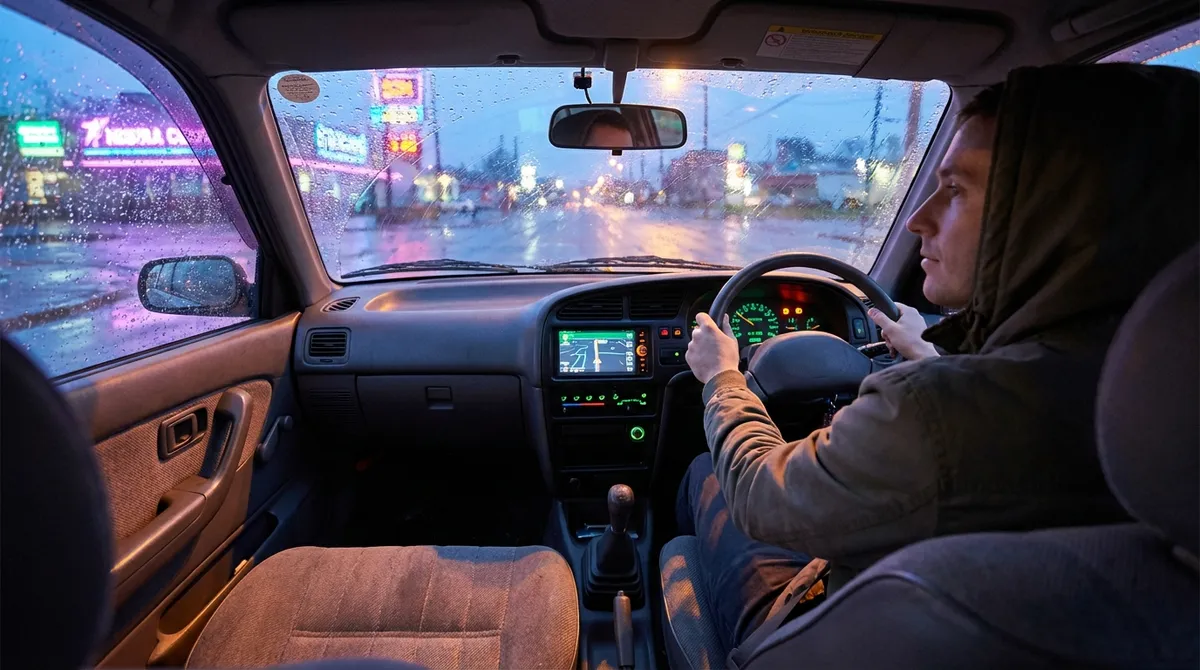
Turn Your Phone Into a Real Driving Companion
Most drivers already mount their phone and call it a day—but your smartphone can do much more when you take a few intentional steps.
First, fully set up your platform: if your car supports Apple CarPlay or Android Auto, plug in (or connect wirelessly if available) and complete the on-screen setup. This gives you cleaner navigation, large tap targets, and better voice control than most built-in systems. If your car doesn’t support these, use a high-quality dash mount that keeps your phone at eye level without blocking airbags or gauges.
Next, streamline your app setup. Choose one primary navigation app (Google Maps, Apple Maps, or Waze) and configure driving-focused settings: avoid tolls if that matters to you, enable speed-limit display, and turn on alerts for incidents or hazards. Disable non-essential notifications while driving—group chats and social alerts only add distraction.
Then, connect your phone’s ecosystem to your car. Enable automatic Bluetooth connection and set your phone to “Do Not Disturb While Driving” so calls and texts are handled safely, with auto-replies turned on if you prefer. If you often forget where you parked, enable “Significant Locations” or parking reminders in your maps app.
For audio, build a dedicated “Driving” playlist or download podcasts and audiobooks for offline listening. This reduces the temptation to search for content while on the road. Finally, practice voice commands before you need them: send a text, start navigation, or change music using only your voice. Once it feels natural, you can keep your hands on the wheel and eyes on the road far more often.
Use Built-In Driver Aids the Way Engineers Intended
Many modern cars come with driver-assistance features that owners either ignore or distrust because they’re not sure what they actually do. Learning the limits and strengths of these systems can make your daily commute easier and safer.
Start with the basics: read the specific pages in your owner’s manual that cover cruise control, lane-keeping assist, blind-spot monitoring, and automatic emergency braking. Different brands behave differently—knowing exactly how your car reacts is critical. For example, some lane-keeping systems only nudge you back when you drift; others actively center the vehicle in the lane.
Use adaptive cruise control properly by enabling it on consistent, predictable roads—multi-lane highways with good markings are ideal. Keep your hands on the wheel and maintain awareness; it’s an assistant, not an autopilot. Adjust the following distance to a setting that matches local driving norms while still leaving enough space for emergency braking.
If your car has blind-spot monitoring, use it as a backup, not a replacement for shoulder checks. Set your side mirrors using the “blind spot reduction” method (angled slightly outward so adjacent lanes are visible). The tech then becomes a confirmation tool rather than your only warning.
Parking sensors and cameras are especially useful in tight urban areas. Clean the camera lenses regularly and adjust the volume of parking sensor alerts if they’re so loud that you start ignoring them. Practice backing into a familiar parking spot using only the camera and sensors while moving slowly—this builds confidence in how accurate the guidelines and beeps really are.
Finally, customize the sensitivity of alerts where possible. If lane-departure warnings feel overly aggressive, you’re more likely to disable them entirely. Instead, find a sensitivity level that warns you about genuine drift without constantly nagging during normal lane changes.
Add Smart Safety Tech to Older Cars Without a Full Upgrade
Even if your car predates many modern safety technologies, you can retrofit several features at a reasonable cost and significantly upgrade your daily safety net.
Start with a quality dash cam. Look for models with front and rear cameras, a wide field of view, loop recording, and parking mode. Hardwiring kits let the system run even when the ignition is off (with low-voltage protection so your battery isn’t drained). Set the time, date, and video quality correctly so any recorded incident is clearly documented.
For blind spots, consider add-on blind-spot mirrors—small convex mirrors that attach to your side mirrors—and, if your budget allows, aftermarket blind-spot detection kits with radar sensors. Position add-on mirrors so they show the lane just beside and slightly behind you without duplicating what you already see in the main mirror.
If your car lacks a backup camera, an aftermarket kit with a license-plate frame camera and a dash-mounted or mirror-integrated screen can make reversing much safer. Prioritize models with good low-light performance and a clear display; grainy video undermines the benefit.
Tire Pressure Monitoring Systems (TPMS) are another effective upgrade. If your car doesn’t have factory TPMS, screw-on sensor caps with a wireless display can warn you of slow leaks or under-inflation before they become dangerous or costly. Set alert thresholds according to your manufacturer’s recommended pressures, usually found on the driver’s door jamb.
Lastly, consider a basic OBD-II (On-Board Diagnostics) scanner or Bluetooth dongle that plugs into your car’s diagnostic port. Paired with an app, it can read error codes when the check engine light comes on and provide live data like coolant temperature or voltage. This doesn’t replace a mechanic, but it makes you a more informed owner and can prevent minor issues from turning into major repairs.
Use Data to Drive Cheaper, Not Just Faster
Auto tech isn’t only about gadgets; it’s also about using data to make your driving more efficient and your car cheaper to own over time.
Begin with fuel tracking. Use an app or even a simple spreadsheet to log mileage, fuel volume, and cost at every fill-up. Over a few weeks, patterns emerge—where fuel is cheapest, which driving routes are most efficient, and how aggressive driving or heavy loads impact consumption. If your car has a trip computer, reset it for recurring routes (like your commute) to see real-world effects of different driving styles.
Next, explore eco or economy driving modes if your car offers them. These often soften throttle response, adjust transmission shift points, or tweak climate control behavior to reduce fuel use. They’re most effective in steady driving scenarios—highway cruising or suburban routes with fewer stops. Compare your fuel economy with and without eco mode over similar trips to see if the trade-offs suit you.
Pay attention to live fuel-economy displays or efficiency score features. These are feedback tools: they’ll show you how harsh acceleration, high speeds, or long idling periods hurt efficiency in real time. Aim for smooth inputs—gentle acceleration, anticipating traffic lights, and coasting when safe.
Don’t forget tire pressure and alignment. Many modern cars show individual tire pressures; check them when cold and adjust to the manufacturer’s recommended levels. Under-inflated tires increase rolling resistance and fuel consumption. If your car lacks a display, check manually every month with a digital gauge.
Finally, use maintenance reminder systems properly. Whether it’s a simple mileage-based reminder or an oil-life monitor that considers how you actually drive, treat these alerts as planning tools, not last-minute emergencies. Booking service a bit early—when your schedule is flexible and parts can be ordered in advance—often saves stress and money.
Keep Your Car’s Software (and Your Habits) Up to Date
Cars are becoming more like phones and laptops: software updates matter. Ignoring them can mean missing out on improved safety, better reliability, and even new features.
First, register your vehicle with the manufacturer’s owner portal if you haven’t already. This is where you’ll often find notices about software updates, recalls, and service campaigns. If your car supports over-the-air (OTA) updates, confirm that updates are enabled and that you understand how and when they install—many occur overnight or when the vehicle is parked and locked.
For cars that require dealer-installed updates, ask about software checks during scheduled maintenance. Updates can refine transmission behavior, correct infotainment glitches, or improve driver-assistance features. They’re not always aggressively advertised, so a specific question (“Are there any software or control module updates available for my VIN?”) helps.
Review your car’s privacy and data-sharing settings in the infotainment menu and in any companion app. Decide what you’re comfortable sharing—location, driving behavior, diagnostic data—and adjust accordingly. If you change phones, remove the old device’s access and clear any synced data like contact lists or previous navigation destinations.
In parallel, refresh your own “software”—your driving habits. Spend a few minutes exploring lesser-known menus in your infotainment system or cluster: you may find custom shortcuts, favorite buttons, or display layouts that reduce distraction and put your most-used features a single tap away.
Lastly, keep accessory tech updated too. Update dash cam firmware, navigation maps (factory or aftermarket), and apps connected via OBD-II dongles. Outdated software can misreport data, miss critical bug fixes, or fail when you need it most. A quarterly “tech check” where you review and update all your automotive gadgets is often enough.
Conclusion
Auto tech doesn’t have to be complicated or reserved for brand-new cars. With a few deliberate steps—setting up your phone properly, learning and customizing your driver aids, adding key safety upgrades to older vehicles, letting data shape your driving habits, and keeping both your car’s software and your habits current—you can turn any daily driver into a smarter, safer, and more enjoyable companion. The tools are already in your driveway or in your pocket; the real upgrade is how intentionally you use them.
Sources
- [NHTSA: Driver Assistance Technologies](https://www.nhtsa.gov/equipment/driver-assistance-technologies) - Overview of common advanced driver-assistance systems (ADAS) and how they work
- [IIHS: Front Crash Prevention and Other Crash Avoidance Features](https://www.iihs.org/ratings/features) - Independent safety institute explaining the benefits and limits of various safety technologies
- [U.S. Department of Energy: Fuel Economy Guide](https://www.fueleconomy.gov/feg/driveHabits.jsp) - Practical tips and data on how driving behavior and vehicle condition affect fuel consumption
- [AAA: Choosing and Using a Dash Cam](https://newsroom.aaa.com/2020/02/aaa-issues-warning-on-dash-cam-use/) - Guidance on dash cam selection, installation, and legal considerations
- [FTC: Connected Cars and Data Privacy](https://www.consumer.ftc.gov/articles/connected-cars) - Consumer-focused information on how modern vehicles collect and share data and how to manage privacy settings