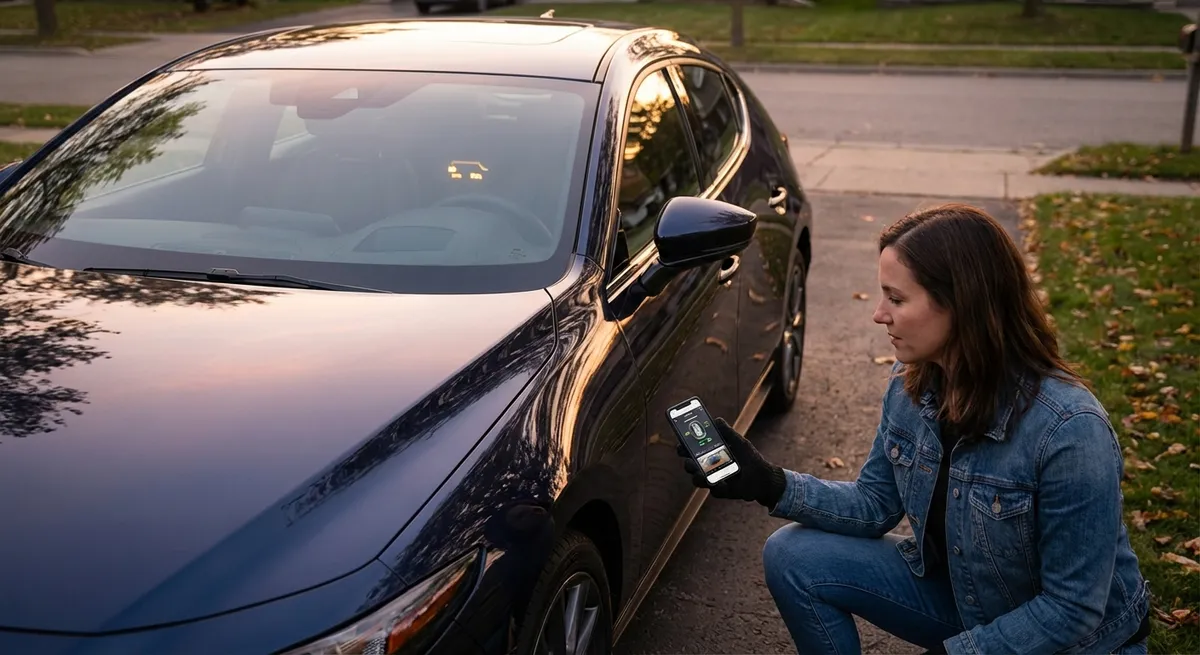
This guide walks through five practical ways to use the sensors and tech your car already has, with simple steps you can put to work on your next trip.
Understanding Your Car’s “Digital Dashboard” Instead of Just the Gauges
The instrument cluster is no longer just a speedometer and fuel gauge—it’s a live data feed from dozens of sensors. Learning how to use what it shows (and sometimes what it doesn’t show unless you dig a bit) helps you spot problems early and fine-tune how you drive.
Many cars let you cycle through multiple screens using steering wheel buttons or stalk switches. Common data points you’ll find:
- Average fuel economy
- Instant fuel economy
- Tire pressure for each wheel
- Transmission temperature (on some vehicles)
- Trip distance and average speed
- Remaining range (estimated miles to empty)
Actionable point #1: Set up a “default” driving screen you actually watch.
Take five minutes in your driveway to:
- Turn the ignition on without driving.
- Use the steering wheel or stalk buttons to scroll through every available info screen.
Choose one screen that shows:
- Current speed - Instant or average fuel economy - Outside temperature or tire pressures (if available) 4. Make that your go-to view.
Why it matters:
- Watching instant fuel economy while you accelerate makes it obvious how hard launches and late braking waste fuel.
- Glancing at outside temperature on cold mornings reminds you when roads may be slick even if they look dry.
- If tire pressures are visible, you get early warnings before a tire becomes visibly low.
For enthusiasts: Some vehicles allow you to customize layouts or add extra data like oil temperature or boost pressure. If your car has a “Settings” or “Display” submenu, explore its options—you may be able to turn hidden info on with a few clicks.
Using Tire Pressure Monitoring Like a Performance Tool, Not Just a Warning
The tire pressure monitoring system (TPMS) is widely treated as a simple “idiot light” that turns on when something is really wrong. In reality, accurate tire pressure is one of the biggest performance, safety, and efficiency variables you can easily control.
If your car shows individual tire pressures:
- Get familiar with what “normal” looks like for your vehicle at your typical driving temperature.
- Expect to see pressure climb several PSI after 15–20 minutes of highway driving.
- Notice if one tire regularly runs lower than the others—that’s often a slow leak long before a warning appears.
Actionable point #2: Create a repeating “TPMS snapshot” routine.
Once a week (or before any road trip):
- Check the vehicle placard (usually on the driver’s door jamb) for the recommended cold pressures.
- In the morning before driving far, turn the car on and note the pressures displayed.
- Compare them to the placard.
- Make small adjustments with a reliable gauge and inflator to bring them in line.
Practical benefits:
- Fuel economy: Underinflated tires increase rolling resistance and fuel use.
- Handling and braking: Balanced pressures mean the car responds more predictably in emergency maneuvers.
- Tire life: Proper pressure can add thousands of miles of useful tread life.
If your car only has a “low tire” warning and not individual numbers, consider a standalone TPMS kit or a high-quality gauge. You still gain a lot by checking manually on a schedule instead of waiting for the light.
Letting the Transmission and Engine Sensors Guide How You Warm Up and Drive
Modern engines and transmissions rely on temperature and load sensors to self-protect, adjust power, and optimize efficiency. Ignoring how these systems behave often means extra wear and wasted fuel—especially in cold or very hot weather.
Common tech at work behind the scenes:
- Engine coolant temperature sensors
- Oil temperature (even if not displayed, it’s monitored)
- Intake air temperature sensors
- Transmission fluid temperature sensors
- Knock sensors (which affect ignition timing and power)
Actionable point #3: Use warm-up behavior as a driving cue, not a waiting game.
Instead of idling in your driveway for 10 minutes:
- Start the car, wait 20–30 seconds for oil circulation.
- Begin driving gently—no hard throttle, no high RPM.
- If your dash shows a coolant temperature gauge, wait for it to reach its normal middle position before using full power.
- In automatics, notice early shifts and higher idle speed; as the car warms, shifts smooth out and idle falls. Treat that as a sign systems are reaching normal operating range.
Why this is smarter:
- Idling excessively warms coolant but not the rest of the drivetrain efficiently.
- Driving gently under light load warms engine oil and transmission fluid more evenly.
- Electronics are tuned for this pattern—manufacturers design modern engines to reach ideal temperature quickly while moving, not sitting.
For performance-minded drivers: If your vehicle offers a dedicated oil temperature readout or sport display, don’t push hard until oil, not just coolant, is up to temp. Coolant reaches normal faster than oil does.
Turning Driver-Assistance Sensors Into Your Personal Co-Driver
Many cars now come with advanced driver-assistance systems (ADAS), powered by radar, cameras, and ultrasonic sensors. Because they’re often bundled and labeled with brand names, it’s easy to overlook what each system can specifically do for you during daily use.
Common systems include:
- Adaptive cruise control
- Lane keeping assist or lane departure warning
- Blind-spot monitoring
- Rear cross-traffic alert
- Automatic emergency braking
- Parking sensors and 360° cameras
Actionable point #4: Pair each assistance feature with a specific driving situation.
Instead of leaving everything on (or off) all the time, think in terms of scenarios:
- Highway commutes: Turn on adaptive cruise control and lane centering if equipped. Use it to maintain following distance and reduce fatigue in light-to-moderate traffic.
- Urban errands and parking garages: Rely on parking sensors, rear cross-traffic alert, and camera views to reduce blind spots backing out of tight spaces.
- Night or bad-weather driving: Keep automatic emergency braking and forward collision warning active; they can react faster than human perception in low visibility.
Practical steps:
- Read the owner’s manual section on each system once—you’ll learn the specific limits (e.g., speed ranges, camera visibility issues).
- During a calm drive on a familiar route, turn on one feature at a time and feel how it behaves.
- Adjust sensitivity levels if your car offers that option (for example, some lane-keeping systems have “early” vs. “standard” alerts).
The goal isn’t to let the car drive itself. It’s to offload routine tasks—like maintaining exact following distance—so you can focus more attention on what’s happening 10–15 seconds up the road.
Using Built-In Trip Data to Diagnose Problems Before the Shop Does
Beneath the surface, your car’s onboard diagnostics (OBD-II) system constantly monitors performance and emissions. While deep diagnostics usually require a scan tool, your car often exposes enough information for you to notice early warning signs without special equipment.
Even basic trip computers can help you spot:
- Gradual drops in average fuel economy
- Differences in range estimates between fill-ups
- Increasing time to warm up to normal temperature
- Unusual idle behavior (visible on a tachometer)
Actionable point #5: Track a “baseline trip” and look for deviations.
Pick one regular route you drive often—maybe your commute or a weekly errand—and:
- Reset a trip meter right before that drive.
- Note the average fuel economy, distance, and average speed at the end.
- Do this once a week for a month so you learn what “normal” is for that route and season.
- Keep a simple note on your phone or in a glovebox notepad.
Red flags worth investigating:
- A noticeable drop in fuel economy on the same route and conditions.
- The engine taking much longer to reach normal operating temperature.
- New vibrations or hesitations that appear at the same speed or load each time.
When you eventually need a shop visit, these observations become extremely valuable: you can tell the technician when the problem started and how it changed, making diagnosis faster and often cheaper.
If you’re comfortable with tech, an inexpensive Bluetooth OBD-II adapter and app can expose even more data (like stored codes that haven’t yet triggered a check-engine light), but even the built-in trip computer gives you clues.
Conclusion
Your car is already a rolling sensor network. You don’t need aftermarket gadgets or advanced tools to benefit from it—you just need to pay attention to the information your car is already willing to share.
By:
- Setting up a useful default dashboard view
- Actively using tire pressure data
- Letting engine and transmission behavior guide your warm-up
- Matching driver-assist features to real-world scenarios
- Tracking a simple baseline trip for early diagnostics
you turn everyday auto tech into a practical edge: better efficiency, more confidence, and fewer surprises.
The tech isn’t there just for the brochure. Used intentionally, it quietly makes every drive smarter.
Sources
- National Highway Traffic Safety Administration (NHTSA) – Tire Pressure Monitoring Systems - Explains how TPMS works, why it’s required, and its role in safety and fuel economy
- U.S. Department of Energy – Fuel Economy in Cold Weather - Details how temperature affects warm-up, fuel use, and why driving gently is better than extended idling
- AAA – Advanced Driver Assistance Systems (ADAS) Overview - Breaks down common driver-assist technologies, their benefits, and limitations
- EPA – Light-Duty Vehicle Technology, CO₂ Emissions, and Fuel Economy Trends - Provides background on how modern vehicle technologies improve efficiency and performance
- Car and Driver – How to Read Your Car’s Dashboard - Practical guide to understanding modern instrument clusters and warning indicators