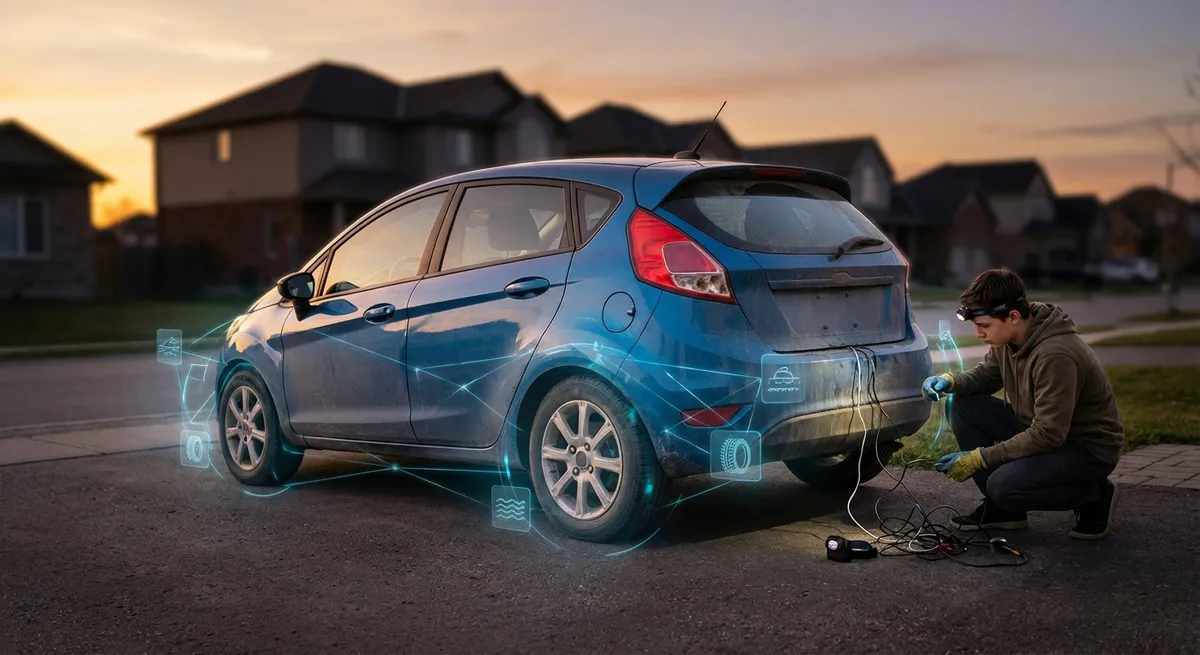
This guide breaks down practical ways to use the tech already built into your vehicle—plus a few smart add-ons—to drive safer, spend less, and avoid surprise repairs.
Understanding the “Hidden Layer” of Your Car’s Tech
Most vehicles built in the last decade constantly collect data from dozens of sensors: wheel speed, engine temperature, tire pressure, fuel mixture, steering angle, and more. You mainly see this as warning lights or simple messages on your dashboard, but behind those symbols is a continuous health report of your car.
The onboard computer (often called the ECU or PCM) uses this data to adjust how the car runs—fuel delivery, shifting, traction control, and stability systems. When something looks off, it stores fault codes and may light up the check engine, ABS, or other warning indicators.
Where this gets practical for you: many of these systems provide early clues before a breakdown or major repair. Learning what to watch and how to interpret it (with a few affordable tools) turns “mysterious electronics” into an early-warning system that protects your wallet.
Below are five actionable ways to use your car’s tech more intentionally.
1. Turn the Check Engine Light into Actionable Information
Most people treat the check engine light (CEL) like an alarm: either panic, or ignore it until it blinks. Your car’s computer, however, has already done the first round of diagnostics—you just need a way to read what it found.
A basic OBD-II scanner (or a Bluetooth dongle plus a phone app) lets you see the actual diagnostic trouble codes (DTCs) behind the light. This transforms “something’s wrong” into specific clues like “evaporative emissions leak” or “misfire on cylinder 3.” Many apps will show live data—engine temperature, fuel trim, oxygen sensor readings—that your mechanic also uses.
Practically, this helps in three ways. First, you can distinguish between issues that require immediate attention (like misfires that could damage your catalytic converter) versus problems you can schedule soon (like a loose gas cap or small EVAP leak). Second, you can walk into the shop with more context, which makes it easier to ask informed questions and avoid unnecessary upsells. Third, you can track recurring issues over time, which is useful if you switch shops or need to discuss a possible warranty or recall.
A key habit: when the light comes on, scan it as soon as possible, take a screenshot of the codes and live data, and save it. Even if the light goes out later, you’ll have a record if the issue returns or worsens.
2. Use Tire Pressure Monitoring as a Real-Time Safety Tool
Tire Pressure Monitoring Systems (TPMS) are often treated as an annoyance that lights up when the weather changes. In reality, TPMS is one of the most valuable safety and efficiency tools in your car.
Underinflated tires heat up more, wear unevenly, and significantly increase stopping distances. They also reduce fuel economy. Your TPMS doesn’t just warn of a catastrophic flat; it often catches slow leaks from a nail, a corroded wheel, or a weak valve stem—issues that can be repaired cheaply if caught early.
To get full value from TPMS, don’t wait for the warning symbol. Most newer vehicles allow you to see individual tire pressures in a menu screen. Check them before long trips and whenever temperatures swing sharply. If one tire consistently reads a few PSI lower than the others, even without a warning, that’s your cue to inspect it for a slow leak or have a shop check it.
If your car doesn’t display actual pressures (just a generic warning), consider a standalone TPMS kit with valve-mounted sensors and a small display. These are especially useful if you tow, drive in extreme temperatures, or frequently carry heavy loads.
3. Let Stability, ABS, and Traction Systems Teach You About Grip
Electronic Stability Control (ESC), Anti-Lock Brakes (ABS), and Traction Control quietly monitor your driving in the background, comparing steering input, wheel speed, yaw rate, and more. When they intervene, it’s often the first visible sign that your tires—or your driving choices—are on the edge.
Instead of treating the flickering stability/traction light as a mystery, remember: it’s a grip meter. If that icon starts flashing more often—during rain, on ramps you used to take comfortably, or at modest speeds—that can be a signal your tires are wearing out, heat-cycled (on performance tires), or simply not appropriate for current weather.
You can use this feedback proactively. After changing tires or rotating them, pay attention during the first wet drive. Does traction control intervene more or less than before? That tells you how the new setup is coping. In snow or ice, a brief, controlled test in an empty lot—gradual accelerations and careful braking—will show how quickly ABS or traction kicks in, giving you a real sense of how much margin you have before your commute.
If you drive spiritedly, treat these systems like a guardrail, not a crutch. Frequent interventions in dry conditions are a sign to dial back, refine your inputs, or upgrade tires—not to simply “let the electronics handle it.”
4. Turn Fuel Economy and Trip Data into an Efficiency Game
Your car’s trip computer is more than a digital odometer. It’s a running experiment lab that shows how your driving, traffic, and even weather affect fuel use. Instead of just glancing at average MPG, use it to test specific habits and see what actually matters for your vehicle.
Pick a familiar route—your commute, a regular weekend drive—and reset the trip data at the start. On one run, drive normally. On another, smooth out your throttle inputs, anticipate traffic sooner, and keep speeds to where your car’s gearing and engine are most efficient (often 45–65 mph in many vehicles). Compare not just MPG, but average speed and time. You’ll usually find that small changes in driving style move the MPG number more than you’d expect, with little or no time penalty.
You can also use trip and range data to plan fuel stops realistically on road trips, avoiding overpriced stations near airports or tourist traps. Many newer systems will show how terrain and recent driving affect projected range; if you see range dropping faster than miles traveled, you know conditions (headwinds, climbs, heavy loads) are eating into efficiency and should plan accordingly.
If your car supports it, monitor instant fuel consumption during hills. Learn when to ease off early before a crest or stay in a higher gear. These “micro lessons,” reinforced by real-time feedback, build habits that quietly lower fuel bills and reduce wear on brakes and driveline components.
5. Use Connected Apps and Scheduled Alerts as Maintenance Backups
Many late-model vehicles now offer connected apps that link your car to your smartphone. Even if you’re not interested in remote start or locking, these apps often include maintenance trackers, status reports, and alerts that are worth using.
When properly set up, the app (or the in-car system) can remind you of oil changes, brake fluid service, inspections, and tire rotations based on mileage and time—not just a generic “service soon” light. This is especially helpful if you drive irregularly or mix short trips with occasional long highway runs, where time-based intervals matter as much as mileage.
Use these digital reminders alongside a simple maintenance log—digital or paper. Each time you complete a service, update both your log and your app, and take photos of receipts. Over time, you’ll have a clear picture of what’s been done, which helps you avoid duplicate services and gives you leverage when discussing recommended work at a shop.
Some apps also offer health reports pulled from the car’s onboard diagnostics, notifying you of low battery voltage, open recalls, or fault codes. Even if you still prefer a trusted mechanic for interpretation, getting these alerts early lets you schedule work on your terms instead of reacting to breakdowns.
If your car doesn’t support a factory app, third-party telematics devices (plugged into the OBD-II port) can offer similar features—driving logs, basic diagnostics, and maintenance reminders. Just be mindful of data-sharing policies and choose a reputable provider.
Conclusion
Most of the tech you need to drive safer, spend less, and avoid nasty surprises is already inside your car—or available for the price of a basic scan tool. The key shift is to stop treating lights and menus as background noise and start using them as a conversation with your vehicle.
By reading check engine codes instead of fearing them, paying attention to TPMS trends, noticing when stability systems intervene, experimenting with driving style using trip data, and letting connected tools back up your memory, you turn passive electronics into an active ownership advantage.
You don’t need to be a technician to benefit from modern auto tech—you just need to listen to what your car is already saying, and respond a little earlier than everyone else.
Sources
- [National Highway Traffic Safety Administration – Tire Pressure Monitoring System (TPMS)](https://www.nhtsa.gov/equipment/tires#tires-tpms) - Explains how TPMS works, safety benefits, and regulatory background
- [U.S. Department of Energy – Fuel-Efficient Driving Tips](https://www.fueleconomy.gov/feg/driveHabits.jsp) - Details how driving habits and speed affect fuel economy and operating costs
- [AAA – Understanding Your Vehicle’s Onboard Diagnostics (OBD-II)](https://exchange.aaa.com/automotive/automotive-trends/understanding-your-vehicles-onboard-diagnostics-obd-ii/) - Overview of OBD-II systems, check engine lights, and code reading
- [IIHS – Benefits of Electronic Stability Control](https://www.iihs.org/topics/electronic-stability-control) - Research-backed information on how ESC works and its role in crash prevention
- [Consumer Reports – Car Maintenance and Repair Guide](https://www.consumerreports.org/cars/car-repair-maintenance-guide/) - Practical advice on maintenance schedules, service decisions, and ownership strategies