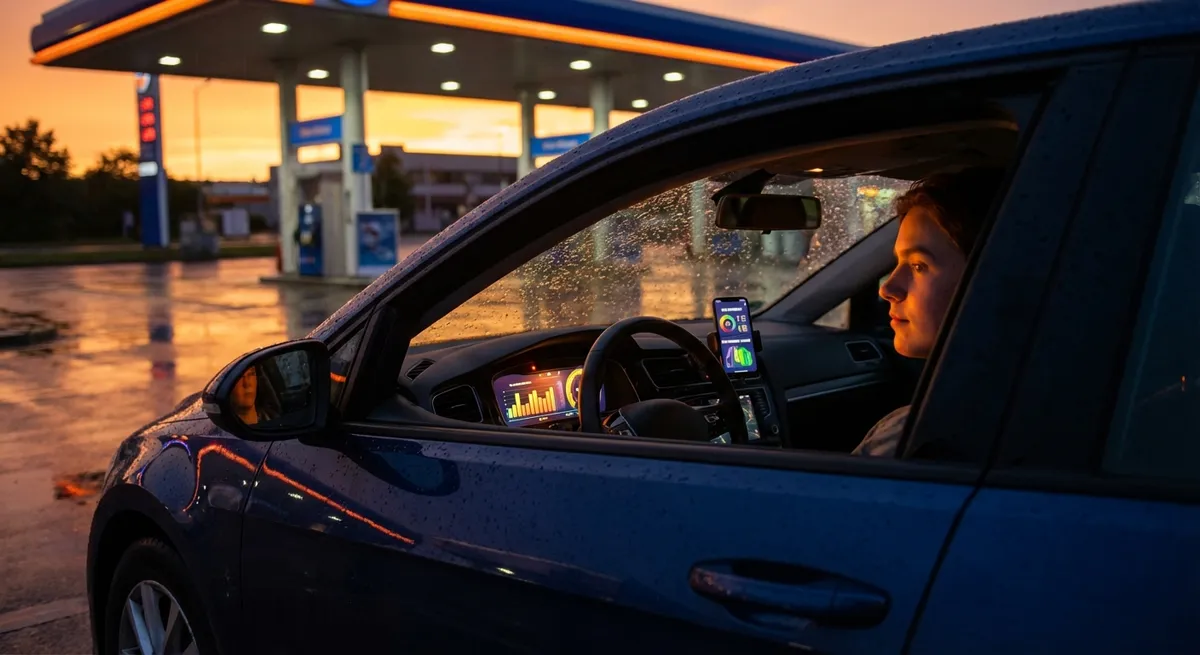
This guide breaks down practical ways to use the tech and data your car already has (or can get cheaply) to make daily driving smarter—not more complicated.
Use Your Trip Computer Like a Training Tool, Not a Gadget
Most modern cars have a trip computer showing real-time and average fuel economy, distance, and time. Instead of checking it once in a while, use it intentionally.
Watch how your instant MPG changes with your right foot. Gentle acceleration, earlier upshifts (in manuals), and smoother braking usually show immediate gains. Over a week, reset “Trip B” and drive normally. The next week, drive with smoother throttle, lower speeds on the highway (65–70 instead of 75–80), and less idling. Compare averages at the end.
Do the same test in city vs highway traffic to see where your fuel is really going. Combine that with the “range” readout to plan fuel stops more efficiently on longer trips. Over time, this turns the trip computer into a feedback loop, helping you identify the habits that give you an extra 20–50 miles per tank.
The key is consistency: reset your chosen trip meter only at logical points (fill-ups, start of a commute week, start of a road trip) so the numbers actually mean something.
Turn Smartphone Telematics Into Your Personal Driving Report
If your car doesn’t have advanced built-in telematics, your phone can fill the gap. Many insurance companies offer optional “usage-based” apps, while independent apps simply track your driving for your own benefit.
These apps typically measure hard braking, rapid acceleration, speed vs limit, and time of day driven. Instead of seeing this as surveillance, treat it as a coaching session. Review the trip summaries: are you braking late in city traffic? Accelerating hard onto every highway ramp? Regularly speeding by 5–10 mph?
Use that information to adjust your habits for smoother, safer driving. You may also identify patterns—like consistently stressful routes or times—that you can avoid or adjust (leaving 10 minutes earlier, choosing a less congested road, or planning errands more efficiently).
If you opt into an insurance program, confirm what data is collected, how long it’s stored, and how it affects your rate. For some drivers (steady, low-mileage, mostly daytime), these programs can lower premiums. For others with unpredictable or aggressive patterns, they may not be worth it.
Pair an OBD-II Adapter With an App to Catch Problems Early
Any car sold in the U.S. since 1996 has an OBD-II port—usually under the dash. A simple Bluetooth OBD-II adapter plus a smartphone app can give you insight into what’s happening under the hood, far beyond a basic check-engine light.
When a warning light appears, plug in the adapter and read the code. While it doesn’t replace a mechanic, it tells you whether the issue is minor (like a loose gas cap or small emissions leak) or potentially serious (misfire, overheating, critical sensor fault). That helps you decide whether you can drive home, head straight to a shop, or safely continue your trip.
Many apps also let you watch live data: coolant temperature, fuel trim, oxygen sensor behavior, and more (depending on your car). Monitoring these over time can reveal subtle issues before they become breakdowns—like a thermostat running cooler than normal or fuel trims creeping up, hinting at vacuum leaks or fuel delivery issues.
Use this setup as a sanity check when visiting shops. You don’t have to argue with a technician, but you’ll at least understand the code descriptions and can ask informed questions instead of approving repairs blindly.
Turn Navigation and Traffic Data Into Less Stress and Lower Fuel Use
Modern navigation—whether built-in or on your phone—is more than a digital map. Live traffic and route data can save fuel, time, and frustration if you use it actively.
First, don’t just accept the first suggested route. Check alternate routes: one might be a few minutes slower but far more consistent, with fewer stoplights and less stop-and-go traffic. Over a full week of commuting, that consistency can save fuel and cut down on brake and transmission wear.
Second, learn to read the traffic overlays. Dark red segments tell you where your biggest slowdowns will happen. If the backup is short and near your destination, staying on your main route might make sense. But when your app shows a long red segment stretching several miles, taking the recommended bypass can save 15–20 minutes and a lot of idling.
Third, use arrival-time predictions to smooth out your schedule. If navigation shows you arriving early, you can slow slightly and improve fuel economy. If it shows you will be late no matter what, there’s no point in speeding and weaving dangerously—adjust your plans or communicate with the person you’re meeting.
On long trips, combining navigation data with your car’s estimated range lets you plan fuel and rest stops at safer, better-equipped locations, rather than waiting for the low-fuel light and accepting whatever appears first.
Build a Simple Digital Logbook From Your Car’s Data
Your car’s tech gives you numbers; a simple log turns those numbers into long-term savings. You don’t need a complex system—just something you’ll actually maintain.
At minimum, track:
- Date and mileage at each fuel fill-up
- Number of gallons and total cost
- Basic notes for changes (new tires, oil change, air filter, major repair, new driving route)
Apps and spreadsheets can automatically calculate MPG between fill-ups. Over months, watch for trends: a sudden 2–4 MPG drop can point to underinflated tires, dragging brakes, a failing sensor, or fuel-quality issues. If you changed driving patterns (more city, more idling, heavier loads), your log will explain why your numbers shifted.
Logging service dates and mileage also lets you anticipate upcoming work instead of reacting to crises. When you know your brakes lasted 40,000 miles last time, you can start planning around 30,000–35,000 for inspection, rather than waiting for grinding noises. The same goes for tires, batteries, and fluid changes.
When you eventually sell or trade in the car, a clear digital maintenance history based on real mileage and dates gives buyers or dealers confidence—and can justify a higher value than a similar car with no records.
Conclusion
Auto tech isn’t just about big touchscreens or self-driving headlines. It’s about using the information your car already provides—trip data, codes, navigation, and logs—to quietly improve your everyday driving.
If you start by treating your trip computer as a training tool, use telematics as feedback instead of noise, add a basic OBD-II setup, rely on smart navigation instead of guesswork, and keep a simple digital log, you’ll turn your vehicle from a black box into a transparent machine. The result is usually the same: lower running costs, fewer surprises, and a calmer experience behind the wheel.
Sources
- [U.S. Department of Energy – Fuel Economy Guide](https://www.fueleconomy.gov) - Official information on improving fuel economy, driving habits, and vehicle efficiency
- [National Highway Traffic Safety Administration (NHTSA)](https://www.nhtsa.gov) - Covers vehicle safety technologies, telematics, and driver behavior research
- [U.S. Environmental Protection Agency – OBD and Emissions](https://www.epa.gov/obd-basics) - Explains OBD-II systems, fault codes, and how they relate to vehicle health
- [Consumer Reports – Connected Car and Telematics Overview](https://www.consumerreports.org/cars/car-safety/what-you-need-to-know-about-connected-cars-a9392689694/) - Independent perspective on connected car data, privacy, and telematics
- [AAA – Using Technology to Improve Driving](https://exchange.aaa.com/safety/driving-safety/vehicle-technology/) - Practical guidance on in-vehicle tech and how drivers can use it more effectively