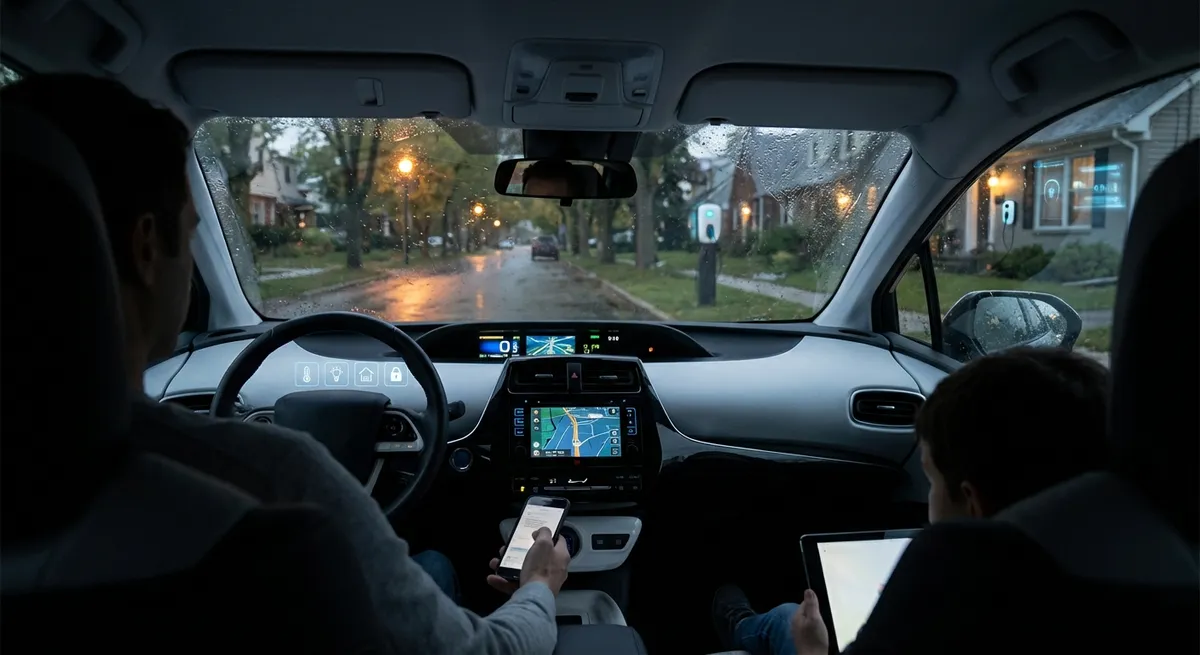
Know Your Safety Systems (And What They’re Really Telling You)
Advanced driver-assistance systems (ADAS) aren’t just buzzwords in brochures—they’re now built into many mainstream cars. Features like automatic emergency braking, lane-keeping assist, blind-spot monitoring, and adaptive cruise control can significantly reduce crash risk, but only when the driver understands how they work and where they fail.
Start by finding the driver-assistance section in your owner’s manual and pairing it with the settings menu on your infotainment screen. Learn which features are always on and which can be customized or switched off. For example, you might be able to change lane-keeping from “steering intervention” to just an alert if you find the steering nudges annoying. Pay attention to how the car alerts you—some use chimes, others vibrate the wheel, and many use icons that light up in the cluster. If something beeps and you don’t know why, don’t ignore it; look it up and associate that sound with a specific system.
One actionable step: schedule a 30-minute “tech familiarity drive” on quiet roads where you systematically test each feature—adaptive cruise, lane assist, blind-spot alerts, and parking sensors—while staying fully engaged. Notice when they activate, how they signal, and where they don’t work well (for example, faded lane markings or sharp curves). This clarity helps you avoid overtrusting the systems and reduces the frustration that leads some drivers to switch them off entirely.
Make Your Phone and Car Work as One (Not Against Each Other)
Most drivers only scratch the surface of what smartphone integration can do. Whether your car supports Apple CarPlay, Android Auto, or a proprietary Bluetooth system, the key is to set it up intentionally rather than casually plugging it in and hoping for the best.
First, clean up your phone’s notifications and home screen. If every app is allowed to send alerts, your car display becomes a distraction factory. Turn off non-essential notifications (social media, games, shopping apps) so only navigation, calls, and critical messages surface while you drive. Next, customize your preferred navigation app: save your home and work addresses, add commonly visited locations, and enable traffic-aware routing so the system can auto-adjust when there’s a crash or construction.
A concrete action to take: build a “driving profile” on your phone. That can be a Focus/Do Not Disturb mode (iOS/Android) that automatically activates when your phone connects to your car’s Bluetooth or CarPlay/Android Auto. Set it to send auto-replies to texts, limit visible notifications, and keep only turn-by-turn directions, music controls, and emergency calls accessible. This turns your car tech from a distraction into a purpose-built driving tool.
Use Built-In Data to Drive Smarter (Not Just Farther)
Even basic cars now log a surprising amount of useful information: average fuel economy, trip distance, tire pressures, outside temperature, and sometimes even your driving “score.” Instead of treating those readouts as dashboard wallpaper, you can turn them into feedback that actually improves how you drive and how often you hit the pump or charger.
Start with fuel (or energy) consumption. Reset a trip computer before your normal commute and drive it as you usually do. Then reset it again and repeat the same route with smoother inputs: earlier braking, gentler acceleration, and keeping speeds closer to the flow of traffic rather than well above it. Many cars will show a significant difference—sometimes 10–20% better efficiency just from driving style. This isn’t about hypermiling; it’s about using the car’s own data to prove which habits actually help.
A simple, actionable habit: pick one metric to track weekly—either average fuel economy, EV consumption (kWh/100 miles or miles/kWh), or tire pressure stability. Note the number every Sunday. If it drifts (fuel economy drops, pressures fluctuate more than 3–4 psi, or range shrinks noticeably), use that as an early prompt to check tires, look for dragging brakes, or revisit driving style. You’re essentially using built-in tech as a low-effort early-warning and coaching system.
Treat OTA Updates Like You Do Phone Updates
More vehicles now receive over-the-air (OTA) software updates—especially EVs and newer models from major manufacturers. These updates can fix bugs, improve range estimates, enhance driver-assistance behavior, or even add new features. Many owners ignore update notifications because they assume they’re unimportant or worry they’ll “break something,” but the reality is that staying reasonably up to date is becoming as important for cars as it is for smartphones.
Check your vehicle’s settings menu or companion app for a “Software,” “System Update,” or “Connectivity” section. Make note of three things: your current software version, whether automatic downloads/installs are enabled, and if you can schedule updates for specific times. Many cars let you set a preferred overnight window so updates don’t interrupt your day. If your car doesn’t support OTA, your manufacturer’s website or app may still list service campaigns or technical updates that can be applied at the dealer.
An actionable step: once a month, intentionally check for pending updates via your car or its app, and read the release notes (when available). If the update affects charging behavior, safety systems, or infotainment stability, prioritize installing it. This light routine helps you avoid missing meaningful improvements and ensures your car’s tech isn’t quietly lagging years behind what the hardware can actually do.
Build a Simple Backup Plan for When Tech Fails
No matter how advanced your car is, tech glitches are inevitable—frozen infotainment screens, dead key fob batteries, or a navigation system that goes offline in a cellular dead zone. Having a low-tech backup plan keeps a minor tech hiccup from turning into a major headache on the road.
Start with access. If your car uses a key fob or phone-as-key, make sure you know where the physical key blade is and how to use it; on many modern cars, there’s a hidden key slot in the door handle or under a cover. For navigation, keep a basic understanding of your usual routes (major highways, key exits) and consider downloading offline maps in your preferred navigation app so you’re not dependent on cell coverage. It’s also worth knowing how to reboot your infotainment system—many manufacturers use a long press of the power or volume knob, or a combination of buttons, to restart the screen without shutting off the engine.
One practical move: assemble a “tech fallback kit” in your glovebox with a printed list of emergency contacts, roadside assistance numbers, a small flashlight, and a compact USB cable compatible with your phone. Combine that with one downloaded offline map region covering your home state/region. It’s a simple preparation that keeps you in control when your car’s tech has an off day.
Conclusion
Modern auto tech doesn’t have to be overwhelming or gimmicky. When you understand your safety systems, streamline how your phone connects, pay attention to real-time vehicle data, keep your software reasonably current, and prepare for the occasional glitch, the technology in your car starts working for you instead of the other way around. You don’t need a brand-new vehicle to benefit; most of these steps apply to any car built in the last decade. Start with one or two actions this week—like configuring a driving mode on your phone or testing your driver-assistance features—and build from there. The goal isn’t to chase every new gadget, but to make the tech you already have quietly improve every drive.
Sources
- [National Highway Traffic Safety Administration – Driver Assistance Technologies](https://www.nhtsa.gov/equipment/driver-assistance-technologies) - Overview of common ADAS features, how they work, and their safety benefits
- [IIHS – Real-world benefits of crash avoidance technologies](https://www.iihs.org/topics/advanced-driver-assistance) - Research on effectiveness of various driver-assistance systems in reducing crashes
- [U.S. Department of Energy – Fuel-Efficient Driving Tips](https://www.fueleconomy.gov/feg/driveHabits.jsp) - Evidence-based guidance on how driving style and monitoring fuel use can improve efficiency
- [Apple – Use Focus on iPhone](https://support.apple.com/en-us/HT212608) - Details on setting up Focus/Do Not Disturb modes that can be tied to CarPlay or Bluetooth connections
- [Android – Set up Android Auto](https://support.google.com/androidauto/answer/6348019) - Official instructions for integrating Android phones with in-car systems and customizing the experience