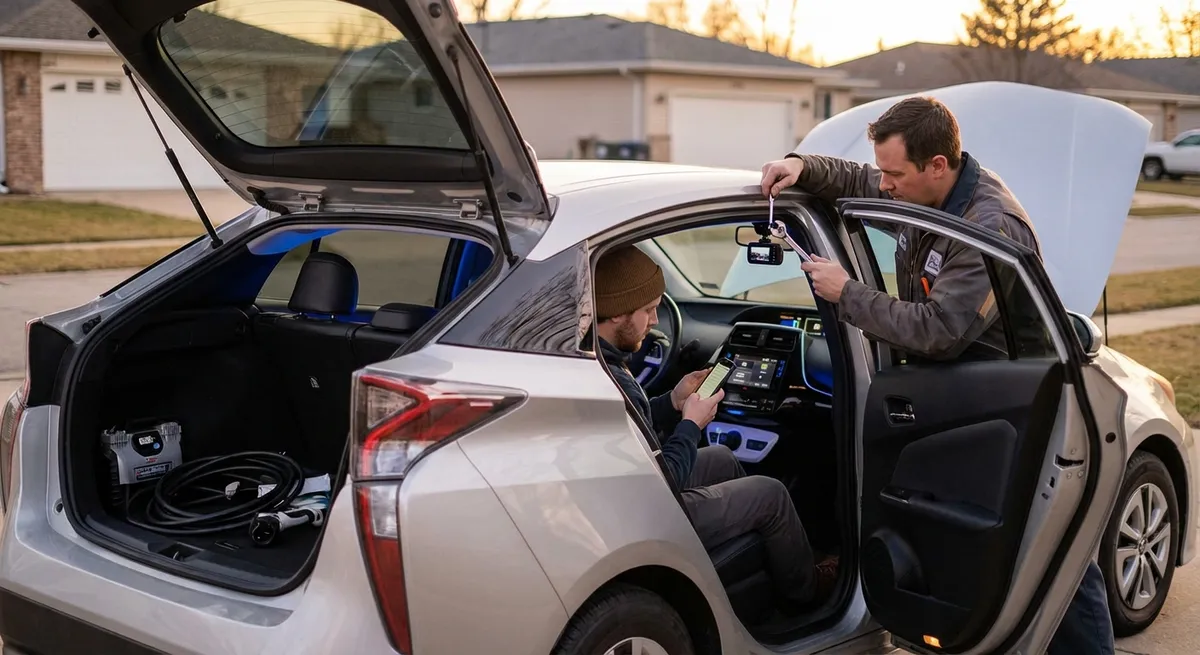
This guide breaks down practical, real-world upgrades and settings you can use right now, focusing on five areas that matter: safety, connectivity, comfort, efficiency, and security.
Make Safety the First Upgrade, Not the Last
Before thinking about convenience or style, it’s worth looking at tech that can help you avoid crashes—or at least reduce the damage if something goes wrong. You don’t need factory-installed “driver assistance” packages to see big gains.
Actionable ways to upgrade safety with tech:
- Add a forward-facing dash cam with parking mode.
A decent dash cam records video while you drive and can monitor your car when it’s parked. If you’re ever in a collision or hit-and-run, footage can protect you from false claims and speed up insurance decisions. Look for features like automatic incident detection (G-sensor), loop recording, and a hardwire kit for parking mode. Mount it behind the mirror to keep your view clear.
- Use an aftermarket blind-spot and rear cross-traffic alert kit.
If your car doesn’t have built-in blind-spot monitoring, there are radar-based kits that add warning lights or beeps when a vehicle is in your blind zone or approaching from the side as you back up. Install quality kits with radar sensors (not just simple ultrasonic add-ons), and make sure they’re properly aimed according to manufacturer instructions for accurate detection.
- Upgrade to LED or projector headlights—carefully.
If you drive often at night, modern lighting makes a big difference. A properly designed LED or projector headlight assembly (ideally a complete, DOT-compliant housing) can improve visibility and reduce eye strain. Avoid cheap “drop-in” bulbs in halogen housings that cause glare; look for lighting that’s specifically rated and tested for your vehicle.
- Enable or fine-tune existing safety features in your car’s menu.
Many drivers never touch the settings for lane-keeping alerts, forward collision warning, or driver attention monitoring. Dig into your car’s infotainment menus and adjust sensitivity, alert volume, and display options. A slightly less “chatty” system is one you’re more likely to leave turned on, which means it’s more likely to help you when it counts.
- Pair your phone with emergency features turned on.
Both iOS and Android support automatic emergency calling or SOS features that can share your location when you call emergency services. In some newer vehicles, this can integrate with the car’s telematics system. Take a few minutes to set up emergency contacts and location sharing so that if something does happen on the road, help can find you faster.
Use Connectivity to Cut Clutter and Distractions
A lot of in-car tech is meant to reduce distraction, but clumsy setups can actually make driving more chaotic. With a few simple changes, you can make your tech work for you instead of against you.
Actionable ways to improve connectivity:
- Install a high-quality phone mount in the right spot.
A low, sliding vent mount or suction cup in the middle of the windshield can force your eyes too far from the road. Place the mount high enough that you can glance at navigation with minimal eye movement, but not directly in your main field of view. Magnetic or clamp-style mounts that don’t shake over bumps are worth the small extra cost.
- Use wired or wireless Android Auto / Apple CarPlay whenever possible.
If your car supports it, these interfaces dramatically reduce how often you touch your phone by bringing navigation, calls, and music into one streamlined display. Set up voice commands (Siri, Google Assistant) and actually practice a few commands: “navigate to work,” “play my driving playlist,” or “text I’m on my way.” The more you use voice, the less you’re tempted to tap and swipe.
- If you don’t have CarPlay/Android Auto, consider an add-on head unit.
Replacing an older radio with a modern touchscreen unit can modernize a 10–15-year-old car instantly. When shopping, focus on three things: a strong, bright screen (for sunny days), dedicated volume and home buttons (easier to use by feel), and good integration with your car’s existing steering wheel controls, if you have them.
- Set a “driving profile” on your phone.
Turn on Do Not Disturb While Driving (or similar) so you don’t see non-urgent notifications. Customize the auto-reply to tell people you’re driving and will respond soon. Allow calls only from favorites or repeated callers so truly urgent situations still get through.
- Standardize your charging setup.
Use one high-quality USB-C or Lightning cable that stays in the car and a charger that supports fast charging. This keeps cables from wandering between house and car and cuts down on dead-phone surprises. If multiple people drive the car, label or color-code cables and mounts so everything goes back to its place after each trip.
Improve Comfort and Control with Small Tech Tweaks
Comfort tech isn’t just about luxury; it affects how alert, relaxed, and in-control you feel behind the wheel. A few smart upgrades can make commuting or road trips feel far less draining.
Actionable ways to upgrade comfort and control:
- Use a tire pressure monitoring system (TPMS) if your car doesn’t have one.
Underinflated tires hurt fuel economy, wear unevenly, and feel sloppy on the road. If your car is older, a simple external TPMS with valve-cap sensors and a small display can keep you constantly updated. Set alerts so you’re notified before a slow leak turns into a roadside emergency.
- Add a quality backup camera with dynamic guidelines.
If your car doesn’t already have one, a wired backup camera linked to a mirror or dash display improves confidence in tight spaces and crowded lots. Look for “dynamic” guidelines that turn with the steering wheel, showing your projected path.
- Install a small, focused cabin air purifier or upgrade to high-quality cabin filters.
If you drive in urban traffic, wildfire-prone areas, or dusty regions, a HEPA-rated cabin filter or compact purifier can reduce fatigue from polluted air and help with allergies. Combine this with using your car’s recirculation mode smartly in heavy traffic or tunnels.
- Use seat and wheel position memory—even if you’re the only driver.
If your car has memory settings, set one position for daily driving and another for longer trips. On long drives, switching between two slightly different positions can reduce stiffness and pressure points without constant manual readjusting.
- Fine-tune climate control instead of setting it once and forgetting it.
Automatic climate systems often work best when you set a target temperature and leave fan speed on auto. In manual systems, use a lower fan speed with slightly cooler air for a more consistent, less drafty feel. Window visors and a reflective windshield sunshade can also make your AC work more effectively by keeping cabin temps lower when parked.
Use Simple Tech to Track Efficiency and Health of Your Car
Most drivers only interact with their car’s mechanical health when a warning light appears. A couple of budget-friendly tech tools can give you early insight into small problems—before they turn into expensive ones—and help you drive more efficiently every day.
Actionable ways to monitor health and efficiency:
- Keep an OBD-II Bluetooth scanner in your glove box.
A simple OBD-II dongle that pairs with your smartphone can read fault codes when your check engine light comes on. You won’t always fix the problem yourself, but understanding whether it’s, say, a loose gas cap or a misfire cylinder helps you decide whether you can drive home or need a tow—and whether a repair quote is reasonable.
- Use a driving data app to track fuel economy and driving style.
Many apps can log trips, fuel usage, and even your driving habits (hard braking, rapid acceleration, speeding). Over a few weeks, trends will show where you can improve: smoothing out throttle inputs, planning lane changes earlier, or choosing routes with fewer stops. Small behavior changes often yield fuel savings and less brake/engine wear.
- Monitor battery health if you have a modern start-stop system or a hybrid.
These systems are tougher on 12V batteries than older cars. A basic plug-in battery voltage monitor in the accessory socket, or periodic checks with a multimeter, can give you clues before a weak battery leaves you stranded. On hybrids or EVs, use the built-in menu screens or companion apps to check battery state of charge, range patterns, and any unusual degradation.
- Set reminders for maintenance intervals using digital tools, not just memory.
Use a dedicated car maintenance app, calendar reminders, or your vehicle’s own service tracking to schedule oil changes, brake inspections, and tire rotations by time and mileage. If your car has a connected app, learn where maintenance status lives and actually check it monthly.
- If you own an EV or plug-in hybrid, optimize charging with smart scheduling.
Use your charging app or the car’s timer to take advantage of off-peak electricity rates if your utility offers them. Precondition the cabin (heating or cooling) while plugged in so you start with a comfortable interior without draining your driving range.
Add Simple Security and Theft-Deterrent Tech
Vehicle theft and break-ins have pushed many owners to look for better protection. You don’t need a full-blown aftermarket alarm with complex wiring to make your car a less appealing target and to improve your odds of recovering it if stolen.
Actionable ways to improve security:
- Install a GPS tracker that you control.
A small, hidden GPS tracker—either battery-powered or hardwired—lets you see where your vehicle is in real time from your phone. Look for devices with geofencing alerts (notifications if your car leaves a defined area), tamper alerts, and a long battery life if not hardwired. Write down or store the login in a secure place so you can access it quickly if you ever need to.
- Use smart tags or trackers on keys and in the cabin.
Devices like Bluetooth trackers attached to your keys or placed discreetly inside the car can help you recover stolen keys or, in some cases, assist in locating the vehicle if the main tracker is found and removed. They’re also handy in everyday life when keys inevitably go missing in the house.
- Add a basic motion-sensing or tilt-sensing alarm if your car is often street-parked.
Simple aftermarket alarm modules with shock and tilt sensors can deter wheel theft or window smashing. When installing, tune the sensitivity to avoid constant false alarms from wind or large vehicles passing by; overly sensitive systems get ignored by both you and neighbors.
- Use your car’s built-in security features properly.
Many cars allow you to disable keyless entry “passive” unlocking or limit remote start features. If you park in high-theft areas, consider turning off passive entry so the car does not unlock simply because the key is nearby in your pocket—this can help reduce relay-attack theft risk on some systems. Always check that doors are locked and windows fully closed; some cars can be set to auto-lock when you walk away.
- Leverage camera coverage where you park.
If you park at home in a driveway or apartment lot, aim an exterior security camera toward your car. For workplace or shared parking, learn where cameras are located and choose a spot more likely to be in their field of view. Coupled with a dash cam’s parking mode, this creates multiple angles of evidence if something happens.
Conclusion
Tech in the automotive world can feel overwhelming—acronyms, options lists, subscription services—but upgrading your driving experience doesn’t have to be complicated or expensive. Focus on real-world improvements: safety features that actually prevent or document incidents, connectivity that reduces distraction instead of adding to it, comfort tools that keep you fresher behind the wheel, monitoring tools that catch issues early, and security tech that makes your car a harder target.
Start with one area that matters most to you—maybe installing a dash cam, adding an OBD-II scanner, or finally setting up CarPlay or Android Auto—and build from there. Over time, these modest upgrades add up, making your current car feel more modern, more secure, and better tuned to the way you actually drive.
Sources
- National Highway Traffic Safety Administration (NHTSA) – Vehicle Safety Technologies - Overview of modern safety tech like collision avoidance, lane keeping, and driver assistance systems
- IIHS – Headlight Ratings and Information - Research on how improved headlights affect visibility and crash risk
- AAA – New Vehicle Technology and Driver Assistance Features - Real-world evaluations of driver assistance and how drivers actually use them
- U.S. Department of Energy – Fuel Economy and Driving Tips - Evidence-based guidance on how driving behavior and maintenance impact efficiency
- FTC – Protecting Your Car from Theft - Practical, research-backed advice on vehicle theft prevention and security practices